


WIndows 11 alebo ako prepojiť počítač s telefónom
Funkcia „Prepojenie s telefónom“ na Windows 11 umožňuje používateľom zobrazovať a zahadzovať oznámenia, prijímať a vykonávať hovory a správy priamo z ich počítača. Táto funkcia je teraz dostupná pre iOS aj Android zariadenia. S aktualizovaným dizajnom pre Windows 11 je táto funkcia dostupná zákazníkom po celom svete a pre iOS používateľov je predinštalovaná na ich počítačoch s Windows 11.
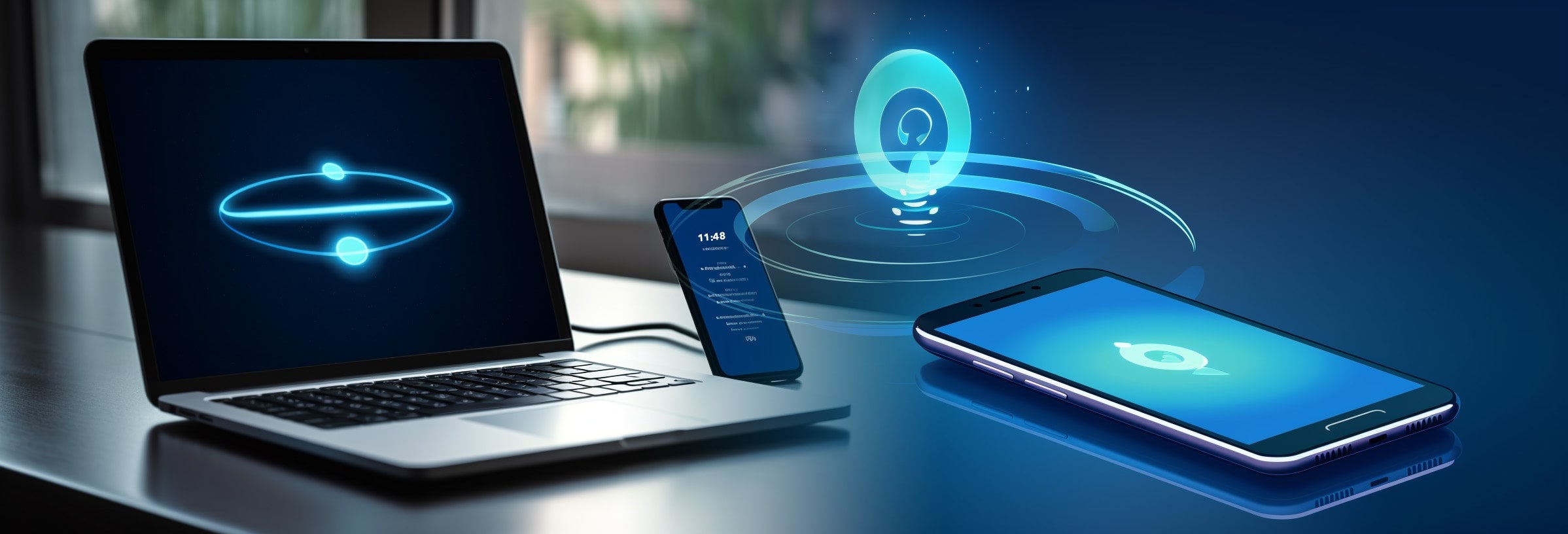
Ako prepojiť počítač pomocou funkcie Prepojenie s telefónom?
-
Otvorenie aplikácie Prepojenie s telefónom
- Na počítači s Windows 11 otvorte aplikáciu Prepojenie s telefónom. Mali by ste vidieť prvú stránku štvorkrokového nastavenia. Prihláste sa k svojmu účtu Microsoftu, ak ste sa už prihlásili k účtu pri nastavení počítača, pokračujte.
-
Stiahnutie a spustenie aplikácie Prepojenie s telefónom (ak nie je predinštalovaná)
- Aplikácia je spravidla predinštalovaná. Ako si overiť, či ju máte nainštalovanú? Stačí kliknúť do políčka „Hľadať“ a tu napíšte „Prepojenie s telefónom“. Pokiaľ ju nevidíte, potom si ju nainštalujte podľa návodu nižšie.
- Stiahnite si aplikáciu Prepojenie s telefónom z Microsoft Store. Spustite aplikáciu a kliknite na tlačidlo „Začať “. Potom vyberte možnosť prihlásenia pomocou konta Microsoft a zadajte svoje prihlasovacie údaje. Vyberte možnosť pokračovať.
-
Párovanie telefónu a počítača
- Na svojom počítači zaškrtnite políčko „Mám už aplikáciu Prepojenie s počítačom“ a kliknite na „Spárovať pomocou QR kódu“. Znovu vezmite svoj telefón a kliknite na „Pokračovať“ v aplikácii Prepojenie s počítačom. Namierte fotoaparát na QR kód na vašom počítači. Po pripojení budete musieť udeliť aplikácii Android niektoré oprávnenia, aby správne fungovali. Kliknite na „Pokračovať“.
-
Pripojenie pomocou ponuky Štart
- Otvorte ponuku Štart a zadajte „Prepojenie s počítačom“. Vyberte najlepší výsledok zhody hore. Aplikácia Prepojenie s telefónom sa spustí na vašom počítači. Potom stiahnite panel upozornení na svojom telefóne Android a pokračujte podľa pokynov na obrazovke.
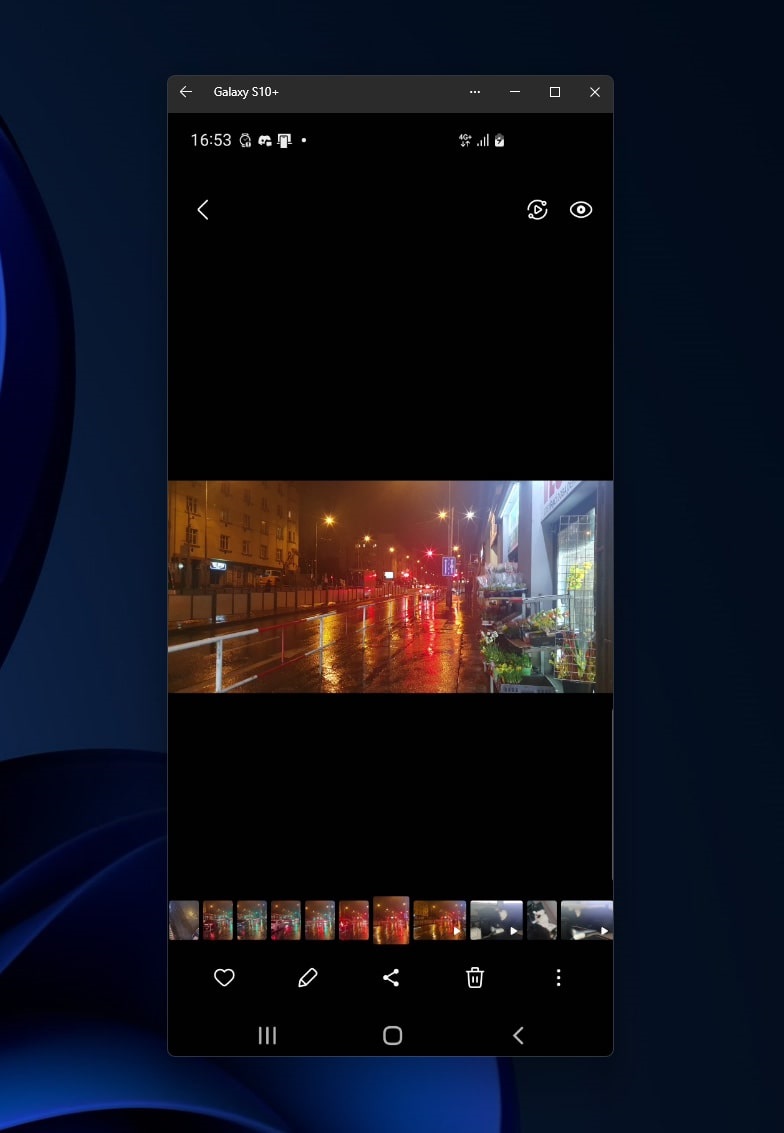
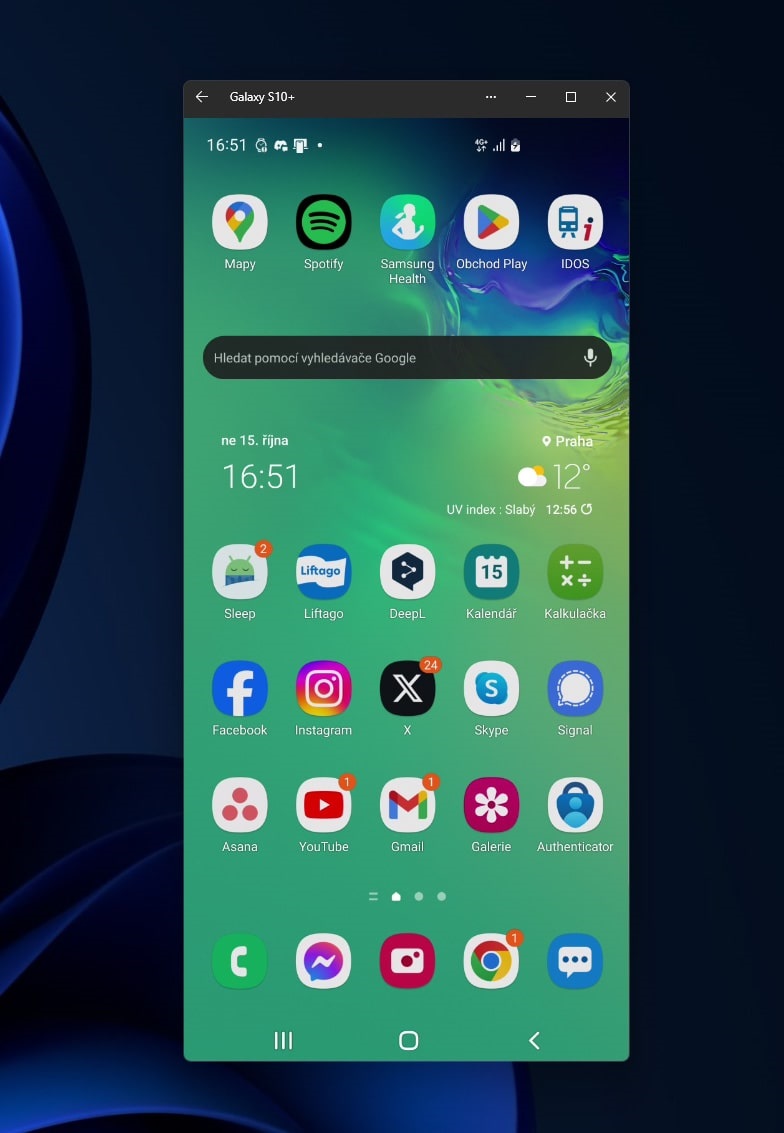
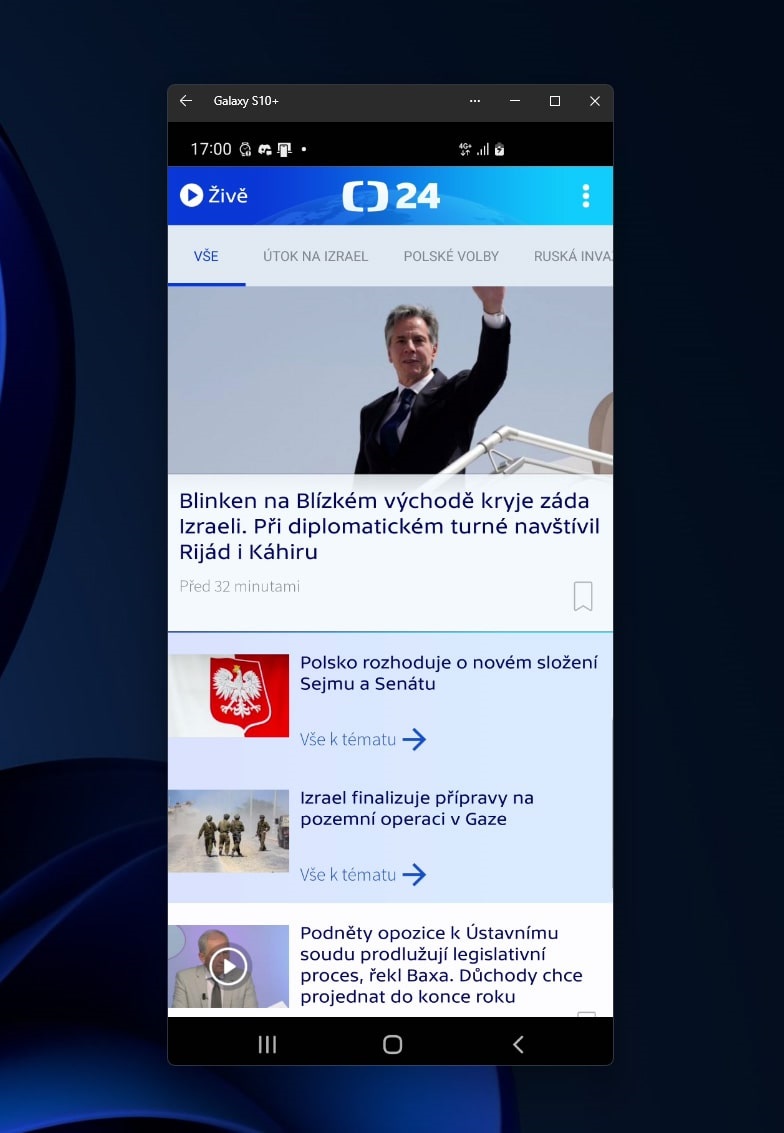
Inštalácia aplikácie Prepojenie s telefónom
Ak je funkcia „Prepojenie s telefónom“ už predinštalovaná na vašom počítači s Windows 11, mali by ste byť schopní ju nájsť vo vyhľadávacom poli na paneli úloh systému Windows po zadaní „Prepojenie s telefónom“. Ak ju nemôžete nájsť, je možné, že budete musieť stiahnuť aplikáciu Prepojenie s telefónom z Microsoft Store. Na vašom telefóne budete musieť tiež nainštalovať aplikáciu „Prepojenie s počítačom“ z Google Play Store a prihlásiť sa do tejto aplikácie pomocou rovnakého účtu Microsoft, ktorý používate na svojom počítači.
Požiadavky na konektivitu
Ako telefón, tak počítač musia byť pripojené k rovnakej sieti WiFi, aby mohli komunikovať prostredníctvom funkcie „Prepojenie s telefónom“. Pre iPhone je na prepojenie potrebné aj Bluetooth spojenie.
Výhody
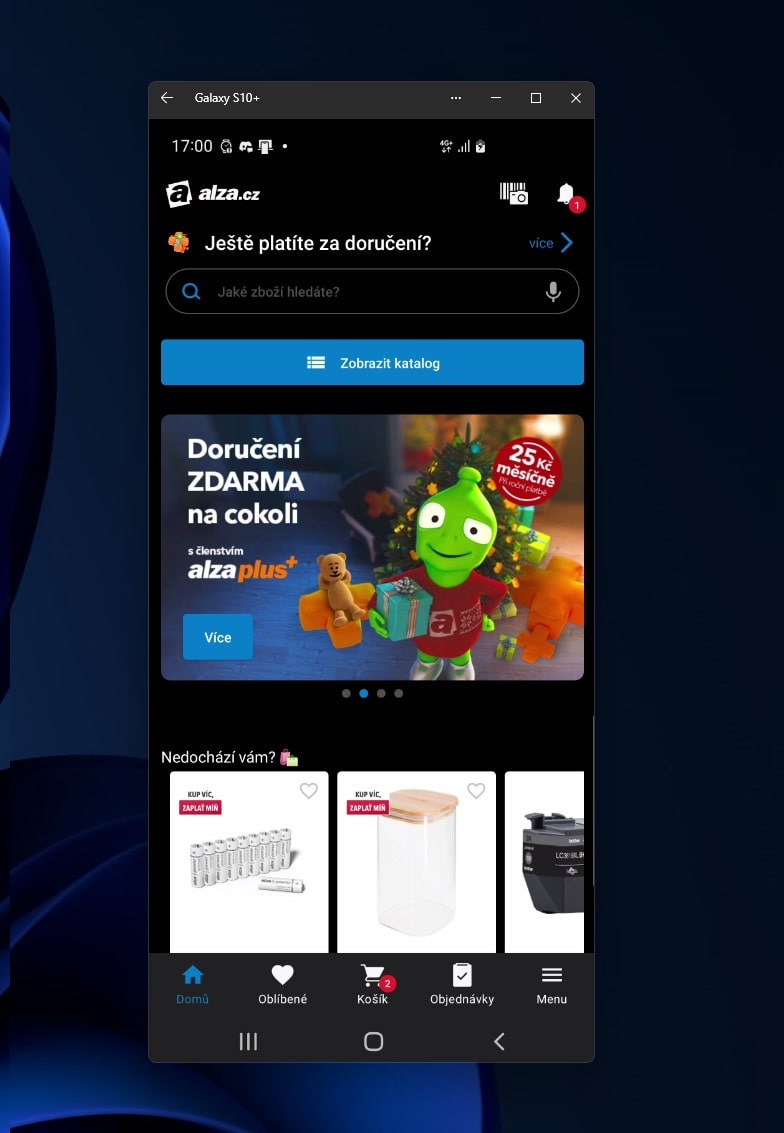
- Streamovanie Displeja: Aplikácia umožňuje streamovať celý displej telefónu na počítač s Windows a interagovať s Androidom pomocou myši a klávesnice.
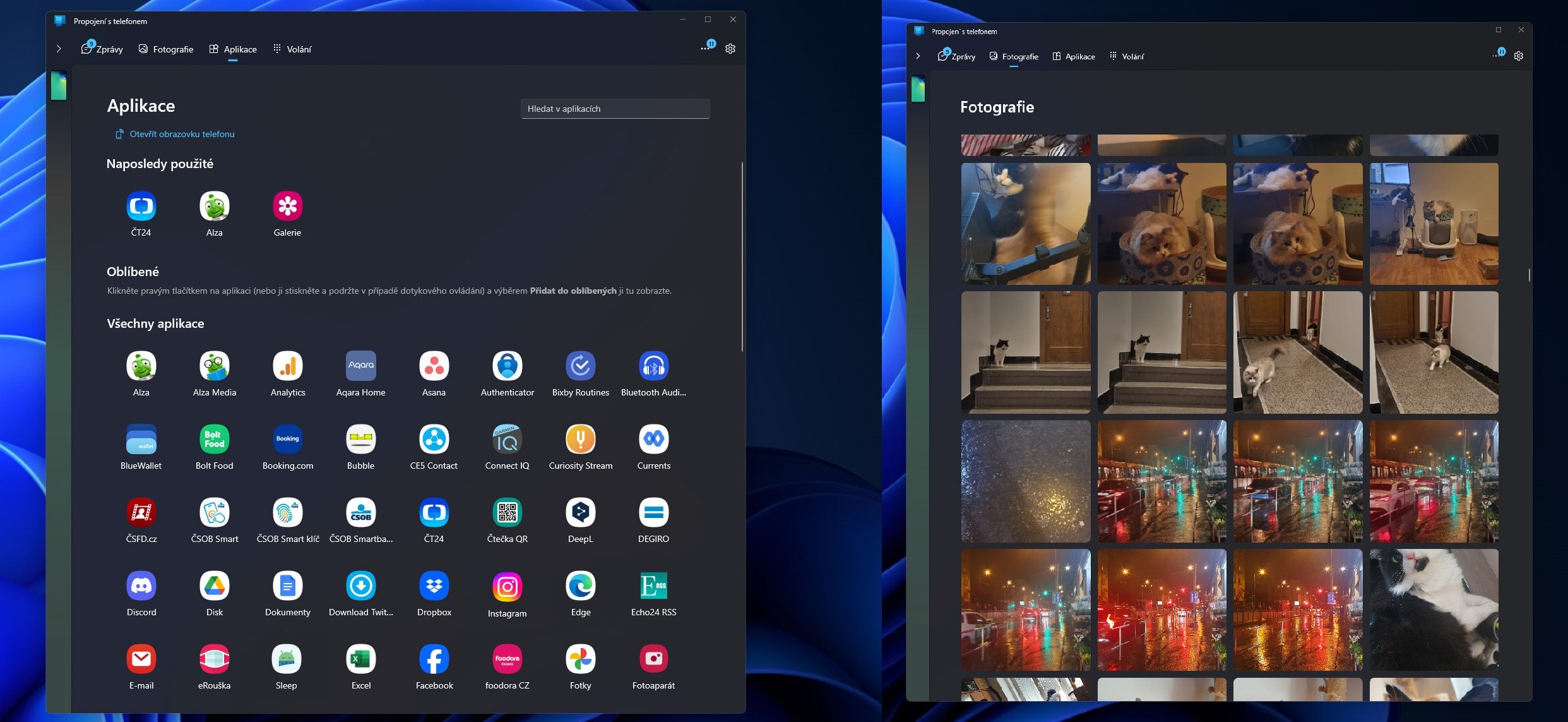
- Integrácia s Androidom: „Prepojenie s telefónom“ je navrhnuté tak, aby umožňovalo jednoduchú komunikáciu medzi počítačom s Windows a Androidom, čo umožňuje používateľom zobrazovať a odpovedať na textové správy, vykonávať a prijímať hovory, zobrazovať oznámenia a ďalšie, priamo z ich PC.
- Prenos a Správa Fotografií: Používatelia môžu ľahko zdieľať, upravovať a presúvať fotografie medzi telefónom a počítačom, čo eliminuje potrebu posielania fotografií sami sebe cez email.
Nevýhody
- Potenciálne Problémy s Kompatibilitou: Môže byť potrebné skontrolovať, či je váš pracovný alebo školský účet správne nakonfigurovaný, aby aplikácia „Prepojenie s telefónom“ fungovala správne. Niektorí používatelia môžu naraziť na problémy, ktoré vyžadujú opravu Windows Store a aplikácie.
- Požiadavky na Inštaláciu: Aplikácia vyžaduje inštaláciu ako na vašom počítači, tak na vašom telefóne, a tiež vyžaduje, aby boli obe zariadenia pripojené k rovnakej sieti WiFi, čo môže byť pre niektorých používateľov nepohodlné.
Aplikácia „Prepojenie s telefónom“ na Windows 11 poskytuje most medzi vašim PC a telefónom. Umožňuje streamovať displej telefónu na PC, ovládať Android pomocou myši a klávesnice, a zobrazovať oznámenia, hovory a správy priamo na počítači. Tiež uľahčuje zdieľanie a úpravy fotiek medzi zariadeniami. Pre správnu funkciu je potrebné aplikáciu nainštalovať na oboch zariadeniach a mať ich pripojené k rovnakej WiFi sieti. Táto aplikácia zvyšuje produktivitu a integruje vaše zariadenia, avšak môže vyžadovať technické úpravy pre optimálny výkon.
