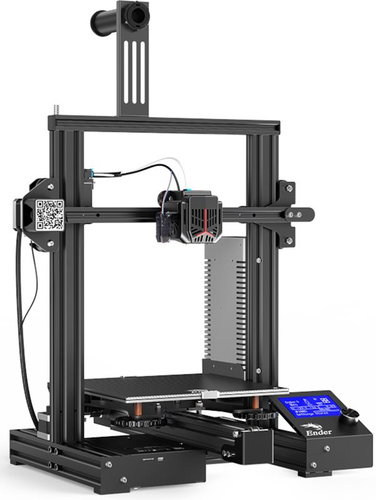
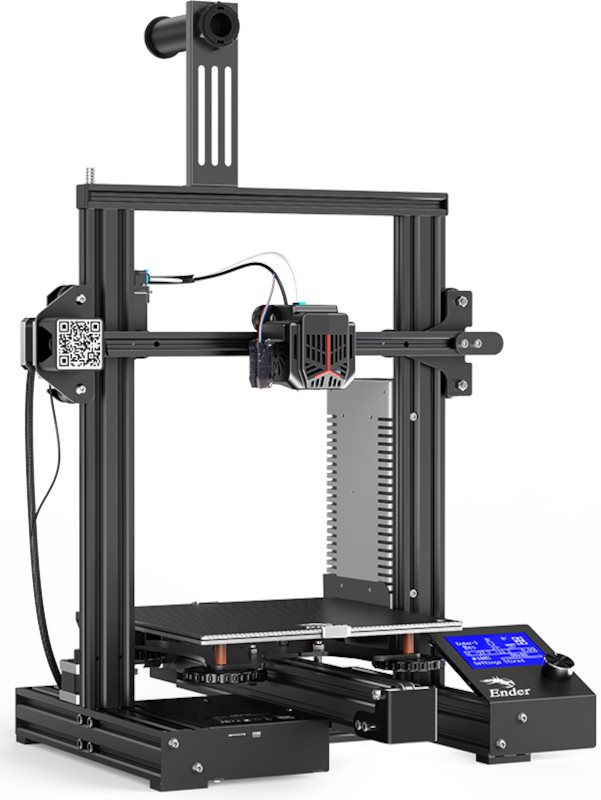
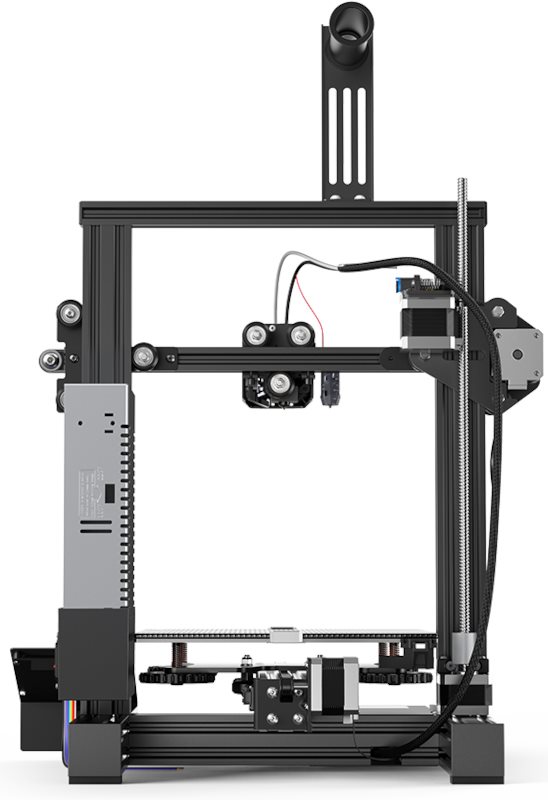
3D Printer - FDM, modelling space: 220mm × 220mm × 250mm, print material: 1.75mm ABS, PETG and PLA, layer thickness: 0.05mm-0.35mm, printing speed of 120mm/s, printing from Micro SD card and PC via USB 2,0
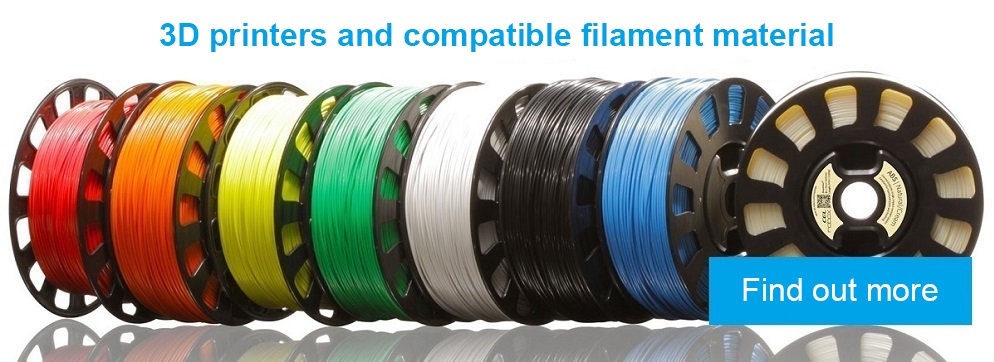
The Creality Ender-3 Neo FDM 3D printer is compatible with a wide range of filaments including PLA, ABS or PETG up to 1.75mm diameter. The carborundum print pad effectively reduces possible warping of the printed model. The sophisticated Knob rotary control in conjunction with the large segment display ensures easy operation. You'll also be pleased with the power interruption print recovery function or the quiet 32-bit motherboard.
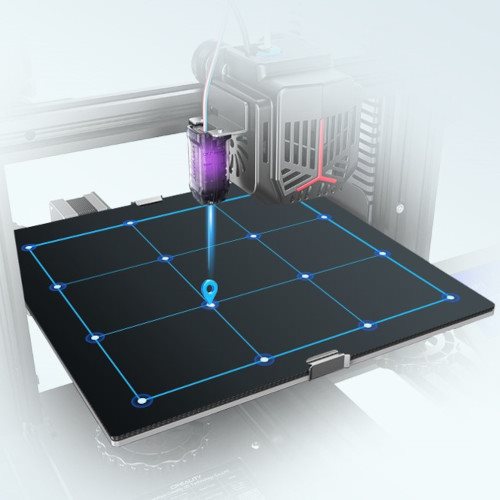
Automatic levelling
The printer is equipped with the CR Touch automatic levelling sensor, so you don't have to worry about manually adjusting the pad.
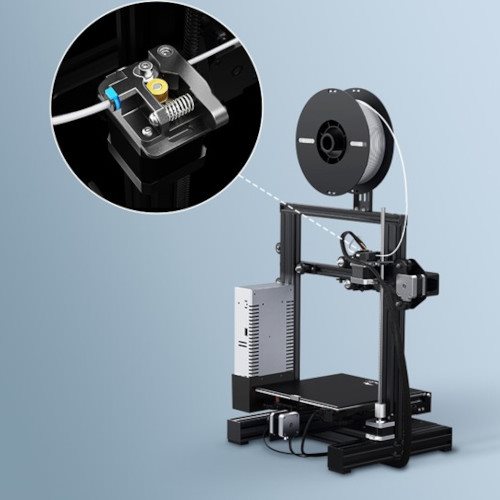
All-metal extruder
The all-metal bovden extruder features high performance to ensure even filament distribution.
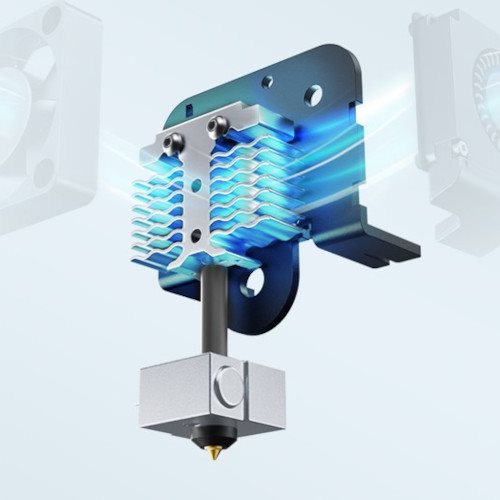
Fast heat dissipation
The radiator with wave design allows easier and faster dissipation of waste heat generated by the nozzle.
Dobrý den, již nějakou dobu marně bojuji s nastavením osy Z, vše dělám dle návodu, ale někdy je osa Z moc vysoko a filament jen vlaje ve vzduchu a někdy naopak dře o spodní desku, při začátku každého tisku musím být ve střehu a během prvních vteřin ještě ručně upravit nastavení, což rozhodně není správně. I když toto vhodné nastavení uložím a dotisknu v pořádku, tak když pustím ten stejný tisk znovu, vše je zas jinak a opět musím osu Z přenastavit narychlo ručně- pokaždé jinak. Hodiny jsem trávil hledáním řešení na youtube a fórech, ale marně. Nastavení "pomocí papíru" jsem dělal snad stokrát, vše vždy podle návodu. Moc nechápu jak je možné, že se něco takového děje, když stejně před každým tiskem se automaticky spustí leveling bed a projede se všech 16 sensing bodů a pak to stejně nejde, jak má... Nějaké poslední rady a tipy před reklamací? Díky
Dobrý den, již nějakou dobu marně bojuji s nastavením osy Z, vše dělám dle návodu, ale někdy je osa Z moc vysoko a filament jen vlaje ve vzduchu a někdy naopak dře o spodní desku, při začátku každého tisku musím být ve střehu a během prvních vteřin ještě ručně upravit nastavení, což rozhodně není správně. I když toto vhodné nastavení uložím a dotisknu v pořádku, tak když pustím ten stejný tisk znovu, vše je zas jinak a opět musím osu Z přenastavit narychlo ručně- pokaždé jinak. Hodiny jsem trávil hledáním řešení na youtube a fórech, ale marně. Nastavení "pomocí papíru" jsem dělal snad stokrát, vše vždy podle návodu. Moc nechápu jak je možné, že se něco takového děje, když stejně před každým tiskem se automaticky spustí leveling bed a projede se všech 16 sensing bodů a pak to stejně nejde, jak má... Nějaké poslední rady a tipy před reklamací? Díky
Dobrý den,
předem říkám, že nemám žádnou zkušenost s 3D tiskárnami.
Creality Ender-3 Neo
1. Je zde uvedeno
- Tryska o standardním průměru 0.4 mm
Lze vyměňovat danou trysku za menší např. až k průměru 0.1 mm ?
2. Je zede uvedeno
Tiskový materiál
ABS, PETG, PLA
zatím co u typu Creality ENDER 3
je mnohem více tiskových materiálů
Tiskový materiál
ABS, ASA, FLEX, Nylon, PETG, PLA, PVA, TUP, Wood
Není to jen neúplný výpis u typu
Creality Ender-3 Neo?
děkuji za odpovědi
s pozdravem
Martin Polášek
Dobrý den,
předem říkám, že nemám žádnou zkušenost s 3D tiskárnami.
Creality Ender-3 Neo
1. Je zde uvedeno
- Tryska o standardním průměru 0.4 mm
Lze vyměňovat danou trysku za menší např. až k průměru 0.1 mm ?
2. Je zede uvedeno
Tiskový materiál
ABS, PETG, PLA
zatím co u typu Creality ENDER 3
je mnohem více tiskových materiálů
Tiskový materiál
ABS, ASA, FLEX, Nylon, PETG, PLA, PVA, TUP, Wood
Není to jen neúplný výpis u typu
Creality Ender-3 Neo?
děkuji za odpovědi
s pozdravem
Martin Polášek
Magyarországra történő kiszállításért tekintse meg ezt a termékoldalt: Creality Ender-3 Neo
Try our cookiesAlza.cz a. s., Company identification number 27082440, use cookies and other data to ensure the proper functioning of the website and, with your consent, also, among other things, to personalize advertising and the content of our websites. By clicking on the “I understand“ button, you agree to the use of cookies and the transfer of data regarding the behavior on the website for displaying targeted advertising on social networks and advertising networks on other websites.
We use 8 categories of cookies on our website:
Technical cookies
These are strictly necessary for the functioning of the website and the features you choose to use. Without them, our website would not work; you wouldn't be able to log in to your user account, for example.
Functionality cookies
These cookies allow us to remember your basic choices and improve the user experience. These include remembering your preferred language or allowing you to stay logged in permanently.
Social media cookies
These cookies allow us to easily link you to your social media profile and, for example, allow you to share products and services with your friends and family.
Content personalisation
These cookies allow us to show you content and ads according to the information we have about you to best meet your needs. This includes what content you have viewed, or on what device you are accessing our website.
Non-personalised advertising
These cookies allow us to show you general ads for products and services.
Personalised advertising
Thanks to these cookies, we and our partners can offer you relevant products and services based on your purchases, your shopping behaviour and your preferences.
Audience metrics
These cookies allow us to optimise our site for your convenience based on how you use it. The aim is to remember or anticipate your choices. This includes, for example, the use of features, their location, or the behaviour on the page.
By giving your consent to the processing of cookies, functionality and analytical cookies will be installed on the device you use to browse the website (click on the "I understand" button for both categories, or you can select only one of the categories by clicking on the "Settings" button). We always install technical cookies on your device, even without your explicit consent, because without them our website would simply not work.
You can revoke your consent to the processing of cookies. In connection with our company's cookie processing, you also have the following rights: the right to access cookies, delete, modify, supplement and correct them, restrict processing and the right to lodge a complaint with the Office for Personal Data Protection. Read more about your rights.