






Dobrý den, v popisu zboží je uvedeno, že gamepad lze spárovat pomocí bluetooth s PC (Windows 10), to ale u Xbox one wireless controlleru možné nebylo, nebo alespoň na jiných stránkách tato možnost uvedena není. Jedná se tedy v tomto případě o Xbox One S Controller? "One S" bych ráda zakoupila, ale na vašich stránkách jsem jej nenalezla a tak si nejsem jista, jestli se nejedná pouze o chybný název produktu. Děkuji za odpověď.
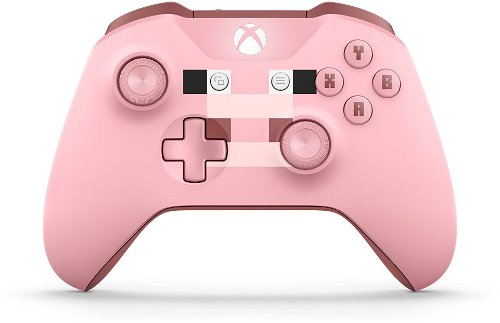
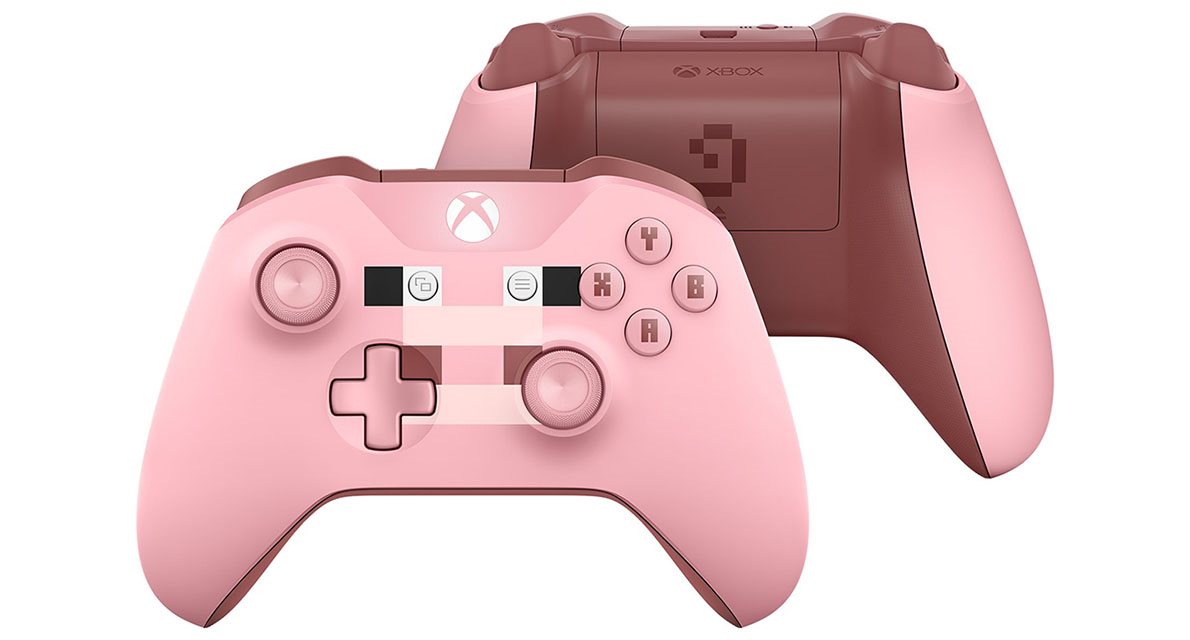
Gamepad Xbox One Wireless Controller Minecraft Pig
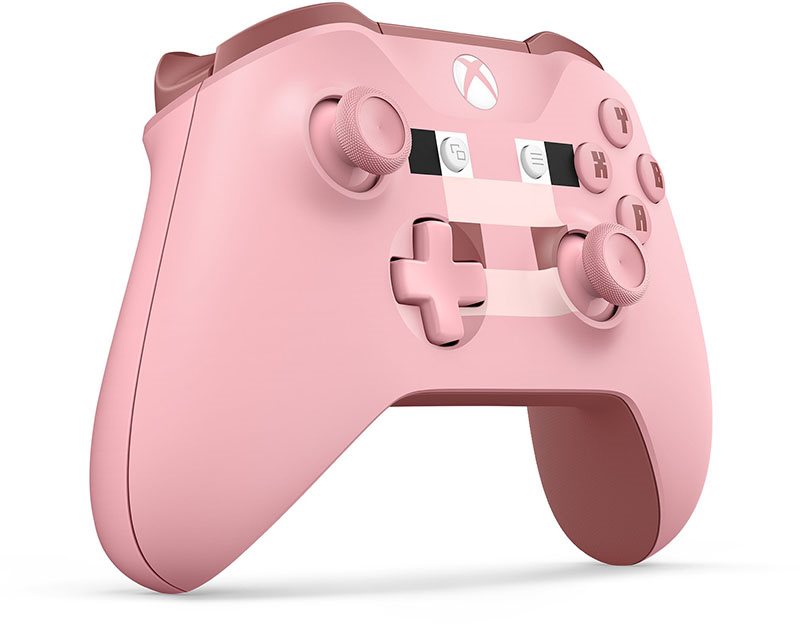
Microsoft now comes with a new version of the Gamepad Xbox One Wireless Controller Minecraft Pig from a special edition designed primarily for the Xbox One gaming console. The controller has gone through several significant changes compared to the previous version. This new model will offer you truly incredible materials, slimmer and ergonomic shape.
You Will Feel Every Hit
The Xbox One Wireless Controller is the successor to the award-winning Xbox 360 console controller. An even more intense gaming experience is provided by the Impulse Trigger feature, which will allow you to feel the vibrations with your fingertips. You will feel every bump, every crash or kickback of the weapon. The unprecedented accuracy of the controls is ensured by the redesigned joysticks and the improved directional control.
Excellent Ergonomics
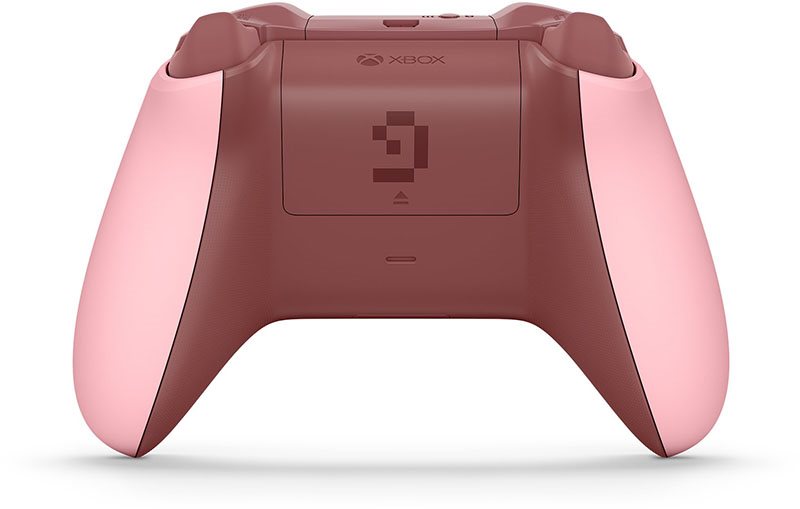
The improved shape and the new design will fit comfortably into your hand, providing a firm and secure grip in all circumstances. The battery is hidden inside the body of the controller, which will allow you to grasp it more naturally. It is now much easier to reach all the buttons and joysticks. The non-slip surface of the joysticks will serve to prevent the thumb from sliding off, so you will always have the situation under firm control.
Playing with Your Favourite Music
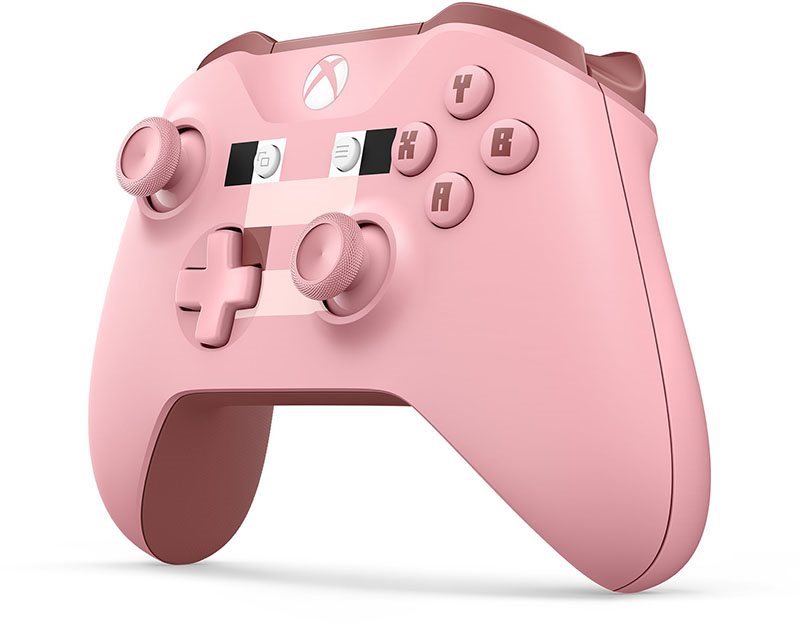
The new design comes with a directional controller with lightning-fast response to gentle moves and shifts, allowing you to handle each action with precision. The controller also features a 3.5mm stereo extension jack, into which you can plug a compatible headset.
Compatibility with Windows 10
This upgraded controller at last supports the Bluetooth technology, which means it will be easy to pair not only with Xbox One but also with computers running on Windows 10 operational system.

Key Features of the Gamepad Xbox One Wireless Controller Minecraft Pig
- Ergonomic shape for comfortable gaming
- 3.5mm headphone jack
- With Bluetooth, you can easily pair it with Windows 10
- Exclusive design
• The Bluetooth connection requires the Windows 10 Anniversary Update to be installed on your computer and a USB 2.0 or USB 3.0 port.
• A major firmware upgrade may be required, the connection may be charged by your internet services provider. Visit xbox.com/xboxone/controllerupdate for instructions on updating.
• Bluetooth connectivity is supported on computers, tablets and laptops. Not supported on mobile devices.
• No extensions, such as a headset, a keyboard, or an adapter for a stereo headset with microphone for the Xbox, are supported in Bluetooth.
• We recommend using only one driver at a time via Bluetooth.
Instructions:
• To pair the driver with your computer using Bluetooth, follow these steps:
• Verify that Windows 10 with Anniversary Update is installed on your computer. For information about how to get the latest Windows update, see Windows Update: frequently asked questions.
• Please update the driver for the best performance. See the Update for the Xbox One Driver in Windows 10.
• Turn on the Xbox Wireless Controller by pressing the Xbox button.
•On the controller, press and hold the pairing button for three seconds.
• On your computer, go to the Start menu, select Settings> Devices> Bluetooth and other devices.
• Enable the Bluetooth option so your computer can scan for Bluetooth devices.
• Select the option Wireless Controller for Xbox> Pair.
