Dobrý deň, je možné kúpiť iba napájací adaptér k tomuto zariadeniu?
i-tec USB-C Metal Ergonomic 4K 3x Display Docking Station + Power Delivery 85W + i-tec Universal Charger 112W

Docking Station - connection using USB-C USB 3.2 Gen 1 (3.0), power delivery 85 W
Show full description
Code:
JP909o11
Producer's Website:
Don't like the alternatives? Choose from the full product list
- Reviews 3
- Help and manuals 16
- Specifications
- Photos & Videos 6
- Alternatives 8
- Accessories and suggested products

i-tec USB-C Metal Ergonomic 4K 3x Display Docking Station + Power Delivery 85W + i-tec Universal Charger 112W
Discontinued
i-tec USB-C Metal Ergonomic 4K 3x Display Docking Station + Power Delivery 85W + i-tec Universal Charger 112W
No alternative text for the photo!
Universal i-tec USB-C Metal 4K Docking Station for Laptops with USB-C
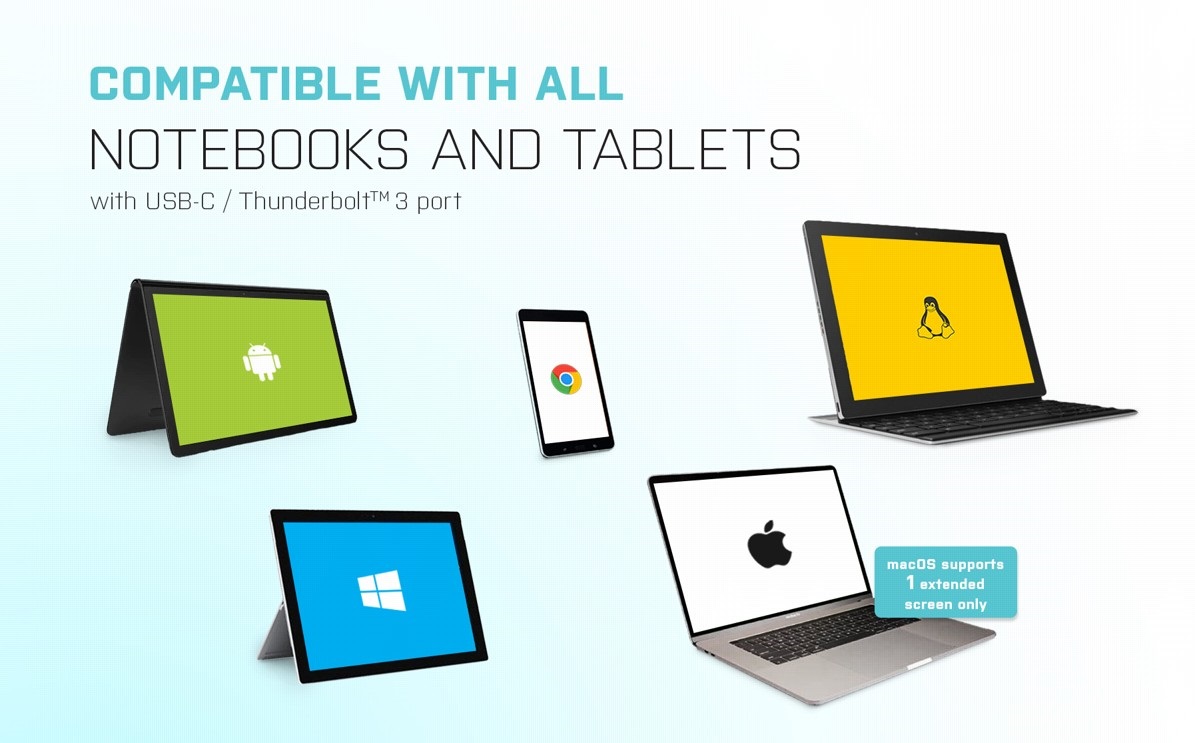
If you are concerned that your laptop does not have enough connectors, we recommend this universal i-tec USB-C 4K Docking Station, which provides video output up for up to three external monitors from a single USB-C connector. If you only need to connect to one external display, you can enjoy a resolution up to 4K with a 30Hz refresh rate. Just make sure your laptop, tablet or phone has an available Thunderbolt 3 or USB-C port that can transmit video signals.
No alternative text for the photo!
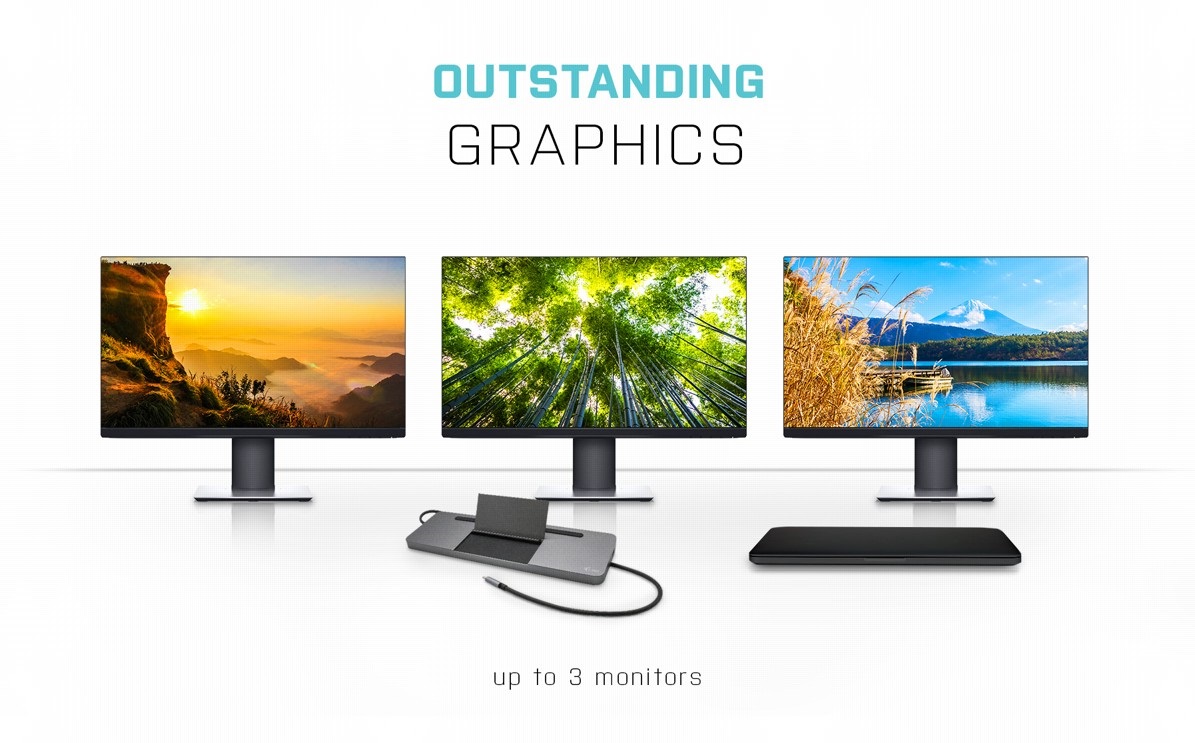
Easily Connect Up to Three Monitors with the i-tec USB-C 4K Docking Station
As serious work area requires an expanded work area, you'll welcome using the i-tec USB-C Metal Ergonomic 4K 3x Display Docking Station to simultaneous connect to all three video ports—DisplayPort, HDMI and VGA. The maximum available resolution when you connect to all three is Full HD at 60Hz.
No alternative text for the photo!
i-tec USB-C Metal Ergonomic 4K 3x Display Docking Station Offers Plenty of Traditional Ports
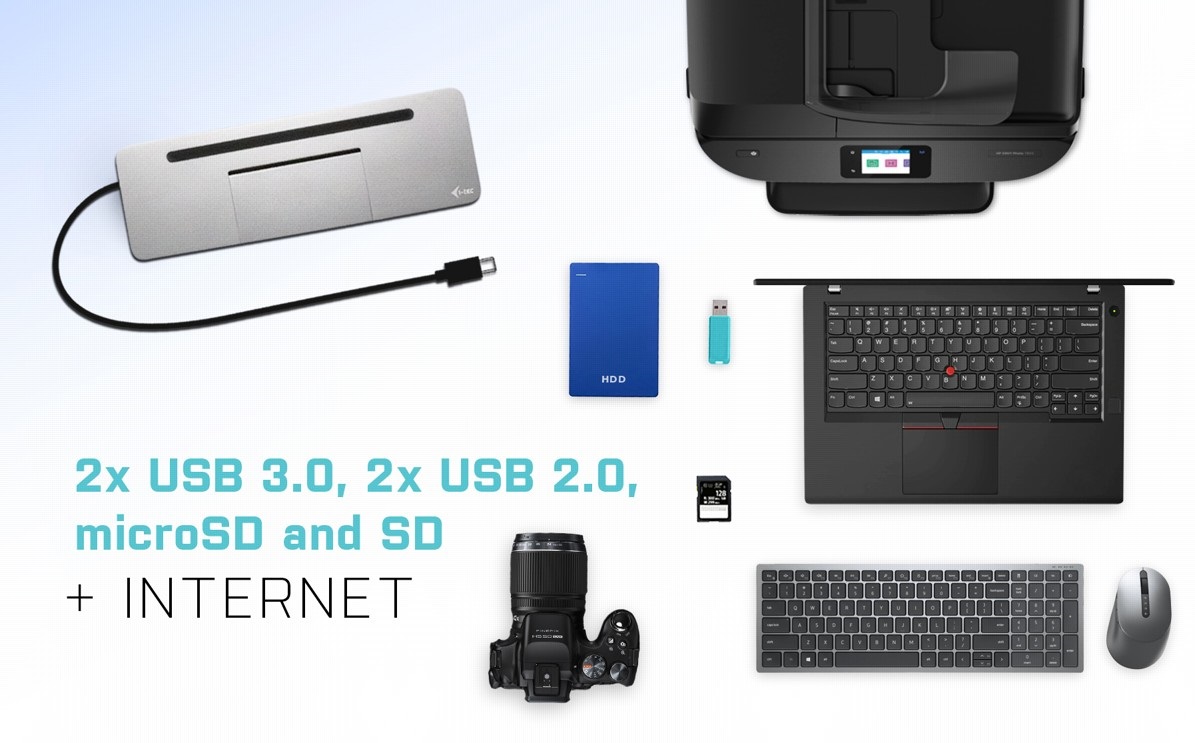
Do you have various accessories, such as a USB printer, keyboard, mouse and external drive? Once again, the lightning-fast i-tec Thunderbolt3/USB-C Dual DisplayPort 4K Docking Station has got you covered. It comes with 2× USB 3.0 and 2× USB 2.0, plus a classic LAN port for a wired connection to the data network. You will also be pleased with the SD and microSD memory card slots.
No alternative text for the photo!
One Cable Provides Charging, Video and Data Transfer
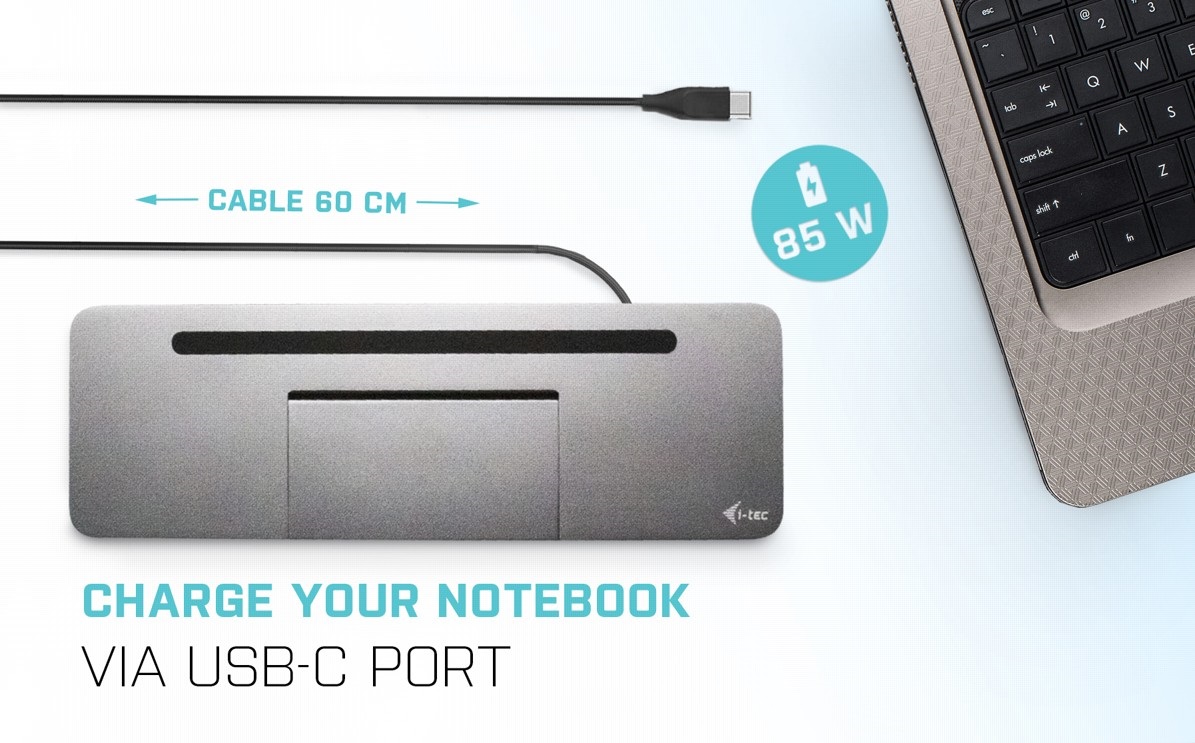
With Thunderbolt 3, you can connect your laptop to the i-tec USB-C Metal Ergonomic 4K 3x Display Docking Station using a single cable. Stream video to your monitors, quickly copy files from your USB drive, while also providing 85W of power to your laptop itself. What's more, you can leave all your chargers safely in the drawer.
No alternative text for the photo!
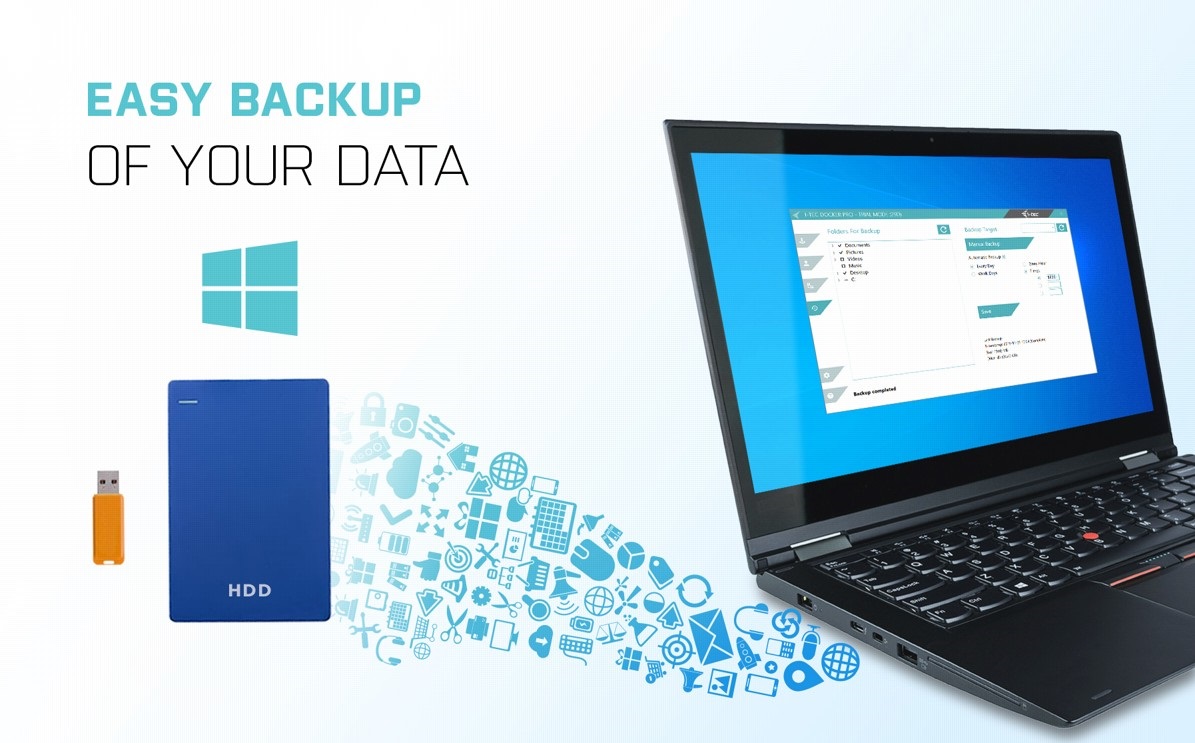
Backup Data Easily with the i-tec USB-C 4K Dock
If you use the Windows operating system and need to regularly backup important files, you'd be well-advised to install the free i-tec Docker Pro add-on. Just connect any hard drive or flash drive to the i-tec USB-C Metal Ergonomic 4K 3x Display Docking Station, and the rest is just a matter of a few mouse clicks.
Key Features—i-tec USB-C 4K Docking Station
- Docking station with support for up to 3 external monitors
- Connect the dock with a single cable (60cm) to a USB-C or Thunderbolt 3 port
- Power Delivery up to 85W
- macOS does not support Multi Stream Transport (2 or more monitors in extended mode)

SPECIFICATIONS
1× integrated USB-C cable for connection to the device (60cm)
Docking station technology: USB-C (MST)
Power Delivery: 85W
Video ports:
1× Display Port
1× HDMI
1×VGA
Resolution:
• 1 monitor - 1× Display Port or HDMI → up to 4K/30Hz
• 1 monitor - 1× VGA → up to 1080p/60Hz
• 2 monitors - 1× (DP,HDMI,VGA) +1×(DP, HDMI, VGA) → up to 2× 1080p/60Hz 1.2
• 3 monitors - 1× Display Port + 1×HDMI + 1x VGA → up to 3×1080p/30Hz 1.2
• 3 monitors - 1× Display Port + 1× HDMI + 1x VGA → up to 1×1080p/60Hz + 2x 720p/60Hz 1.2
1×USB-C port PD (power delivery only)
2× USB 3.0 port
2× USB 2.0 port
1×Ethernet GLAN RJ-45 port
1×SD slot
1× microSD slot
1× 3.5mm Audio combo port
OS: Windows 10, macOS, Android, Google Chrome OS, Linux withlatest updates
Product dimensions: 269 × 84× 23mm
Product weight: 324g
Package dimensions: 316 × 130× 30mm
Specifications
Width
Depth
Weight
Laptop power port
Standard male connector
Dimensions and weight
Width
Depth
Weight
Laptop power port
Laptop power port
Standard male connector
Max. Power Delivery value
Most common ports
Common data ports
Common graphics ports
Data ports - Number and standards
USB-A standards
USB-A 3.2 Gen 1 (3.0)
USB-A 2.0
MicroSD
SD
Power ports for electrical devices
USB-A
Graphics ports - Number and standards
DisplayPort standards
HDMI standards
HDMI 1.4
DisplayPort 1.2
VGA (D-Sub DE-15)
Network ports
Maximum LAN speed
Bandwidth
Audio ports
Audio ports
Features
Features
Support
Colour
Cable length
Material
Packaging
Package contents
Compatibility
Type
More Specifications
Note:
Specifications can be changed without notice. Images are for illustrative purposes only.