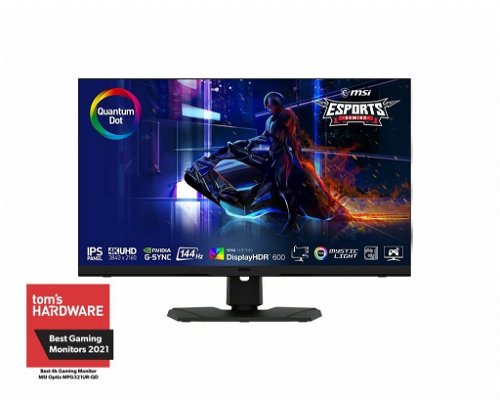
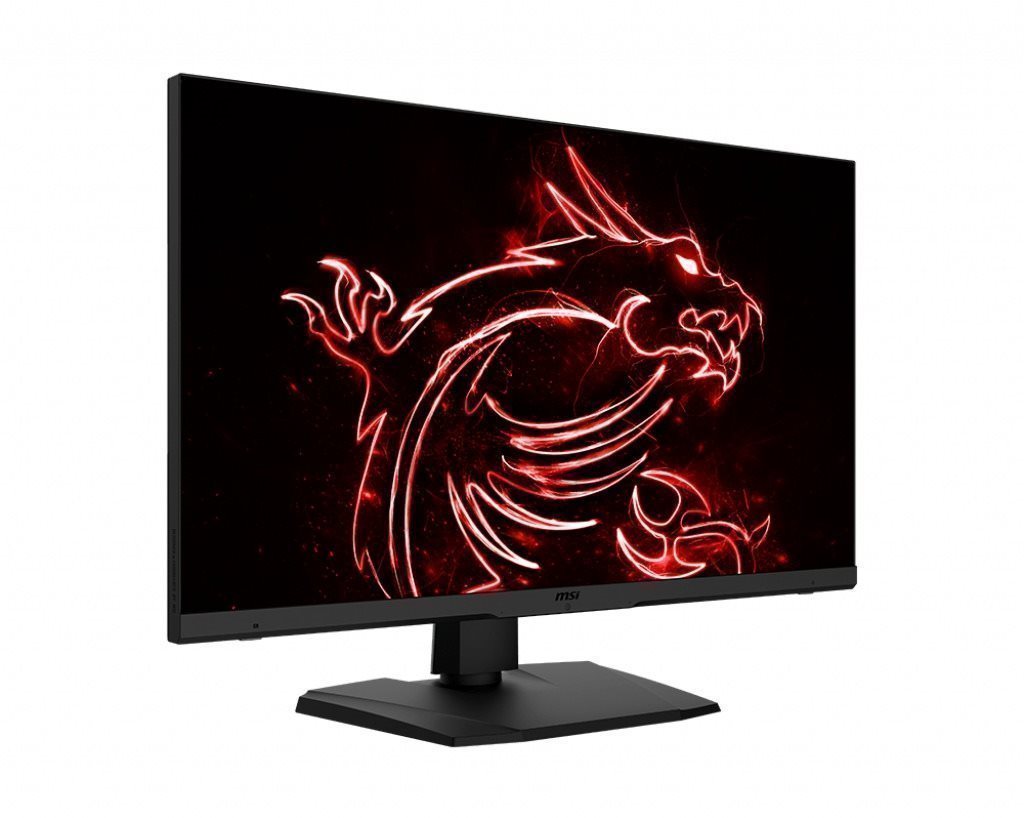
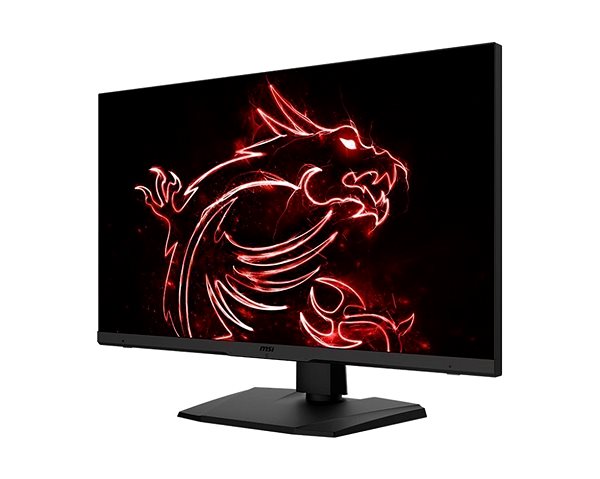
This MSI LCD monitor will enrich your PC experience with display panel boasting a screen size of 32". The aspect ratio of the device is 16:9. This LCD monitor works using IPS technology, notable for its high image and colour quality and good viewing angles. The resolution of this PC monitor is 3840 × 2160. The very fast response of 1 ms is good for intense gaming and keeps the image sharp. Its refresh rate of 144 Hz is perfect for gamers, notably reduces eye strain and fatigue, and it's used to seamlessly render content. This MSI PC monitor boasts a brightness of 600 cd/m2. For graphic designers, colour intensity is the most important thing. That's why the colour depth of the PC monitor is 10 bit. The HDMI, USB-C and DisplayPort is utilised to connect to your PC.
32" MSI Optix MPG321UR-QD LCD Monitor Key Features
LCD monitor with a size of 32"
Maximum resolution of 3840 × 2160
LCD monitor built with IPS technology
Anti-reflective surface of the LCD monitor provides a more effective working environment
1 ms response time, refresh rate of 144 Hz
Maximum brightness of 600 cd/m2
Pivot allows you to rotate the display at will
Mount with adjustable height
Integrated USB hub for easy device connectivity
Blue light filter
PIP (picture in picture) function for better multitasking
LCD monitor automatically adjusts its brightness
32" MSI Optix MPG321UR-QD Monitor Design
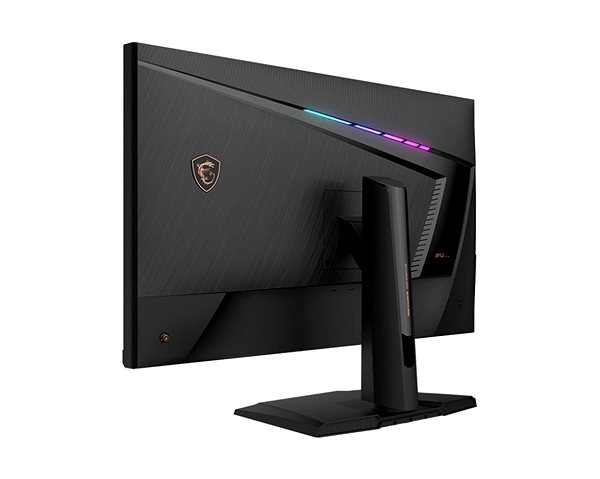
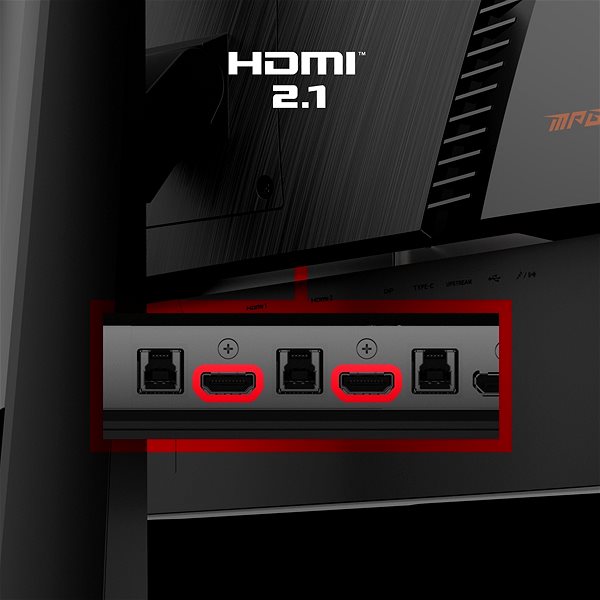
This MSI monitor has dimensions measuring 72.71 × 48.22 × 25.18 cm. You can also adjust the height as needed. This monitor model has a weight of 10.1 kg. A great degree of versatility is provided by its pivot function, meaning the monitor can be rotated up to 90°. For ease of use, this model also serves as a USB hub. The interface for the input signal is essential. This 32" MSI Optix MPG321UR-QD is equipped with the HDMI, USB-C and DisplayPort type. The MSI monitor has support for fast charging via Power Delivery. Its maximum power output of the PC monitor is 15 W.
Advanced Functions of the 32" MSI Optix MPG321UR-QD Monitor
While working at night, you will surely appreciate the blue light filter on this monitor that will help improve sleep quality. The Flicker-Free function provides an effective protection against eye strain and fatigue by eliminating image flickering. The brightness of this monitor automatically adjusts according to the ambient light. The 32" MSI Optix MPG321UR-QD monitor also has support for the novel and practical PIP function for viewing two separate sources simultaneously.
Denotes the distance between the lower left and upper right corner of the screen. It is quoted in inches,while 1 "= 2.54 cm. How big a diagonal measurement to choose with which device and what are the benefitsand the disadvantages?
The monitor resolution type refers to the number of pixels that can be displayed on the monitor screen. Choosing the right resolution type can have a significant impact on the overall experience of using your monitor, whether it's for work, gaming or watching movies.
Monitor resolution refers to the number of pixels on the monitor screen, expressed as width × height. Higher resolutions provide a more detailed and clearer image, while lower resolutions may be suitable for smaller monitors or to save power.
Denotes the distance between the lower left and upper right corner of the screen. It is quoted in inches,while 1 "= 2.54 cm. How big a diagonal measurement to choose with which device and what are the benefitsand the disadvantages?
The monitor resolution type refers to the number of pixels that can be displayed on the monitor screen. Choosing the right resolution type can have a significant impact on the overall experience of using your monitor, whether it's for work, gaming or watching movies.
Monitor resolution refers to the number of pixels on the monitor screen, expressed as width × height. Higher resolutions provide a more detailed and clearer image, while lower resolutions may be suitable for smaller monitors or to save power.
The monitor connection type refers to the interface that is used to transmit the video signal from the source (e.g. computer) to the monitor. Different connection types support different resolutions and refresh rates and can affect the quality and performance of the display on the monitor.
The sRGB colour coverage of a monitor is a measure of how much of the range of colours defined in the sRGB (Standard Red Green Blue) standard the monitor is able to display. A higher percentage of sRGB coverage means that the monitor can display a wider and richer range of colors.
The European Commission has recently approved new energy labels for household appliances. You will find them in stores starting from the 2021. Which appliances are affected by the changes? What should the consumer prepare for and what will the new energy labels look like? In this article, we bring you an overview of the most important changes.
65 kWh/1000h
Energy efficiency class in HDR mode
G
More Specifications
Micro-Star International Co Ltd. C/O MSI Computer Europe BV, Science Park Eindhoven 5706, 5692 ER, Son, Netherlands, [email protected]
The Taiwanese company MSI (Micro-Star International) has earned a solid place in the world of IT, mainly producing motherboards for desktop computers. However, it also produces high quality graphics cards, barebone computers, notebook computers, networking products, servers, and many other computer components. MSI products support the latest technologies and provide the performance necessary for all applications. Recently, the company has begun making a name for itself in the growing segment of gaming notebooks.
Note:
Specifications can be changed without notice. Images are for illustrative purposes only.

Zdravim, chci propojit monitor s Macbookem m1 skrz usbc > hdmi kabel. Kdyz je monitor v modu konzole - 120hz, tak to slape fajn, ale jak ho prepnu do modu PC - 144 hz, tak je obraz znetvoreny a po restartu se monitor neustale pripojuje a odpojuje. Na pc 144hz vyuzivam, proto je nepohodlne porad prepinat rucne na 120hz, aby slapal MB. Diky za rady. Kabel pouzivam tento: https://www.alza.cz/choetech-hd-cable-black-3m-4k60hz-d6929093.htm Na MB mam nastaveno 60hz, jelikoz to je to, co povoluje kabel. Diky.
Tak jsem zjistil, že namodralý text ve Windows 10 se mi objevuje při přepnutí frekvence na 120 hz. Dá se s tím něco udělat? Při 60 hz a 4k rozlišení je vše v pořádku, přijde mi ale škoda nevyužívat vyšší obnovovací frekvence. Připojeno mám DP kabelem.
Dobrý den, po připojení monitoru se u textu ve Windows míchá bílá barva s modrou. Je zvláštní, že když zapnu funkci PIP, tak je text čistě bílý a obraz celkově lepší. Jinak jsem zkoušel všechna možná nastavení a text je pořád takhle divný. Mám Windows 10. Co s tím?
Mám graficku kartu MSI RTX 4070 12 Gb. Zvládne táto karta tento monitor na plných parametroch v 4K a 144 Mhz napr. hry ako MSFS 2020, Cyber Punk, resp. Alan Wake II a pod.?
Dobrý deň, chcem sa opýtať, aký dlhý je napájací kábel do elek. siete a či v prípade potreby dlhšieho kábla je možné kúpiť akýkoľvek na 220, či je nutný adaptér, alebo priamo kábel od MSI. Vďaka
Dobrý den, 4k uhd optix monitor vůbec nezobrazí Bios ale přitom na monitoru Asus přes DP 1.2 se bios zobrazoval bez problému. Jinak Win 11 a vše funguje v pohodě. Jak se tedy dostat do Biosu který se nezobrazuje?
Dobry den, jak je to se zarukou na vadne pixely?
Pri rozbaleni zjistim jeden vadny pixel - uplne krajni nebo naopak ve stredu monitoru. Pripadne totez po 2 mesicich? Je to na reklamaci nebo jsou dalsi podminky - napr minimalni pocet vadnych pixelu atd?
Dekuji
Dobry den, jak je to se zarukou na vadne pixely?
Pri rozbaleni zjistim jeden vadny pixel - uplne krajni nebo naopak ve stredu monitoru. Pripadne totez po 2 mesicich? Je to na reklamaci nebo jsou dalsi podminky - napr minimalni pocet vadnych pixelu atd?
Dekuji
Try our cookiesAlza.cz a. s., Company identification number 27082440, use cookies and other data to ensure the proper functioning of the website and, with your consent, also, among other things, to personalize advertising and the content of our websites. By clicking on the “I understand“ button, you agree to the use of cookies and the transfer of data regarding the behavior on the website for displaying targeted advertising on social networks and advertising networks on other websites.
We use 8 categories of cookies on our website:
Technical cookies
These are strictly necessary for the functioning of the website and the features you choose to use. Without them, our website would not work; you wouldn't be able to log in to your user account, for example.
Functionality cookies
These cookies allow us to remember your basic choices and improve the user experience. These include remembering your preferred language or allowing you to stay logged in permanently.
Social media cookies
These cookies allow us to easily link you to your social media profile and, for example, allow you to share products and services with your friends and family.
Content personalisation
These cookies allow us to show you content and ads according to the information we have about you to best meet your needs. This includes what content you have viewed, or on what device you are accessing our website.
Non-personalised advertising
These cookies allow us to show you general ads for products and services.
Personalised advertising
Thanks to these cookies, we and our partners can offer you relevant products and services based on your purchases, your shopping behaviour and your preferences.
Audience metrics
These cookies allow us to optimise our site for your convenience based on how you use it. The aim is to remember or anticipate your choices. This includes, for example, the use of features, their location, or the behaviour on the page.
By giving your consent to the processing of cookies, functionality and analytical cookies will be installed on the device you use to browse the website (click on the "I understand" button for both categories, or you can select only one of the categories by clicking on the "Settings" button). We always install technical cookies on your device, even without your explicit consent, because without them our website would simply not work.
You can revoke your consent to the processing of cookies. In connection with our company's cookie processing, you also have the following rights: the right to access cookies, delete, modify, supplement and correct them, restrict processing and the right to lodge a complaint with the Office for Personal Data Protection. Read more about your rights.