


po koupi jsem zjistil, ze ani jeden z USB portu nefunguje :/ nedetekuje to USB a ani zadne ze zarizeni (jako klavesnice, mys apod) se nerozsviti... jakoby USB byly mrtve..
i-tec Thunderbolt 3 Travel Dock Dual 4K Display, Power Delivery 60W
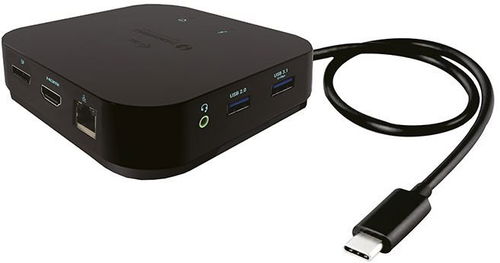
Docking Station - connection using USB-C Thunderbolt 3, power delivery 60 W
Show full description
Code:
JP909o21
Producer's Website:
Don't like the alternatives? Choose from the full product list
- Help and manuals 16
- Specifications
- Photos & Videos 6
- Alternatives 8
- Accessories and suggested products

i-tec Thunderbolt 3 Travel Dock Dual 4K Display, Power Delivery 60W
Discontinued
i-tec Thunderbolt 3 Travel Dock Dual 4K Display, Power Delivery 60W
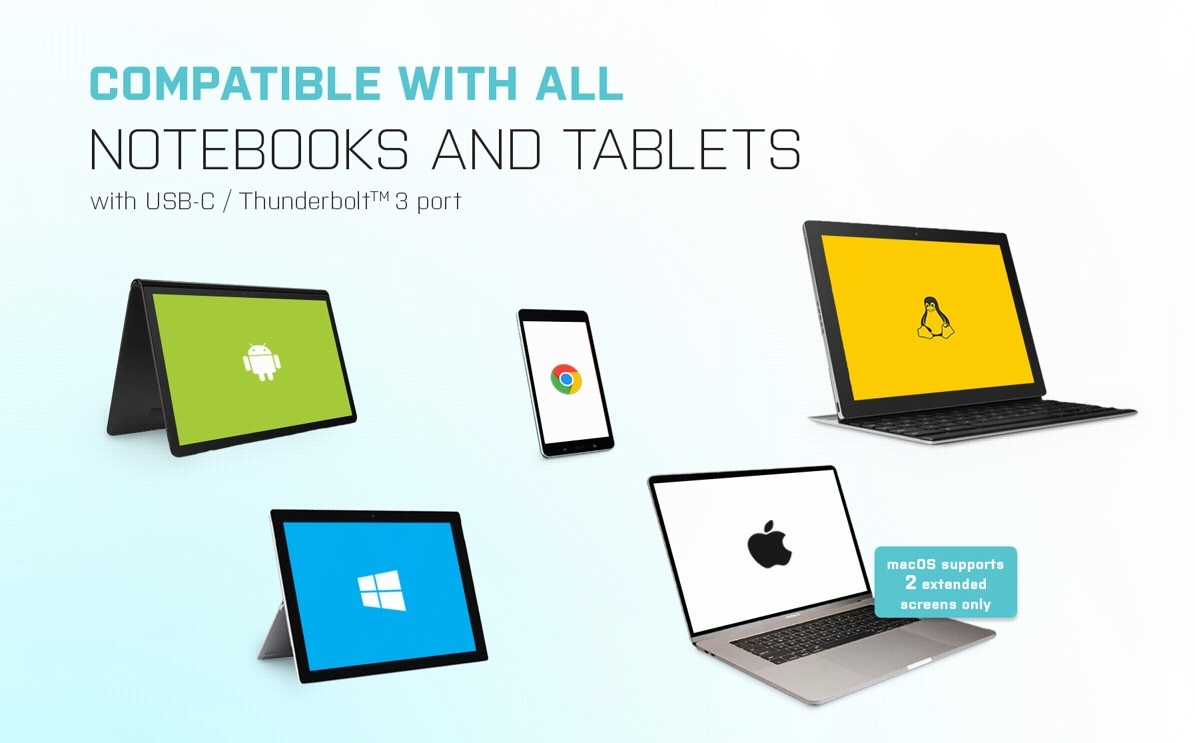
Universal i-tec Thunderbolt 3 Travel Dock Dual 4K Display
You can use the i-tec Thunderbolt 3 Travel Dock Dual 4K Display with any laptop, tablet or smartphone—regardless of type, brand or operating system. All you need is a laptop, tablet or phone with a free Thunderbolt 3 or USB-C port that can transfer video signals.
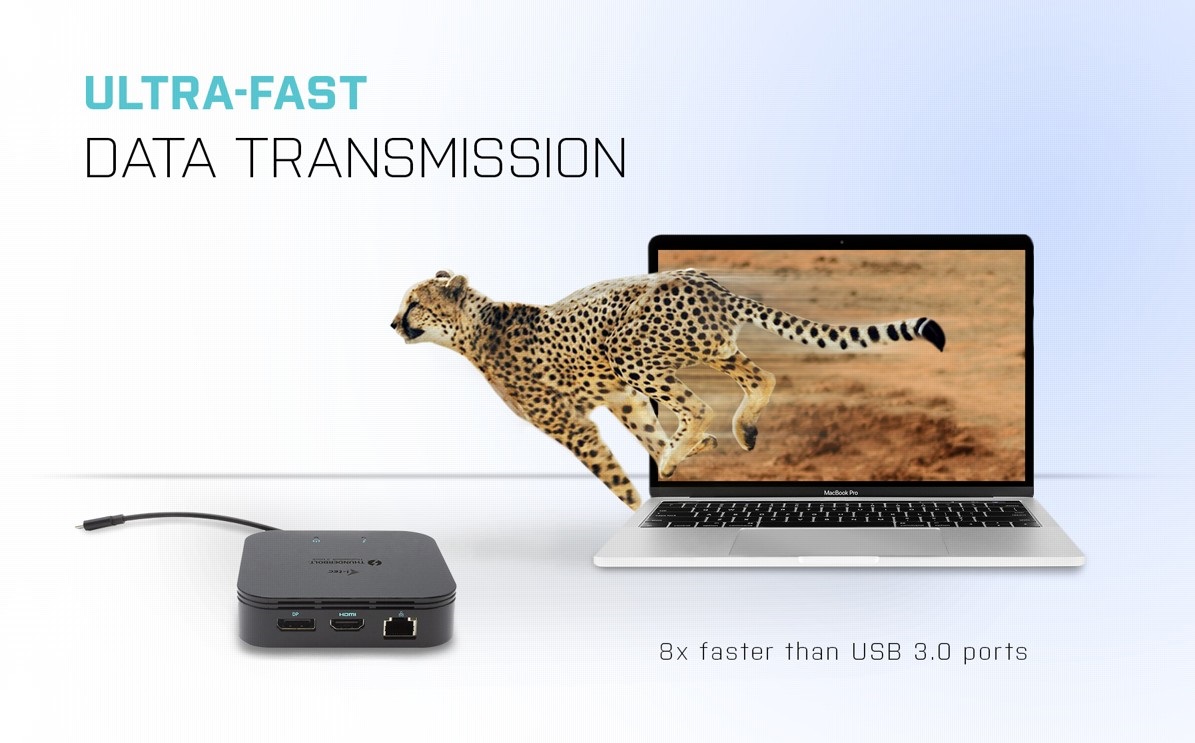
Thunderbolt 3 Unlocks Blistering Transfer Speeds
Just connect the i-tec Thunderbolt 3 Travel Dock Dual 4K Display via a Thunderbolt 3 interface to instantly get today's fastest possible data transfer speed. As the Thunderbolt 3 interface is up to 8x faster than a regular USB port, it is possible to back up 250GB of data in less than a minute—or copy a Blu-ray quality movie in less than two seconds!
No alternative text for the photo!
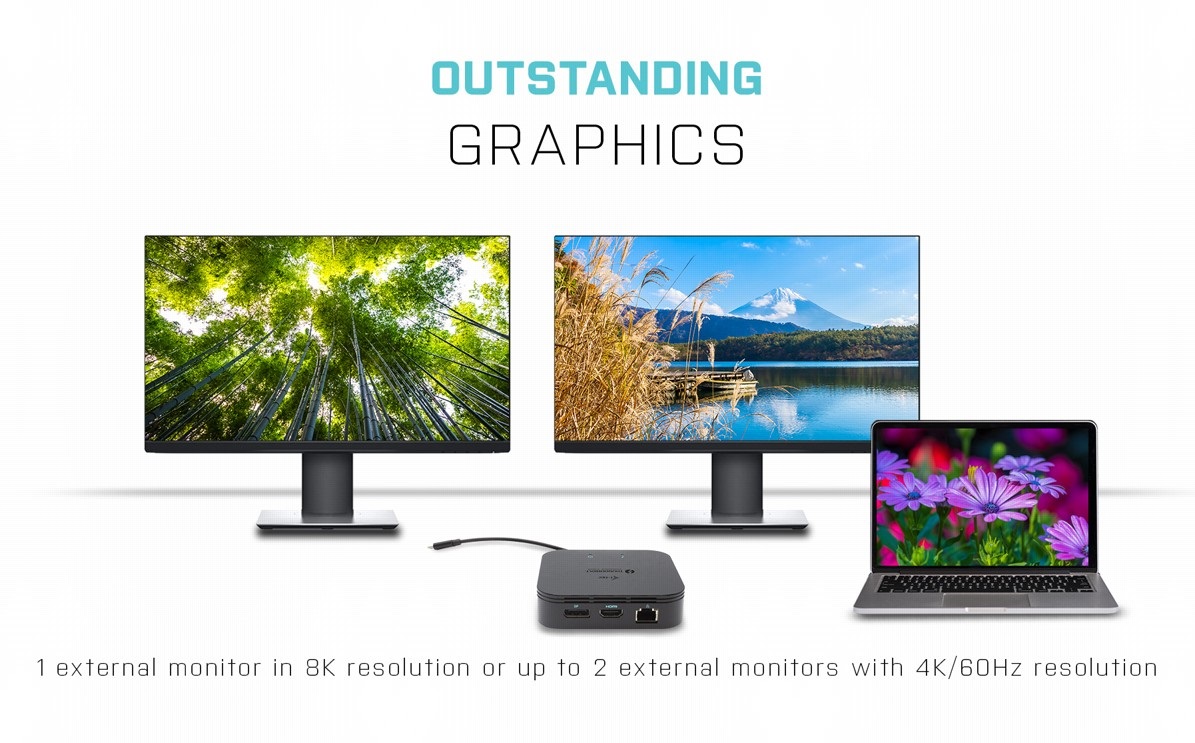
Easily Connect Two 4K monitors with the i-tec Thunderbolt 3 Travel Dock Dual 4K Display
If you appreciate fine, high-resolution graphics, you will love using the i-tec Thunderbolt 3 Travel Dock Dual 4K Display to connect to up to three external monitors with DisplayPort or USB-C connectors. DP 1.4 HBR3 DSC supports up to 4K resolution at 60Hz (when using two monitors simultaneously). However, please be aware that the macOS operating system does not support Multi Stream Transport (MST) video transmission technology, which means that if connected to macOS, identical images are displayed on bothconnected monitors.

i-tec Thunderbolt 3 Travel Dock Dual 4K Display Offers Plenty of traditional ports
Printer? Keyboard? Mouse? External drive or flash drive? A charging cable for your phone? You can connect all your devices quickly and easily to the i-tec Thunderbolt 3 3× Display Docking Station. Of course, you can also connect to the internet via the LAN port and remove any worries about the variable quality and speed of WiFi networks.
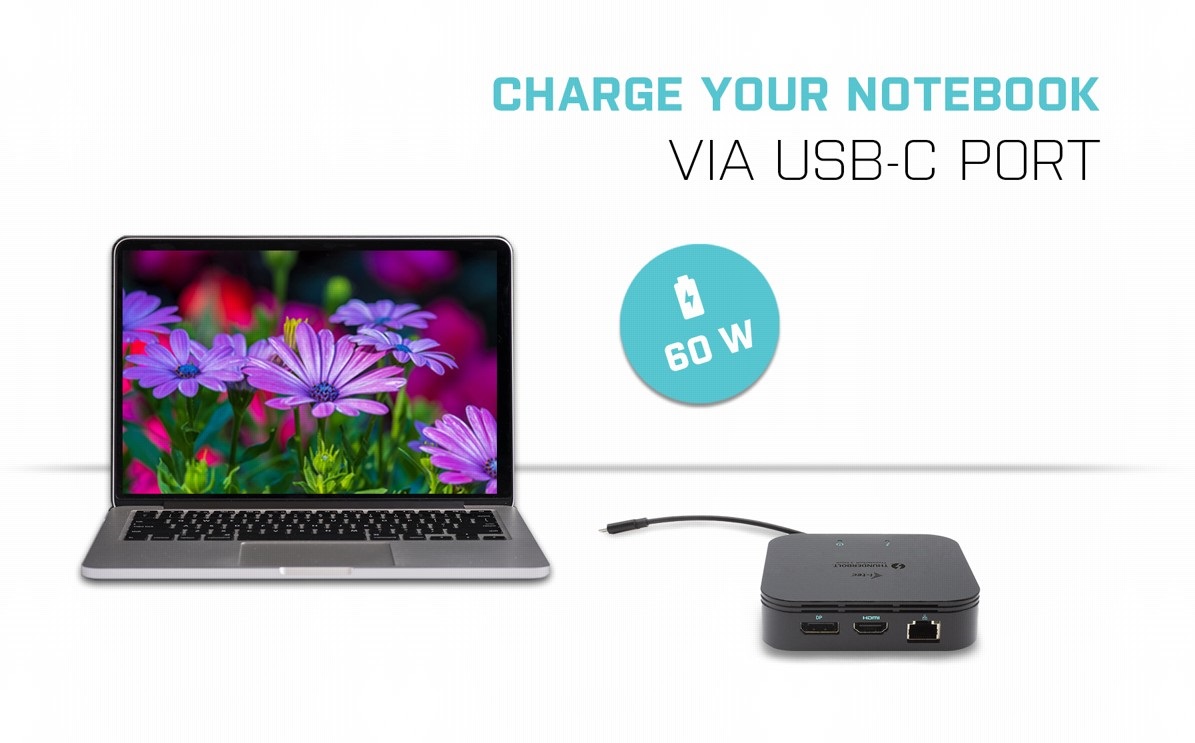
One Cable Provides Charging, Video and Data Transfer with the i-tec Thunderbolt 3 Travel Dock Dual 4K Display
The new USB-C connector has many uses! Thanks to Power Delivery technology, the i-tec Thunderbolt 3 3× Display Docking Station can power your connected laptop with up to 60W.
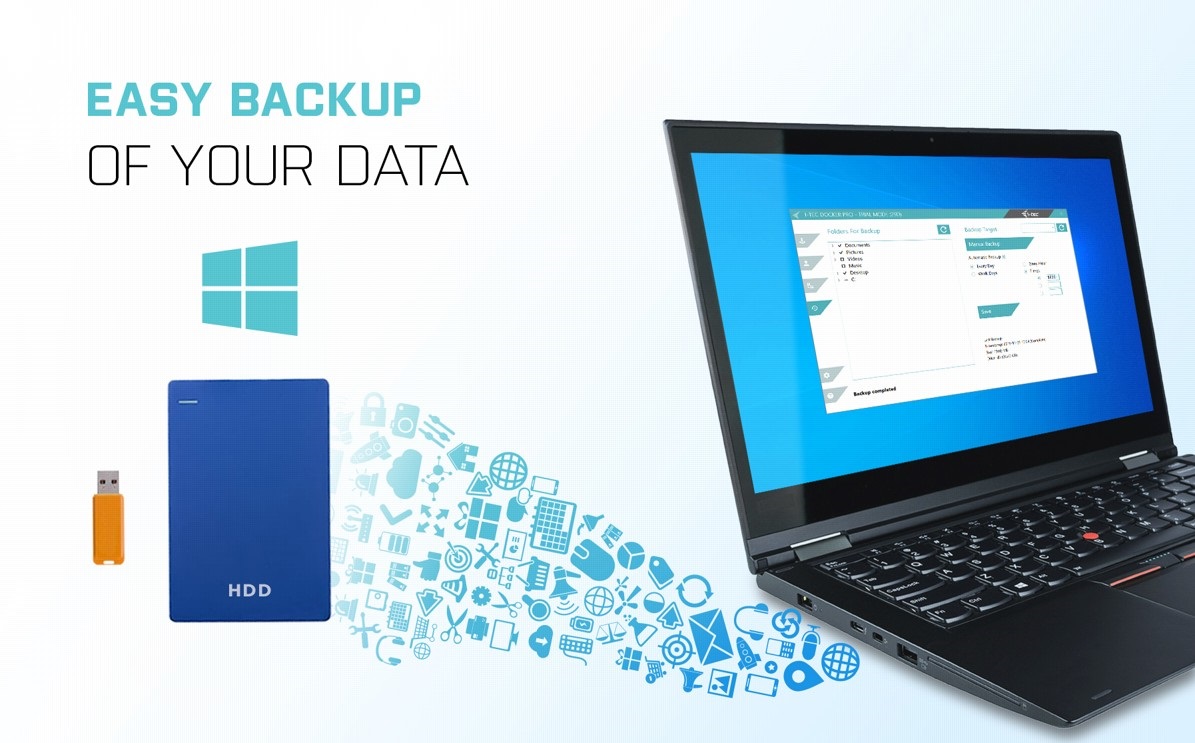
Backup Data More Easily with the i-tec Thunderbolt 3 Travel Dock Dual 4K Display
If you use the Windows operating system and need to regularly back up important files, you'd be well-advised to install the free i-tec Docker Pro add-on. Just connect any hard drive or flash drive to the i-tec Thunderbolt 3 Travel Dock Dual 4K Display, and the rest is just a few mouse clicks away.
Key Features—i-tec Thunderbolt 3 Travel Dock Dual 4K Display
- Connect up to two 4K external monitors or one 8K/30Hz monitor
- Integrated USB-C cable (18cm)
- Power delivery: Up to 60W (power adapter not included)
- DisplayPort and HDMI ports available
- 1× USB 3.1 Gen 2 (10Gbps) and 1× USB 2.0 allow you to easily connect your USB devices and peripherals
- Gigabit Ethernet RJ-45 provides reliable, robust, high-speed Internet connectivity with support for 10/100/1000 Mbps transfer speeds

SPECIFICATIONS
1× integrated Thunderbolt 3 cable for connection to the device (18cm)
Docking station technology: Thunderbolt™ 3
Power Delivery: 60W
Internal consumption: 15W (more info here)
Video ports:
1× Display Port
1×HDMI
Resolution:
DP 1.2 HBR2:
1 monitor - 1×DP → up to 4K/60 Hz
1 monitor - 1× HDMI → up to 4K/60 Hz
2 monitors - 1×HDMI + 1x DP → upto 2x 4K/60
DP 1.4 HBR3:
1 monitor - 1× DP → up to 8K/30 Hz*
1 monitor - 1×HDMI → up to 4K/60 Hz
2 monitors - 1× HDMI + 1x DP → up to 2x4K/60 Hz
1× USB-C port PD (power delivery only)
1× USB 3.1 Gen 2 port (10Gbps)
1×USB 2.0 port
1× Ethernet GLAN RJ-45 port (Realtek RTL8153)
1× 3.5mm Audio combo connector
Integrated USB-C cable (18cm)
OS: Windows 10, macOS X (Sierra and above), Linux with latest updates
Product dimensions: 100 x 100 x 28mm
Product weight: 210g
Package dimensions: 133 x 165 x 38mm
Package weight: 300g
Specifications
Laptop power port
Standard male connector
Max. Power Delivery value
USB-C power supply (PD)
USB-A 3.2 Gen 1 (3.0)
Laptop power port
Laptop power port
Standard male connector
Max. Power Delivery value
Most common ports
Common data ports
Common graphics ports
Data ports - Number and standards
USB-A standards
USB-C standards
USB-C power supply (PD)
USB-A 3.2 Gen 1 (3.0)
USB-A 2.0
Power ports for electrical devices
USB-A
USB-C
Graphics ports - Number and standards
DisplayPort standards
HDMI standards
HDMI 2.0
DisplayPort 1.4
Features
Features
Support
Colour
Cable length
Material
Compatibility
Type
More Specifications
Note:
Specifications can be changed without notice. Images are for illustrative purposes only.
