

Zakoupil jsem u vás dne 25.12.2021 prodloužení licence Kaspersky Internet Security obnova pro 2 zařízení na 12 měsíců obj. č. 453040898. Licence, která je nyní nainstalována platí ještě 13 dnů. Sobě jsem již nainstaloval prodloužení (obnovu). Manželka, která využívá druhou licenci dostala pod stromeček nový notebook. Stávající notebook nebude již využívat pro připojení k internetu. Předpokládám, že prodloužení licence budu muset provést z jejího nového počítače, a to v den , kdy končí její původní licence. Dosud platná licence bude moci být využívána do konce její platnosti pouze pro starý notebook. Je to správný postup a úvaha? Děkuji za vaše vyjádření. Ing. Ladislav Sedlák
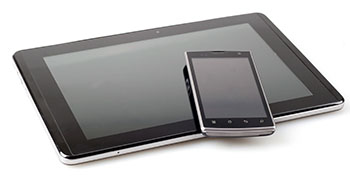
Security for multiple devices
The versatile Kaspersky Internet Security 2016 delivers extensive anti-virus technologies that prevent malware, automatically scans files and running programs and last but not least, it monitors all Internet communication, making it safer.
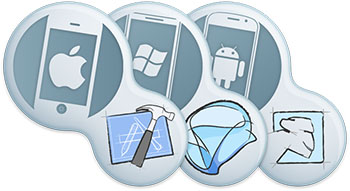
And it’s compatible with several different platforms, including Windows OS, Mac OS X, but also smart Android devices. In addition, on iOS and Windows Phones you can take advantage of an extremely secure Internet browser, Kaspersky Safe Browser.

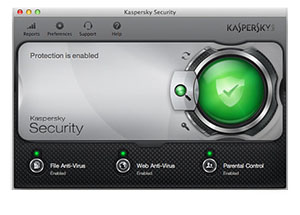
Apple Mac OS
Kaspersky supports the latest OS X, offering the same features as on Windows computers. With minimal impact on performance achieved by low processing power consumption Kaspersky doesn’t slow you down. The software meets all the requirements of modern Retina displays. All in all, Kaspersky provides a real-time, cloud-assisted protection against malware targeted at Mac computers.
Microsoft Windows
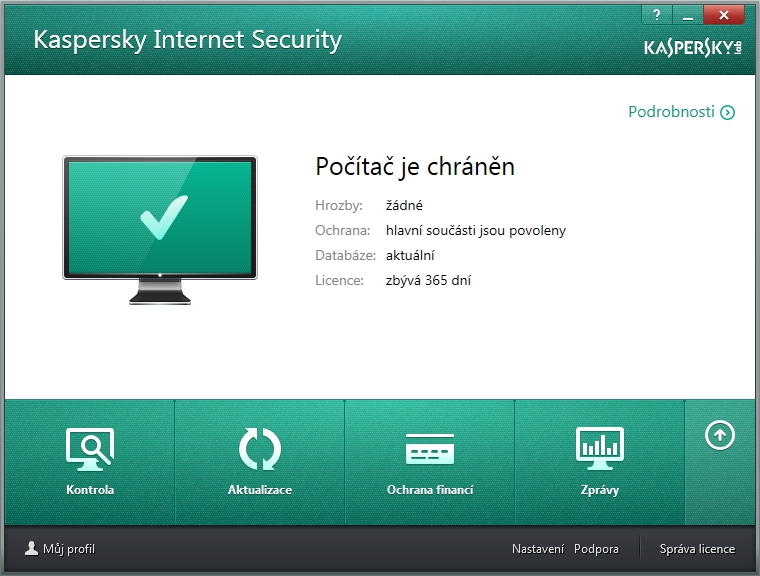
Kaspersky is a reliable protection for all computers running Windows, fighting against computer malware and securing your online banking and shopping. It also checks Web links, downloaded files and installed programs. Featuring a virtual keyboard technology, it offers an effective keylogger protection.

The antivirus protects against worms, viruses, Trojans, rootkits, spywares, bots and more. The cloud network continuously collects and analyses data, meaning the program can detect and handle threats as soon as they arise. Protect all your devices including tablets and phones. Kaspersky’s cloud-based antivirus technology provides a real-time protection against all the Internet threats.
Google Android
Mobile devices are just as vulnerable as computers. If you happen to lose your smartphone for example, Kaspersky software enables a remote access to locate and manage the device, safeguarding your privacy and defending you against identity thefts.
Always within reach
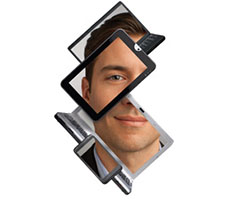
Kaspersky’s remote management goes a long way if you lose your smartphone. It allows you to locate your device, delete files and even take a picture of the unauthorised user via the web interface. Moreover, you can remotely activate the Alarm feature which makes the device ring until you enter a special code.
Elegantly boxed
Protect one of your devices, such as a desktop, laptop or phone for 12 months.