Little Nightmares 2: Standard Edition - Xbox Digital
4.52 ratings
Console Game - Xbox One S / Xbox One X, Xbox Series X, Xbox Series S, electronic license, key for Xbox Live, English subtitles and voice-over, genre: Adventure
Little Nightmares 2: Standard Edition - Xbox DigitalDiscontinued
Little Nightmares 2: Standard Edition - Xbox Digital
81%
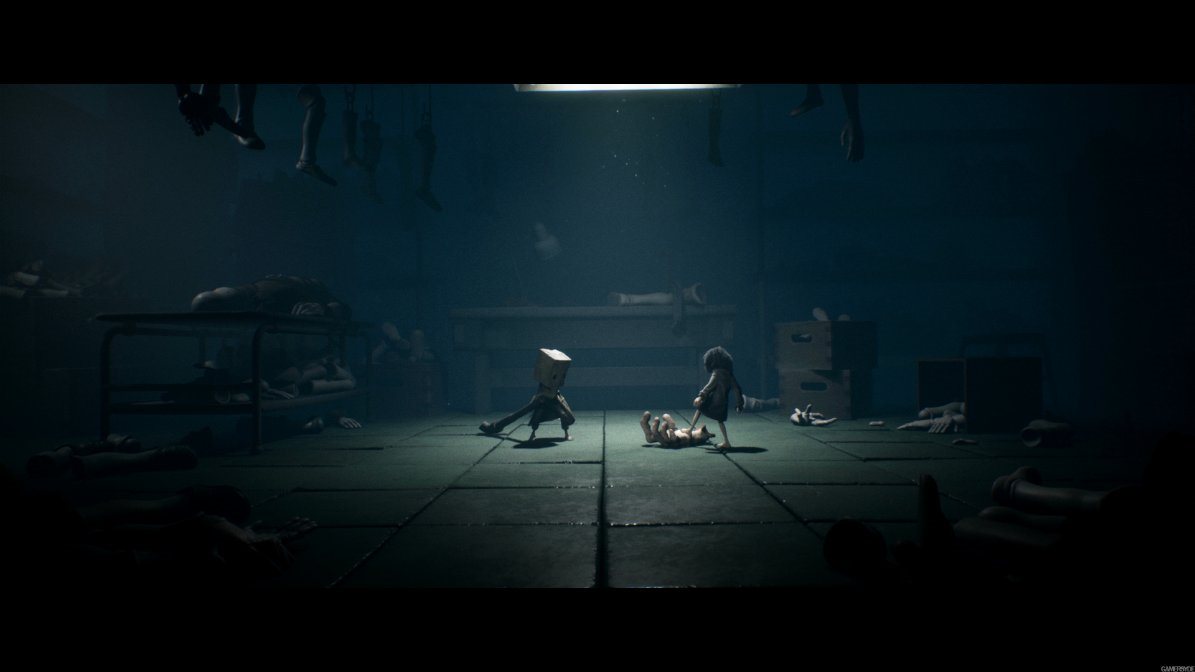
Little Nightmares 2 is a logical platformer with an intense atmosphere that makes a delicious horror one-shot. The relatively short game time is balanced by the competently invoked fear and tension, well-crafted environments, and beautiful audio and visuals, though the experience is occasionally marred by loose controls. (Alza Magazine)
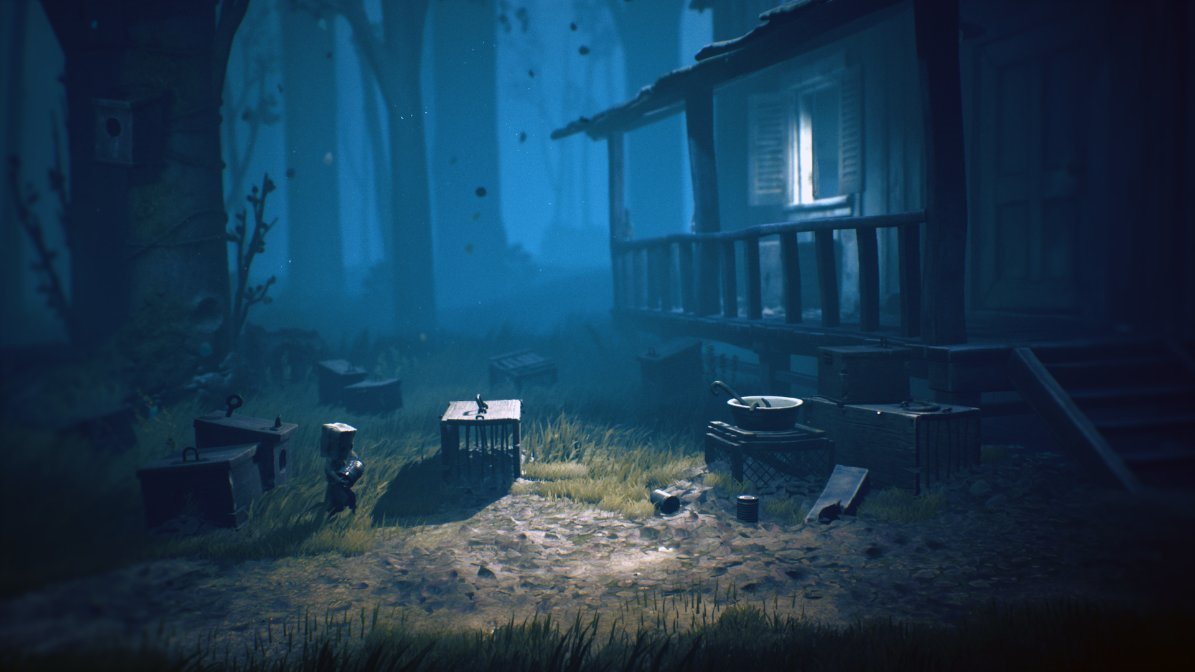
Experience a thrilling story in which ordinary events can instantly turn into a nightmare.
The mysterious, almost horror-like atmosphere will delight any fan of suspenseful stories with unexpected plot twists.
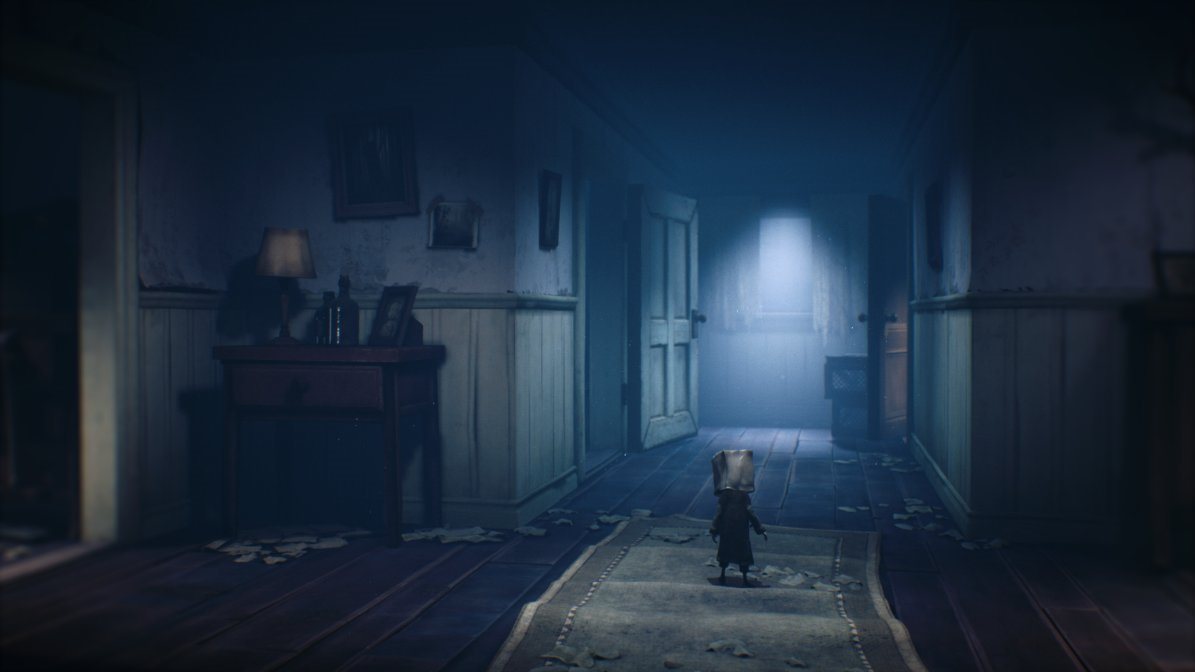
A Hero With a Paper Bag on His Head
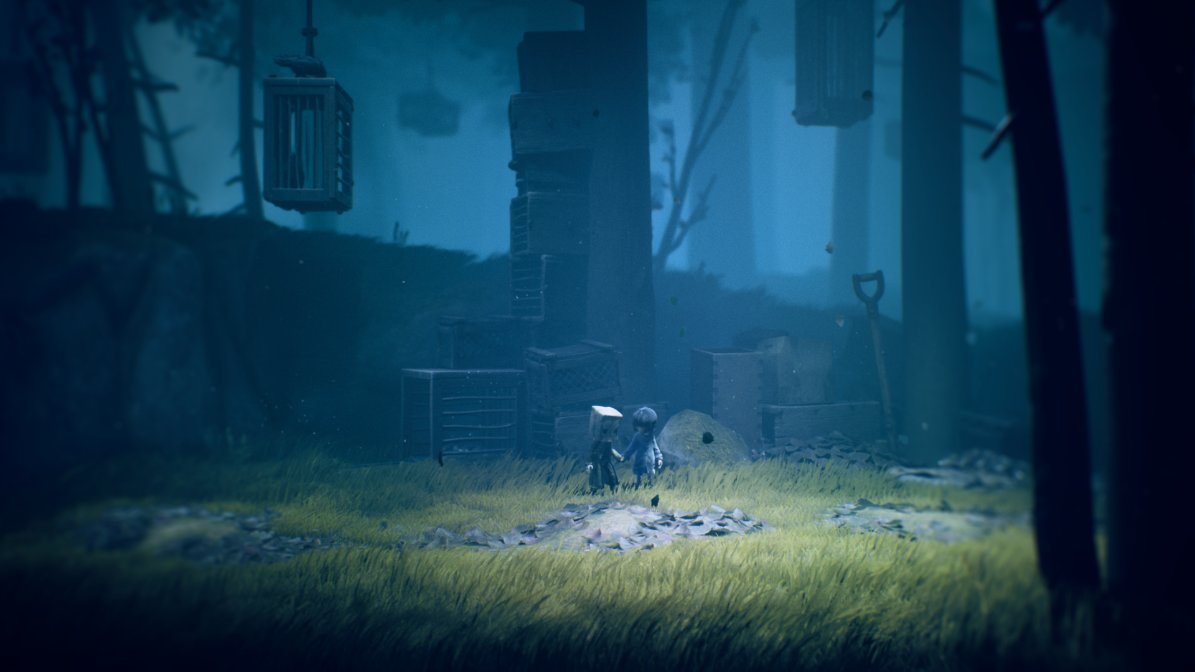
The hero Mono tries to escape his past, which doesn't go very well. Can you help him forget his nightmares?
Scary Scenes
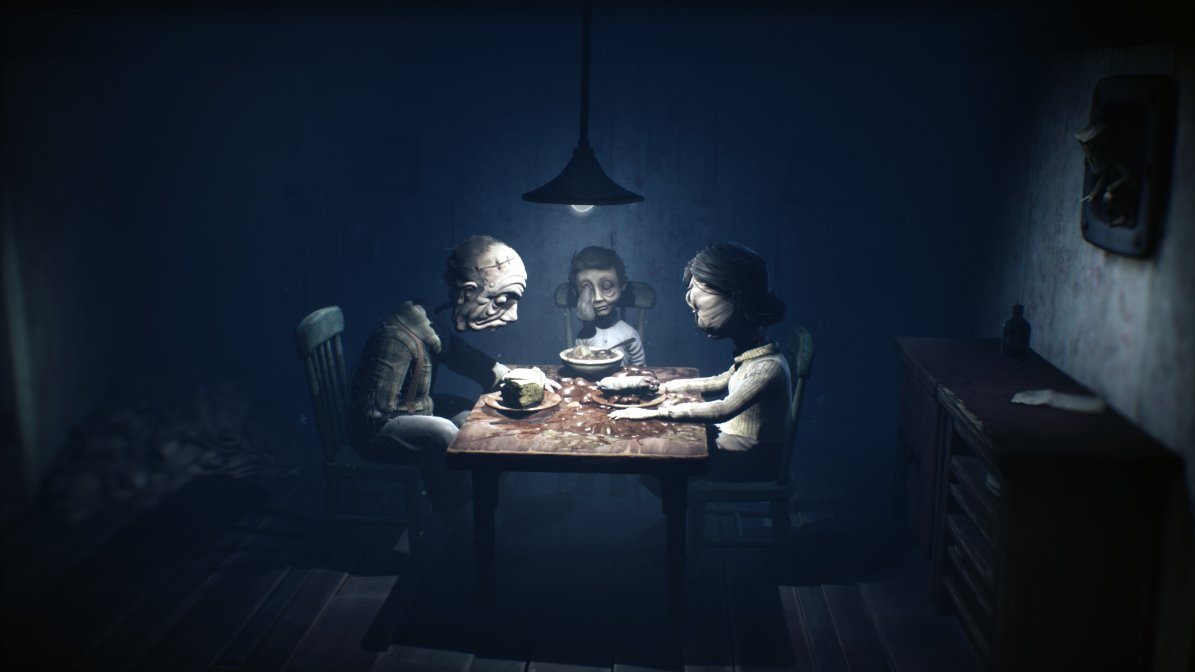
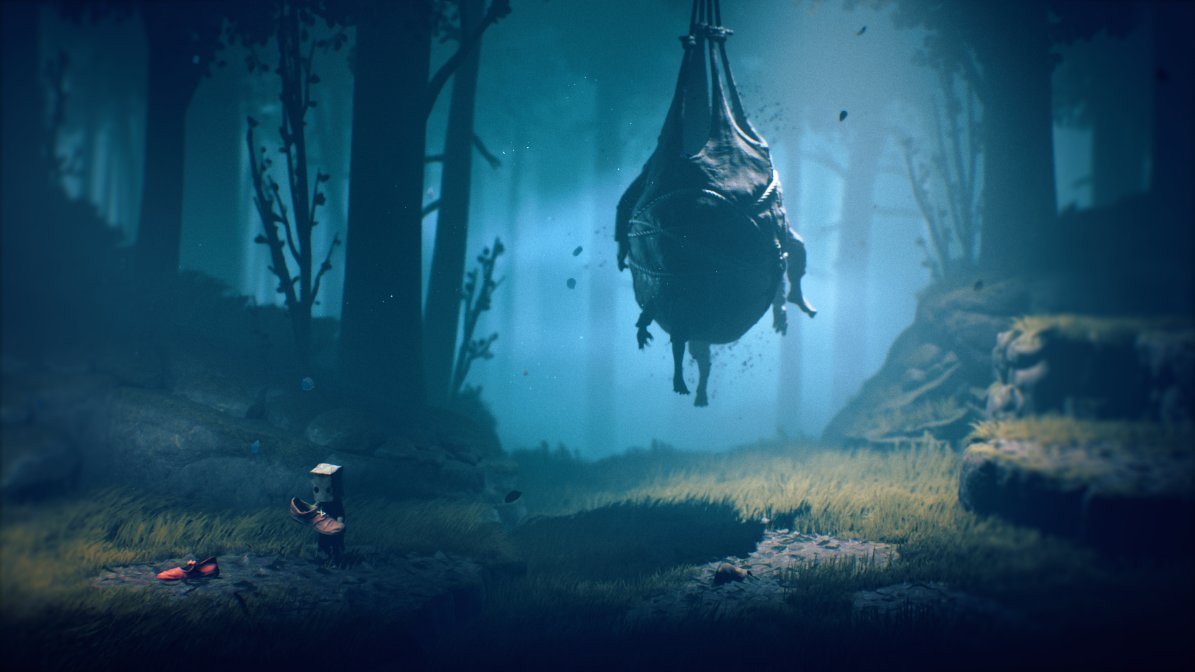
The platformer Little Nightmares made a name for itself with creepy scenes backed by dark audiovisuals, and the second installment is no different.
Climbing a Skyscraper
With our protagonist Mono, we climb to the top of a tower to stop a mysterious signal from being transmitted.
Once again we meet Six, the heroine of the first episode, in a yellow raincoat.
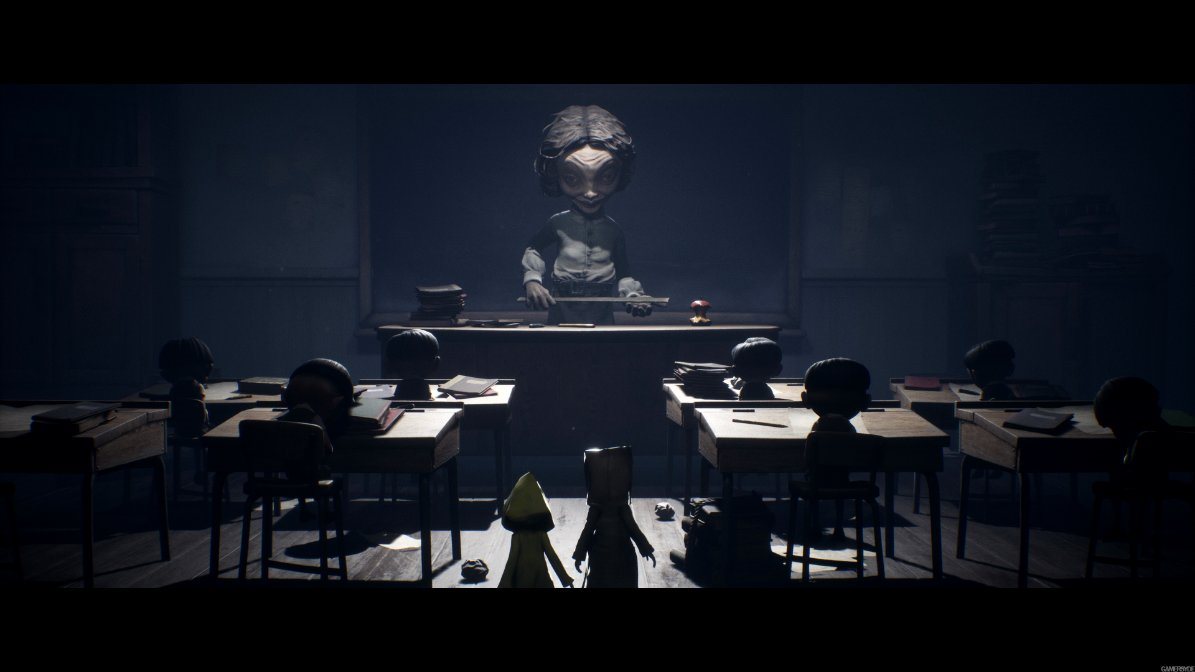
During our pilgrimage, we'll also get a glimpse of a schoolroom where the children are tormented by an evil teacher who will haunt you long after you've finished.
Despite the Fear
Awaken your inner child, face the scary inhabitants of the local world and save your friend Six.
The purchased product key must be activated in the Xbox Store, located in the main console Menu
1) Go to the "Store" tab.
2) Select "Use a code" and press "A" to confirm.
3) Enter the 25-character code - press "Next" once you are done.
4) Finish the activation by pressing "Confirm".
5) You can leave the information screen by pressing the "Close" button (for downloadable content, the download will start automatically).
Detailed instructions complete with pictures can be found here: instructions-for-applying-electronic-licences-games#xbox-store
If you have any problems redeeming your prepaid code, please contact Microsoft Support: beta.support.xbox.com
Microsoft is a multinational corporation based in the United States. Microsoft products have had an indelible influence on our perception of virtual worlds since 1975, when Bill Gates and Paul Allen founded the company. The company is best known for its peerless software, including Windows OS and the universally used Microsoft Office suite. The company is gradually becoming more active in hardware as well - for example, with Xbox gaming consoles and Lumia mobile phones.
Note:
Note that some games may require:
a digital store account with a particular service - MS Store, Origin, Steam, Uplay etc. (you can find out more in our article on how to apply your electronic licences)
broadband internet connection for online gaming, initial setup, updates, and more
a monthly subscription fee for online multiplayer gaming (Xbox Live, PlayStation Plus, etc.)
Try our cookiesAlza.cz a. s., Company identification number 27082440, use cookies and other data to ensure the proper functioning of the website and, with your consent, also, among other things, to personalize advertising and the content of our websites. By clicking on the “I understand“ button, you agree to the use of cookies and the transfer of data regarding the behavior on the website for displaying targeted advertising on social networks and advertising networks on other websites.
We use 8 categories of cookies on our website:
Technical cookies
These are strictly necessary for the functioning of the website and the features you choose to use. Without them, our website would not work; you wouldn't be able to log in to your user account, for example.
Functionality cookies
These cookies allow us to remember your basic choices and improve the user experience. These include remembering your preferred language or allowing you to stay logged in permanently.
Social media cookies
These cookies allow us to easily link you to your social media profile and, for example, allow you to share products and services with your friends and family.
Content personalisation
These cookies allow us to show you content and ads according to the information we have about you to best meet your needs. This includes what content you have viewed, or on what device you are accessing our website.
Non-personalised advertising
These cookies allow us to show you general ads for products and services.
Personalised advertising
Thanks to these cookies, we and our partners can offer you relevant products and services based on your purchases, your shopping behaviour and your preferences.
Audience metrics
These cookies allow us to optimise our site for your convenience based on how you use it. The aim is to remember or anticipate your choices. This includes, for example, the use of features, their location, or the behaviour on the page.
By giving your consent to the processing of cookies, functionality and analytical cookies will be installed on the device you use to browse the website (click on the "I understand" button for both categories, or you can select only one of the categories by clicking on the "Settings" button). We always install technical cookies on your device, even without your explicit consent, because without them our website would simply not work.
You can revoke your consent to the processing of cookies. In connection with our company's cookie processing, you also have the following rights: the right to access cookies, delete, modify, supplement and correct them, restrict processing and the right to lodge a complaint with the Office for Personal Data Protection. Read more about your rights.