














Catalogue

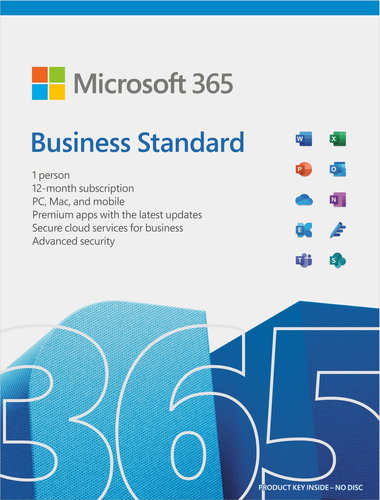
Microsoft 365 Business Standard (electronic licence)

3.5 17 ratings
Office Software - digital licence (subscription - one-time licence), for 5 devices, Word, Excel, PowerPoint, Outlook, OneNote, Access, Publisher, OneDrive, SharePoint Workspace and Teams apps included, subscription length 12 months, for mobile device and PC, compatible with Windows, macOS, Android and iOS, transferable licence
  159.90 €
-20 % with AlzaPlus+
127.92 €(+ 11.90 € 1-year membership)
  • Pays off with this purchase
  • FREE delivery all year round
Shop faster with pickup at AlzaBox or in-store.
Code:  SWOFBSe_EU1
Microsoft 365 Business Standard (electronic licence) 159.90 € Available for download
Buy

Microsoft 365 Business Standard (electronic licence)

Genuine MS product (not a secondary license).


The product requires an up-to-date operating system.


Get to Know Microsoft 365 Business Standard

Microsoft Business 365 is a premium suite of essential apps that delivers everything you need for daily communication, including a hosted email account on your own 50GB domain. Office applications, such as Word, Excel, PowerPoint, Outlook, SharePoint Workspace and Teams help you create inspiring documents and come packed with smart assistance features. Microsoft 365 for Business Standard gives you access to an always-updated portfolio of apps and 1TB of OneDrive cloud storage for an annual subscription.

Key Feature—Microsoft 365 Business Standard

  • Electronic license for installation on up to 5 PC or Mac devices (for one person)
  • 12-month subscription
  • Includes Word, Excel, PowerPoint, Outlook, OneNote, Access, Publisher, OneDrive, SharePoint Workspace and Teams
  • Supports comprehensive document creation and sharing with 1TB of OneDrive storage
  • Access hundreds of different templates and ready-made forms
  • Host emails with a 50GB mailbox and email addresses with their own domain
  • The best compatibility with documents created in other versions of Office
  • Introductory guides, quick starts, tips and tricks, plus training courses help you get the most out of Office

Microsoft 365 Business Standard EN (Electronic License)


Create Compelling Presentations with PowerPoint

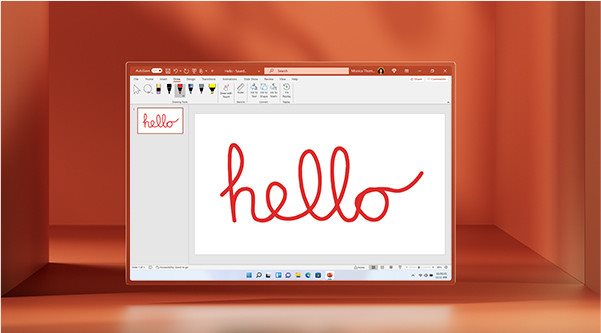
PowerPoint is an app that lets you tell stories that make an impact—anytime, anywhere and with anyone. The PowerPoint app gives you a new look at the familiar tool to help you create and share the most impressive presentations imaginable.

Collaborate on Texts in Word

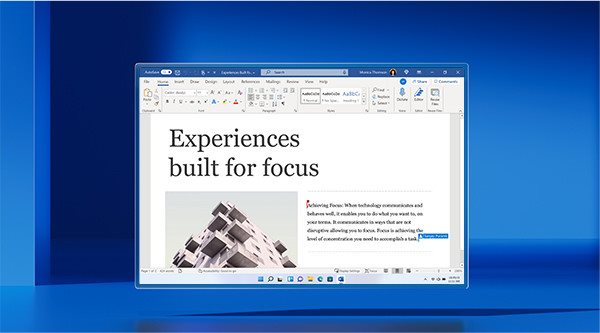
Simply put—Word helps you put together superior texts. It's a desktop application for creating precise documents, and with Microsoft Editor, you get more features and options than ever before. There are also spelling and grammar checks that give you the freedom to write in confidence. Editor makes smart suggestions in the task pane in Word and is your ever-ready assistant for creating documents, writing emails and using the web.

Track and Organise in Excel

Excel learns your work style and saves you time by helping to organise your data. Excel is the place to create tables—from templates or of your own design—and perform calculations with advanced formulas.

Outlook with Exchange is the Best Email Client

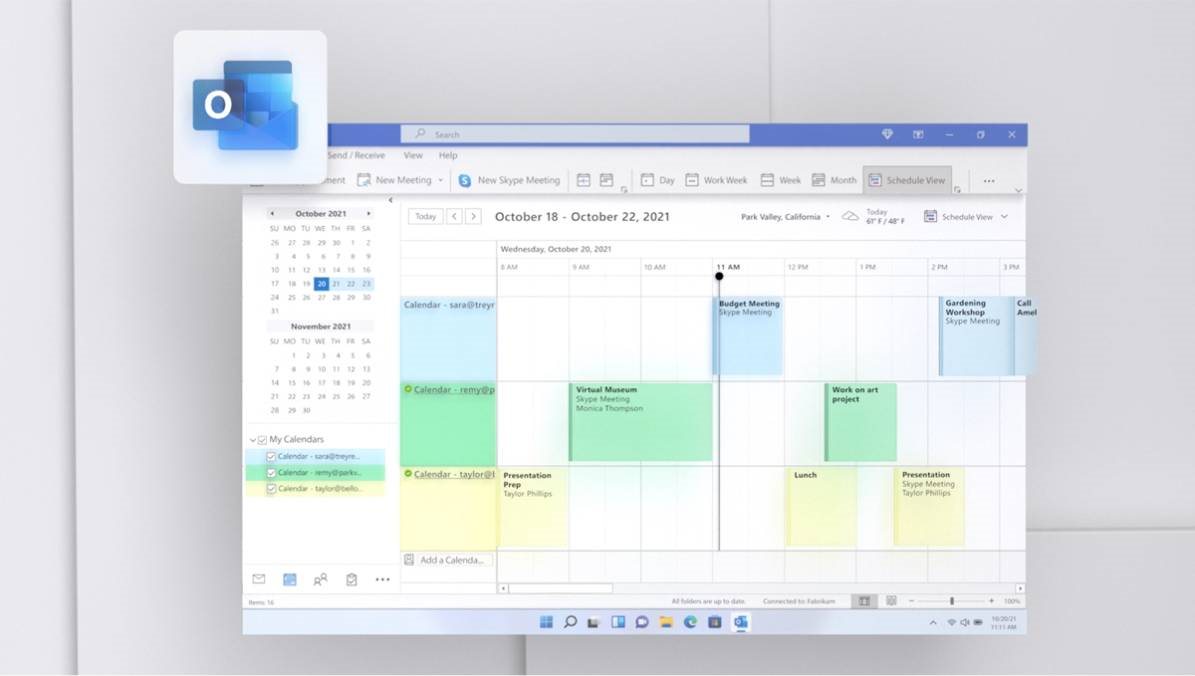
With the extremely reliable Microsoft Outlook, you get a professional email and calendar app that helps you prioritise your workload. Outlook makes you more productive by letting you focus on the most important messages. You can use calendar management to share key meeting dates with your entire team. And with a 50GB mailbox using Exchange servers, you'll be in control of all your messages, calendar and tasks on your mobile phone, PC or via the web interface.

1TB OneDrive Cloud Storage

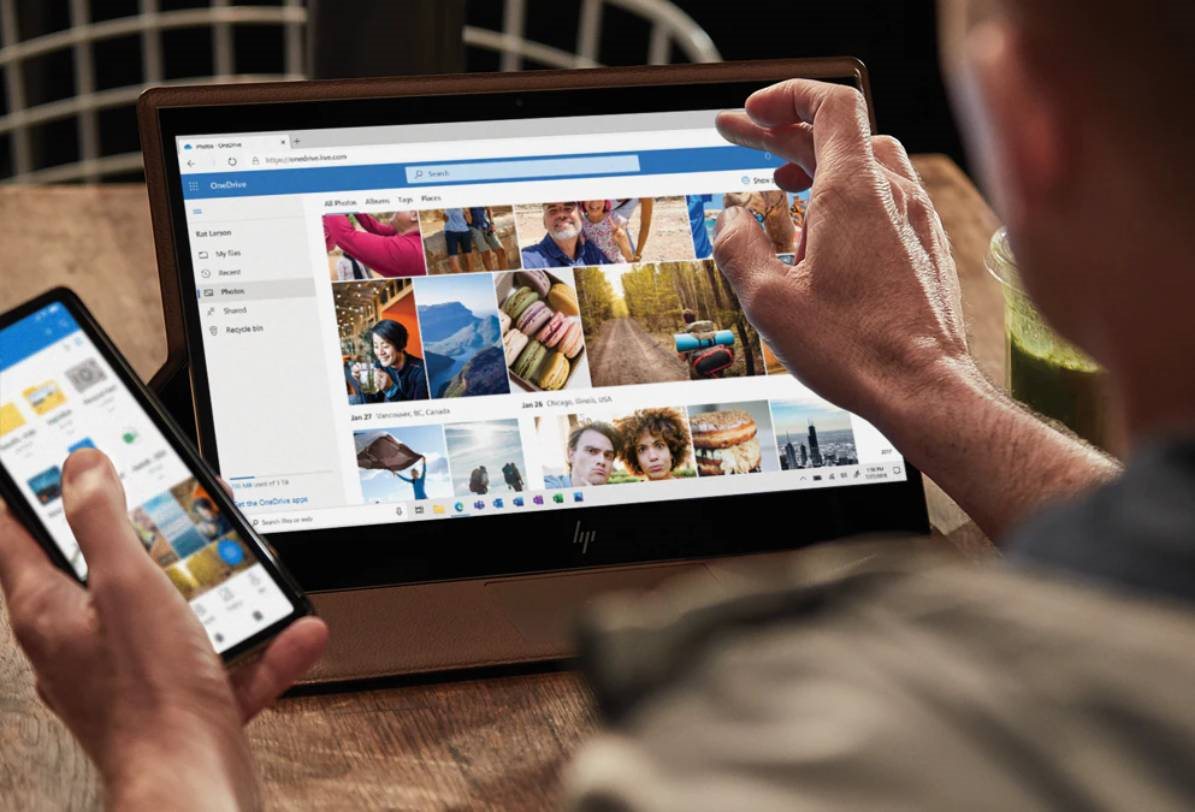
With a Microsoft 365 Business Standard subscription for individuals, you get 1TB of OneDrive cloud storage. That's enough space for 300,000 photos and all your documents that can be edited and shared across all your devices. And you can sleep safe in the knowledge that all your files are backed up and protected.

Work Together with Teams

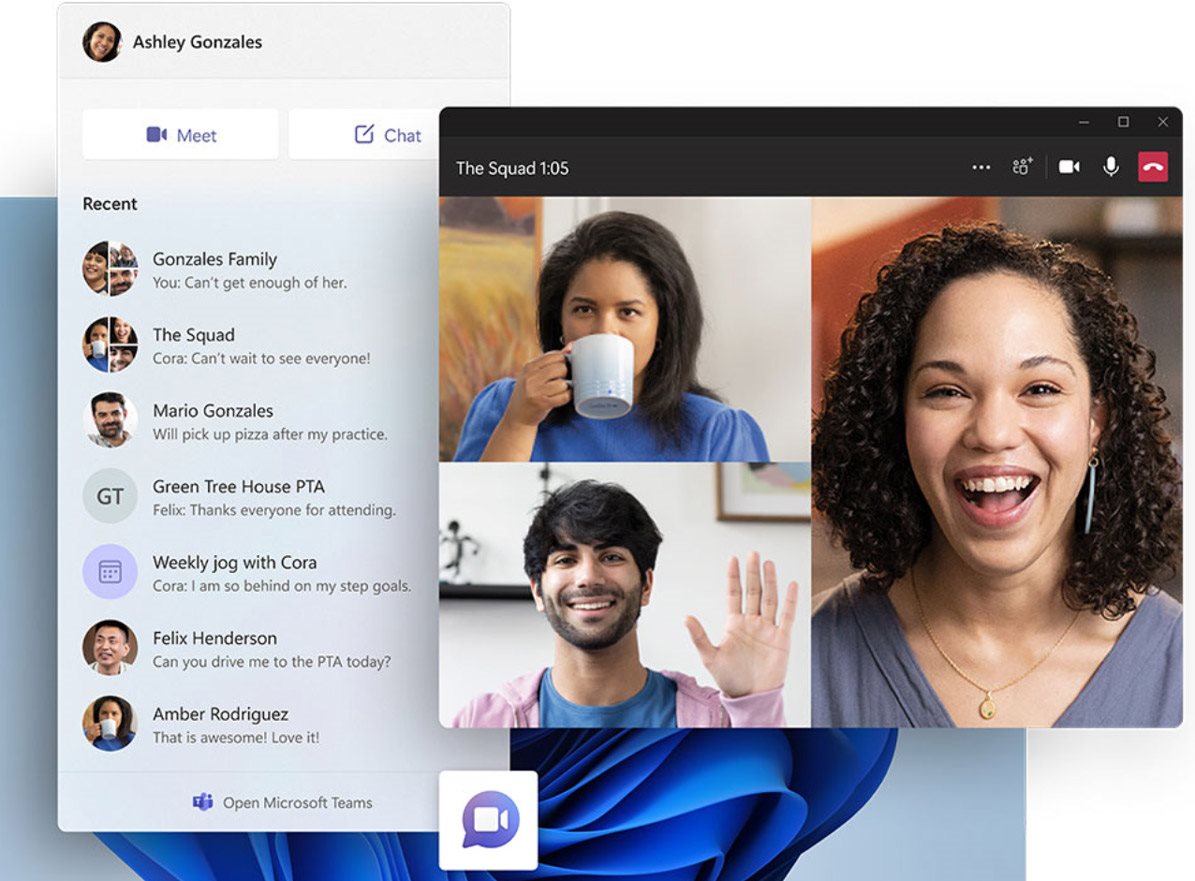
Communicating online with your colleagues is the foundation of a successful business, so take advantage of the popular Microsoft Teams app. With the touch of a button, you can instantly switch fromgroup chat to video conference. It doesn't matter if your team has two or 10,000 members—everyone can meet in one place, share files and notes—wherever they are.

Which Microsoft Office Software is Best for You?

Microsoft Office Home & Student 2021 (electronic license)

Personal

  • 12-month subscription for 1 person
  • For PC, Mac, iPad, iPhone and Android
  • 1TB cloud storage
  • Advanced security
  • An app with premium features and the latest apps: Word, Excel, PowerPoint, Outlook, OneDrive, OneNote, Editor
Microsoft Office Home & Student 2021 (electronic license)

Family

  • 12-month subscription for up to 6 people
  • For PC, Mac, iPad, iPhone and Android phone
  • 1TB cloud storage
  • Advanced security
  • An app with premium features and the latest apps: Word, Excel, PowerPoint, Outlook, OneDrive, OneNote, Editor, Family Safety mobile
Microsoft Office Home & Student 2021 (electronic license)

Office Home & Student 2021

  • One-time purchase for one person
  • Installation on 1 PC or Mac
  • Classic Office apps: Word, Excel, PowerPoint

A Microsoft corporate account is required to activate the licence. If you do not have an account, you need to create one for free via the link provided, the license cannot be activated on a personal Microsoft account.

Unlike personal Microsoft accounts, this corporate Microsoft account allows you to create users for your organization on https://admin.microsoft.com and assign them product subscriptions as needed.

The Microsoft 365 Business Standard product can be activated with a license key (e‑license or boxed version) or through a CSP partner. Therefore, it cannot be used to renew an existing CSP subscription or directly from Microsoft. When reactivating with a license key, activate the product the day before the original license expires and associate the new subscription with that user.

Activation procedure:

1. On a PC or Mac, go to https://signup.microsoft.com/get-started/setupkey.

2. Enter the 25-digit activation code (from ‘My library’ or boxed version under the scratch-off field in the package).

3. Create a new account or log in with your company account ([email protected]). Make a note of the account details for later use of Microsoft 365 on all your devices and for further account management.

4. If you activate a Microsoft 365 Business Standard subscription for the first time, you will be asked to create a user to whom the license will be assigned.

If you activate a license key and already have an active Microsoft 365 Business Standard subscription, you will be prompted to renew that subscription or create a new subscription.

If you choose to create a new subscription, the subscription period will be split between two licenses that can be associated with two users. In this way you can either extend any number of currently existing licenses or create new licenses.

It is also possible to manage your subscription at https://admin.microsoft.com:

• Install the software on additional devices,

• Manage your subscription,

• Add, edit or remove user accounts,

• Reset passwords.

Microsoft is a multinational corporation based in the United States. Microsoft products have had an indelible influence on our perception of virtual worlds since 1975, when Bill Gates and Paul Allen founded the company. The company is best known for its peerless software, including Windows OS and the universally used Microsoft Office suite. The company is gradually becoming more active in hardware as well - for example, with Xbox gaming consoles and Lumia mobile phones.

Note:

Dobrý den , je tato licence CZ nebo EN? Děkuji

Dobrý deň. 12 mesiacov začne plynúť hneď od okamihu zakúpenia alebo od okamihu vloženia licencie do adminu Microsoftu?

Jak přidám zakoupenou elektronickou licenci Microsoft 365 Business Standard do stávajícího firemního účtu MOSA

Chcem sa spýtať. V rámci firmy spravujem licencie cez ADMIN rozhranie Microsoftu. Prideľujem odoberám licencie jednotlivým účtom. Keď si u vás zakupim licenciu (lebo je lacnejšia), AKO ju priradím nejakému účtu ktorému už spravujem licencie v ADMIN centre? Ak aj priradím, tak sa bude všetko javiť ako keby som tu licenciu kúpil priamo v store Microsoftu?

Questions and answers: Microsoft 365 Business Standard (electronic licence)
Accessories for Microsoft 365 Business Standard (electronic licence)
Try our cookies Alza.cz a. s., Company identification number 27082440, use cookies and other data to ensure the proper functioning of the website and, with your consent, also, among other things, to personalize advertising and the content of our websites. By clicking on the “I understand“ button, you agree to the use of cookies and the transfer of data regarding the behavior on the website for displaying targeted advertising on social networks and advertising networks on other websites.
Detailed settings
Alzak icon
P-DC1-WEB06
