


- Stažení instalačního balíčku https://www.parallels.com/eu/products/desktop/trial/
Licence EDU je určená pro studenty, školy (zaměstnance školy), neziskové organizace a školicí centra.

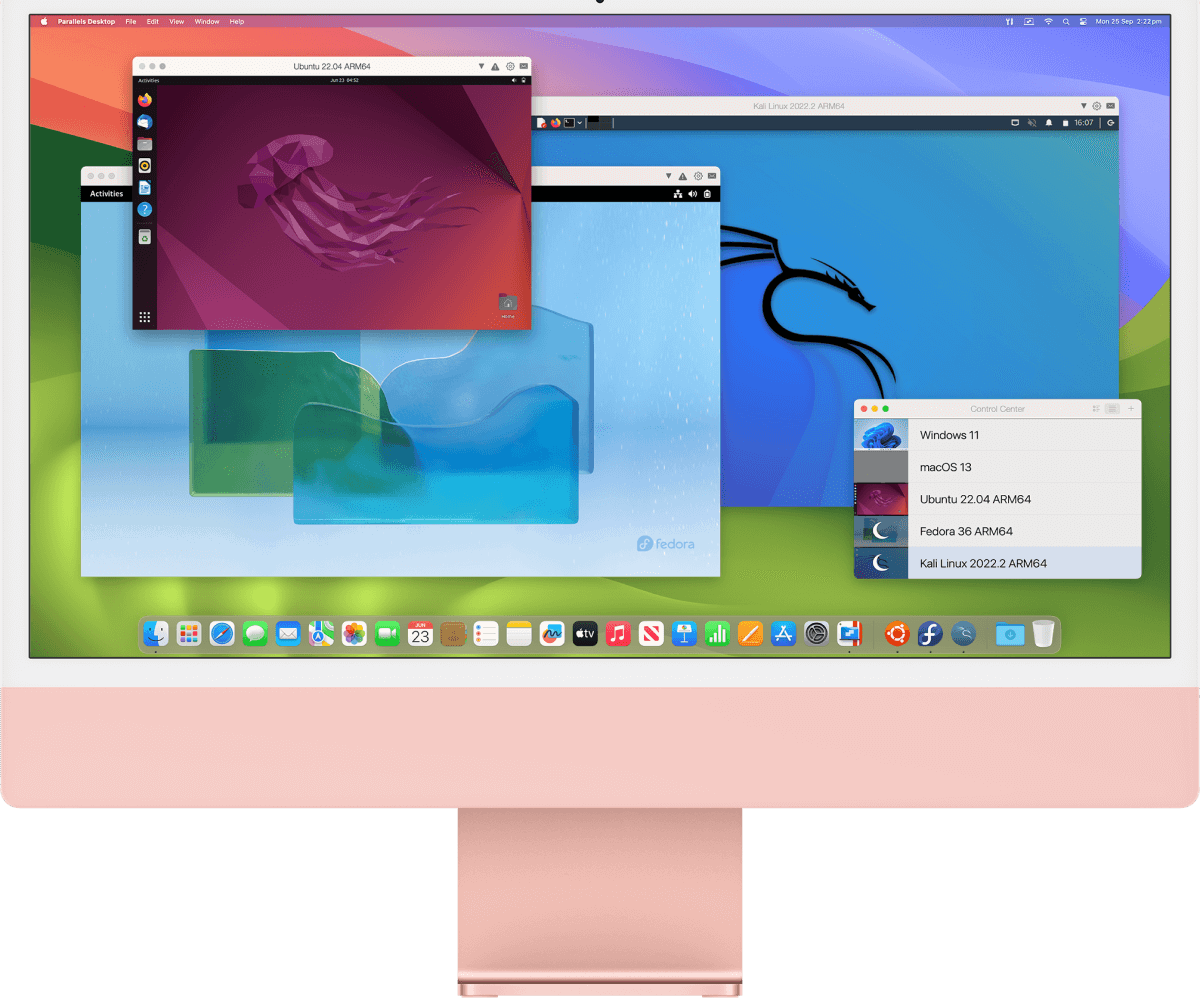
Turn your Mac into a versatile work tool with Parallels Desktop graphics software. This electronic license gives you easy and fast access to Windows 11 and macOS Sonoma virtual machines. Run thousands of Windows apps, from Microsoft Office 365 to SAP to Matlab, right on your Mac, whether you're running an Intel chip or Apple M-Series.
This license is intended for use at school. To activate the licenses, you need to supply an IZO (school identifier). If you are not the director of the institution, you need to provide a letter of authorization for the purchase. If you are unsure of your choice, please contact our sales team: [email protected]
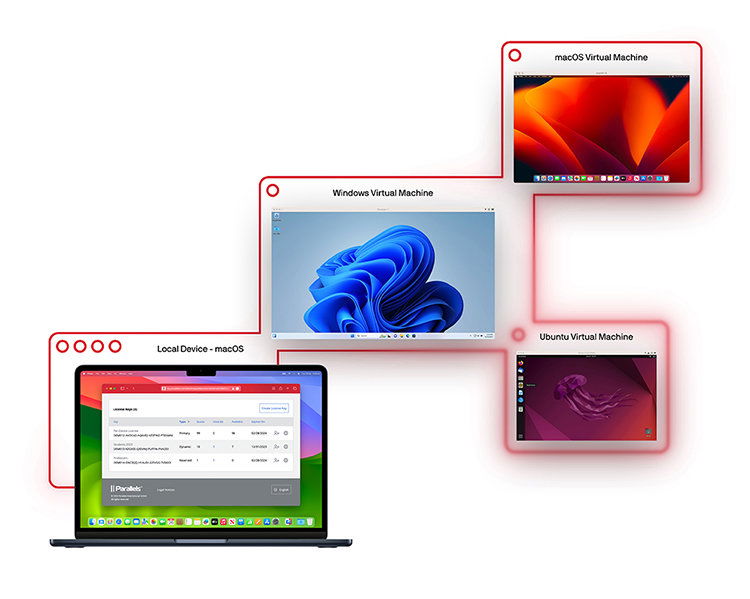
Virtualizing with Parallels Desktop means that you create a "virtual machine" on your Mac that acts as a separate system inside your Mac. With modern hardware-assisted virtualization technology - specifically Intel VT-x - Parallels can simulate a complete computing environment,very efficiently and without noticeable slowdown. This virtual machine (or VM) then allows you to install and use Windows, Linux or another version of macOS directly on your Mac without having to reboot or switch anything. You can easily work with programs that are normally only available for Windows, run a test environment, or try out a new operating system without compromising your main one. Whether you need Excel for Windows, specific accounting software, or just want to experiment, Parallels lets you do it conveniently and securely.
Parallels Desktop delivers even better performance on Macs with Apple Silicon chips and a host of new features that even the most demanding users will appreciate. Now you can easily run Linux virtual machines on your Mac, and thanks to Rosetta support, you can run programs that were originally designed for a different processor type (x86-64). Parallels also supports Docker, which means you can work with containers (small, separate parts of the system with applications) and automate your work with Packer, which is especially useful for developers. Popular Linux systems such as Ubuntu, Fedora or Debian are also available, all up-to-date and ready to use. If you want to run another macOS in a virtual machine on your Mac, you can now pause it at any time and resume later, the screen resolution adjusts, the keyboard automatically aligns with your Mac, and everything is conveniently controlled via the trackpad and gestures,that you're used to.
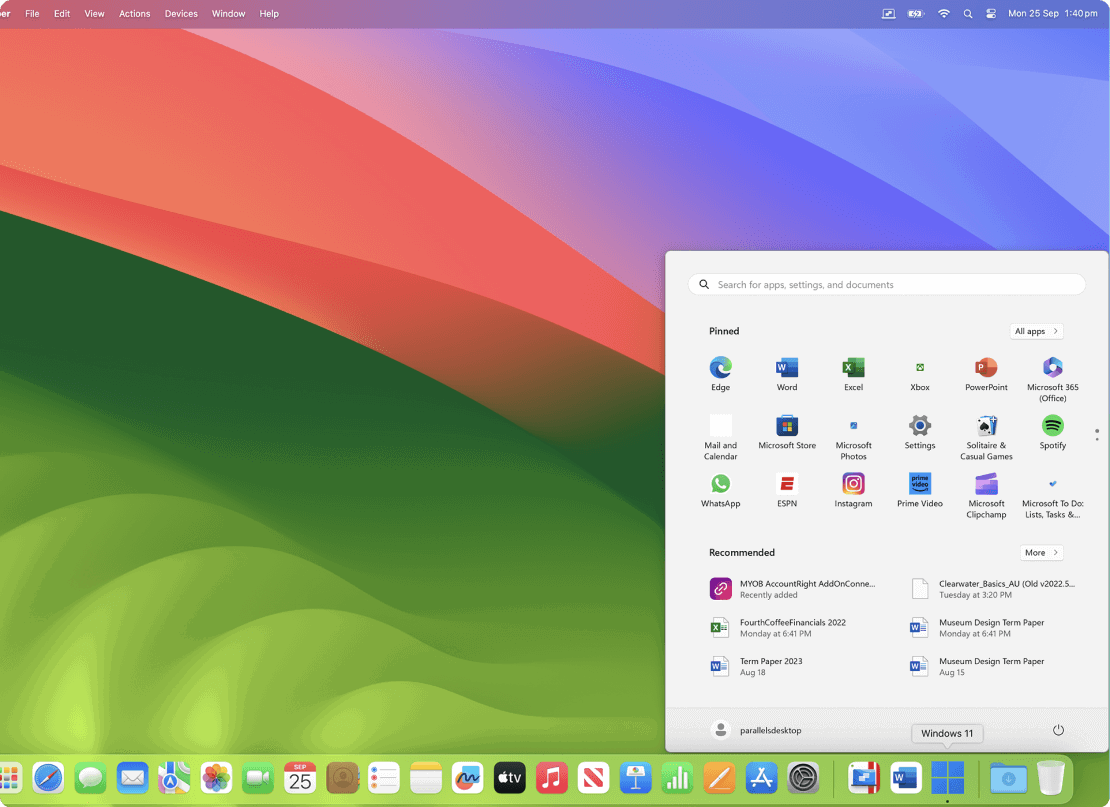
Parallels Desktop gives you the freedom to choose the view that works best for you. In Coherence mode, Windows is completely hidden and you'll only see the apps that run in Windows but look like they're native to macOS. If, on the other hand, you prefer the classic Windows interface,you can view it full screen and use it just like on a regular PC. Whichever way you choose, you can run Mac and Windows apps at the same time, seamlessly side-by-side and without the need to constantly switch.
With Parallels Desktop, you can easily drag and drop files, images, or text between Windows and macOS apps as if they were one single system. No USB, cloud or complicated setup required, just grab the file and drag it from one app to another. Whether you're editing a document in Word for Windows or inserting an image into a presentation created on your Mac, everything works quickly and seamlessly.
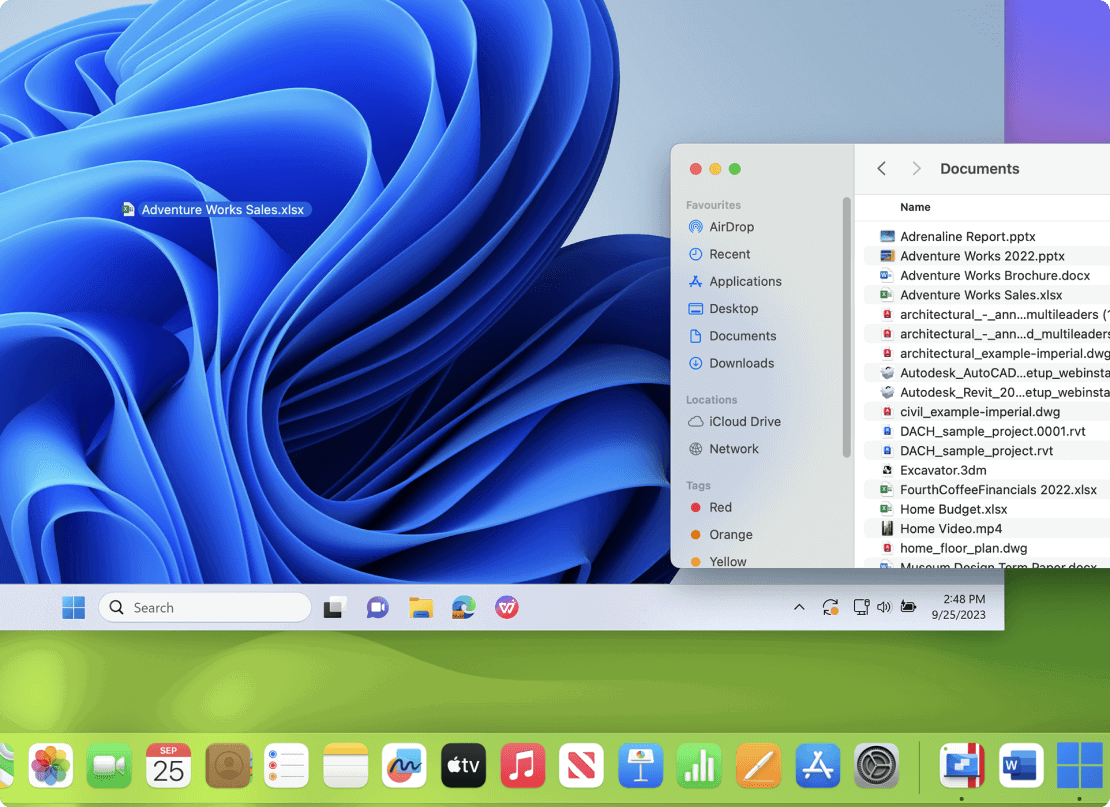
With Parallels Desktop, you can open files stored on your Mac directly in Windows without having to copy or transfer them. Just find them in Finder and open them with any Windows application, everything is linked and fully functional. This tight integration allows you to benefit from both systems simultaneously: easy file management on macOS and a wide range of apps available for Windows. Work becomes smoother, more efficient and more comfortable.
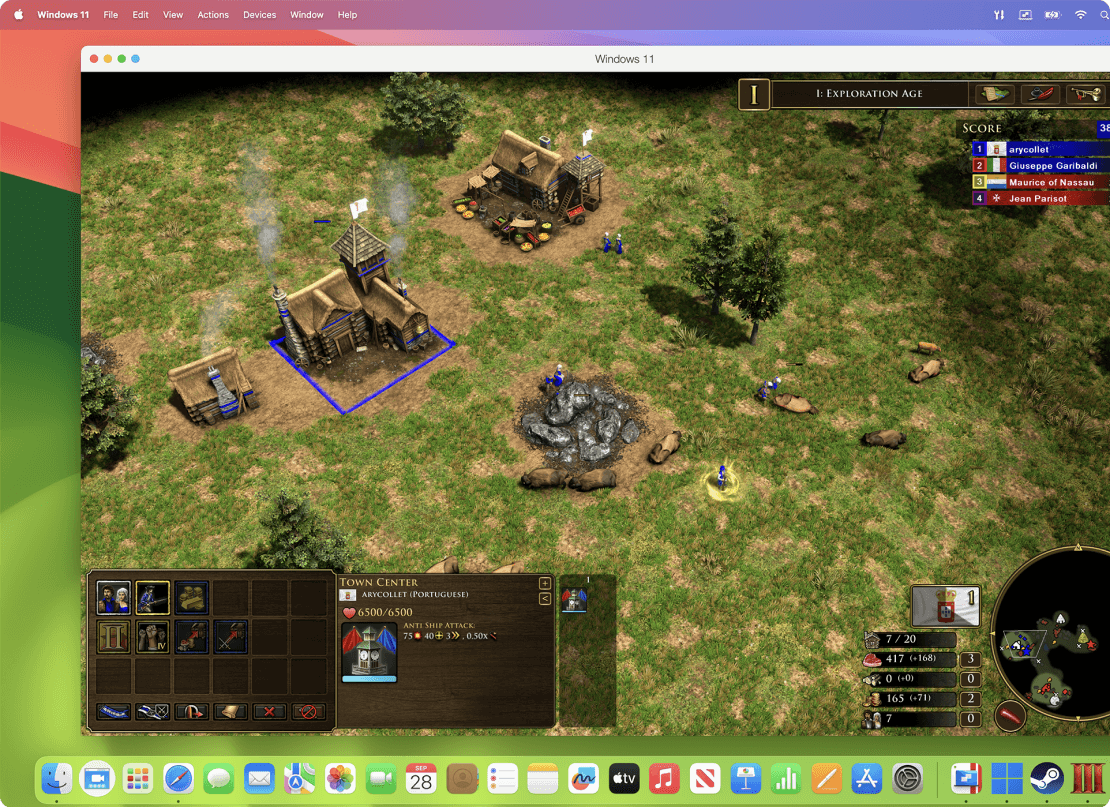
With Parallels Desktop, you can enjoy many of your favorite games on your Mac that are otherwise only available on Windows. Whether it's popular titles like Roblox, League of Legends, Minecraft, Half-Life 2, Age of Empires, Fortnite, Fall Guys or Rocket League,all run smoothly and seamlessly right in the virtual environment on your Mac. Parallels supports up to DirectX 11, so you can enjoy high-quality graphics and smooth gaming. Play hundreds of Windows games without owning a separate gaming PC, all conveniently and with performance that rivals a traditional PC.
Licence EDU je určená pro studenty, školy (zaměstnance školy), neziskové organizace a školicí centra.
