


Dobrý den potřebují pořídit extender nevím jestly tento TP-LINK RE200 AC750 Dual Band nebo TP-LINK RE300 zajímá mě je mezi nimi velký rozdíl děkuji za odpověď
TP-LINK RE300
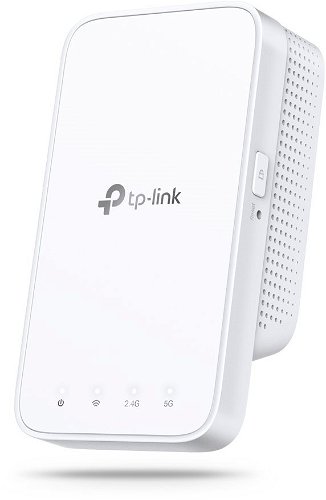
WiFi Booster with WiFi 5, 802.11with/b/g/n/ac, up to 300 Mb/s, dual-band (2,4 GHz 300 Mb/s + 5 GHz 867 Mb/s ), WEP 64bit, WEP 128bit, WPA-PSK and WPA2-PSK
Show full description
Great price
38.90 €
Save 3 €
Shop faster with pickup at AlzaBox or in-store.
Warranty 36 months
Code:
TP633m47
Producer's Website:
- Reviews 25
- Help and manuals 41
- Specifications
- Photos & Videos 6
- Alternatives 5
- Accessories and suggested products

TP-LINK RE300
38.90 €
In stock > 5 pcs
Buy
TP-LINK RE300
No alt text for the photo has been provided!
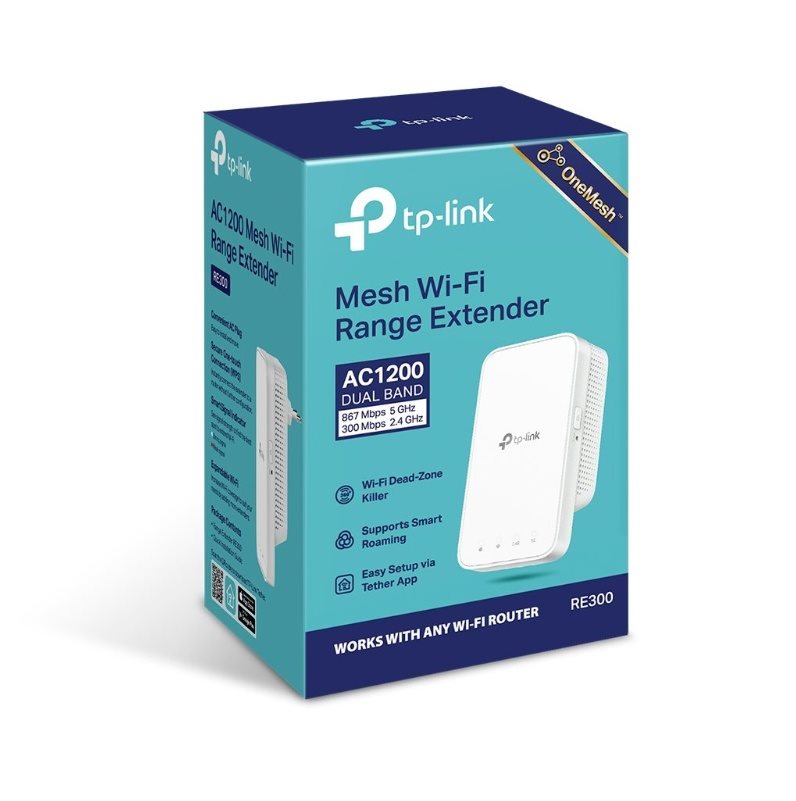
TP-LINK RE300 WiFi extender
- Extends dual-band WiFi throughout your home
- Supports OneMesh technology for seamless coverage
- Operates on 2.4GHz (300Mbps) and 5GHz (867Mbps) bands
- Intelligent signal light
- WPS buttons for easy Mesh network setup
- Manage your network with the Tether app or Web UI
- Works with any WiFi router or wireless access point
- Mobile app available in Czech and Slovak

Delivers a quality WiFi
signal throughout your home
AC1200 Mesh WiFi Range Extender RE300
Four reasons to choose
the TP-LINK RE300




You can't connect in certain rooms of your house.
You lose signal when you're out in the garden.
Data is constantly buffering.
Complicated network setup.
Connect anywhere
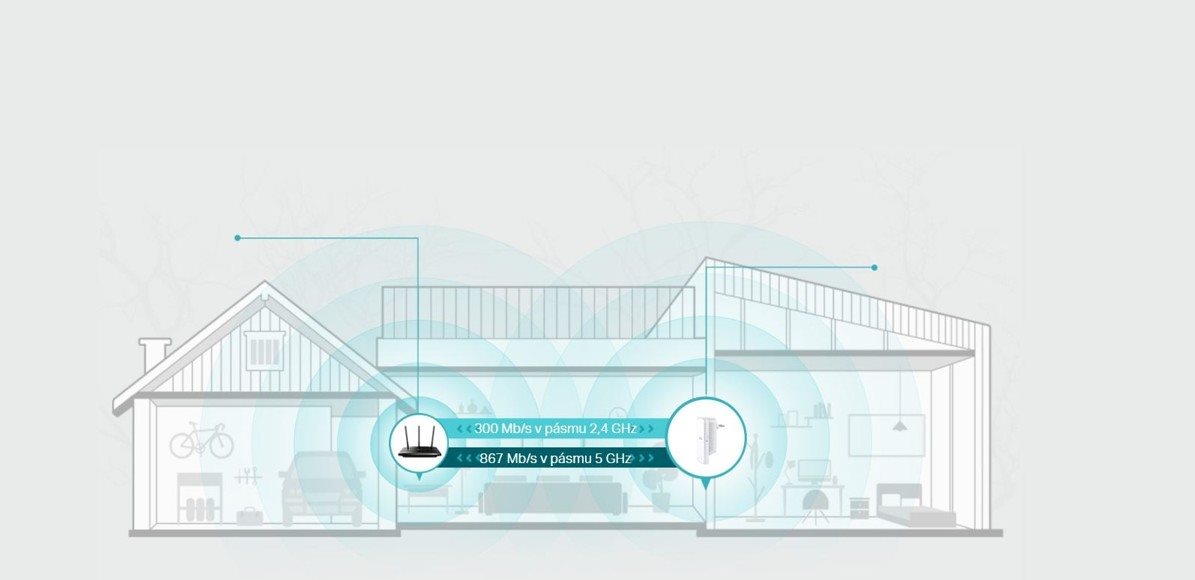
The range extender connects wirelessly to your router, extending the signal to areas the router can't reach on its own. This minimises dead zones, and with speeds of 300Mbps on the 2.4GHz band and 867Mbps on the 5GHz band, you can enjoy a truly fast and stable connection.
TP-LINK OneMesh
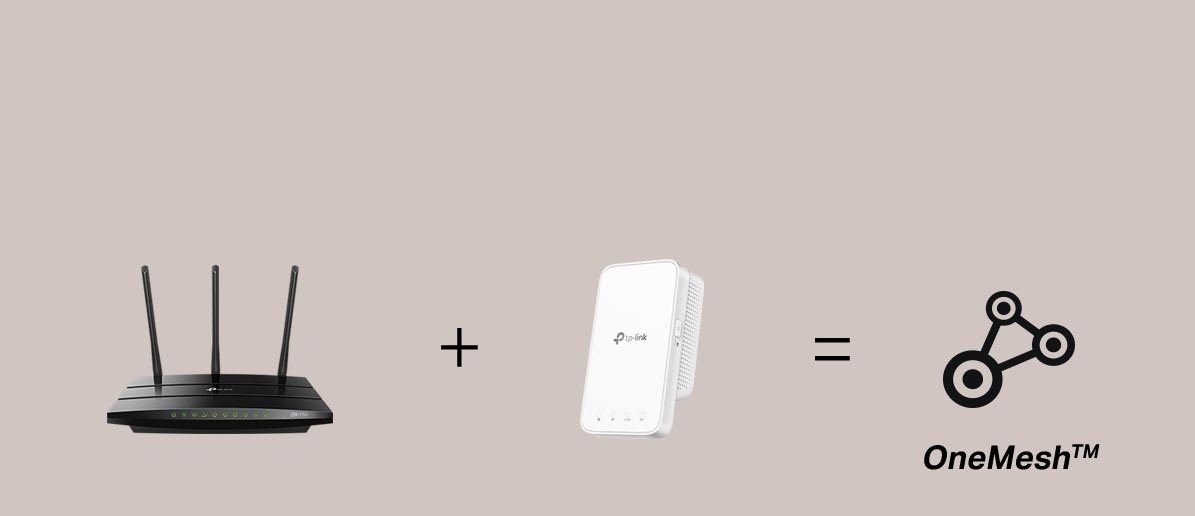
OneMesh is a simple way to create a Mesh network with a single WiFi name. Just connect the extender to a OneMesh-enabled router. You'll no longer have to search for a spot with a strong signal.




Smart roaming
Uninterrupted streaming as you move around your home.
One WiFi network name
No need to switch between different networks.
Easy creation
OneMesh Router + OneMesh Range Extender.
Unified management
Manage the entire network in the Tether mobile app.
A Mesh network with your existing router?
If you already have a TP-LINK router (e.g. Archer C7), simply update the firmware, buy this range extender, and pair the two devices. That's all it takes to start enjoying the benefits of a Mesh network.
Dual-band WiFi without bandwidth limitations
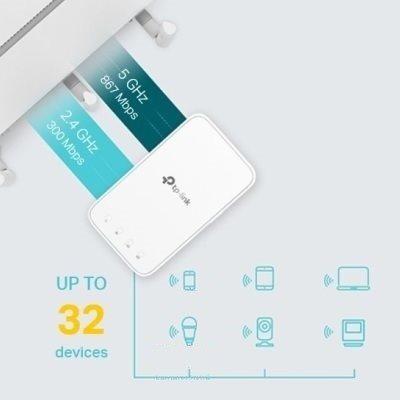
Faster
The RE300 keeps more devices connected simultaneously without limiting speed.
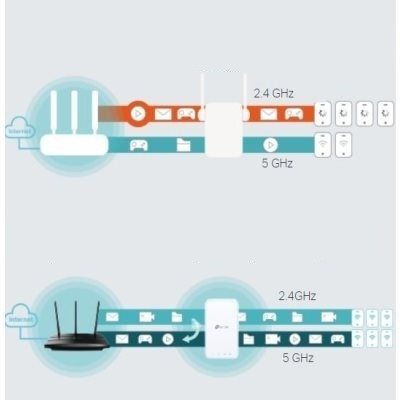
Maintains speed
Adaptive Path Selection keeps your
network running at top speed. It automatically selects the fastest path to the router.
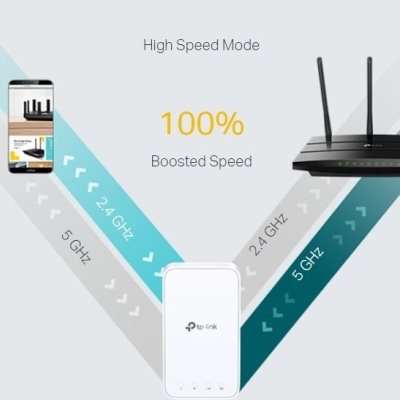
High-speed mode
Use both Wi-Fi bands to create a single super-fast connection, ideal for HD streaming and gaming.
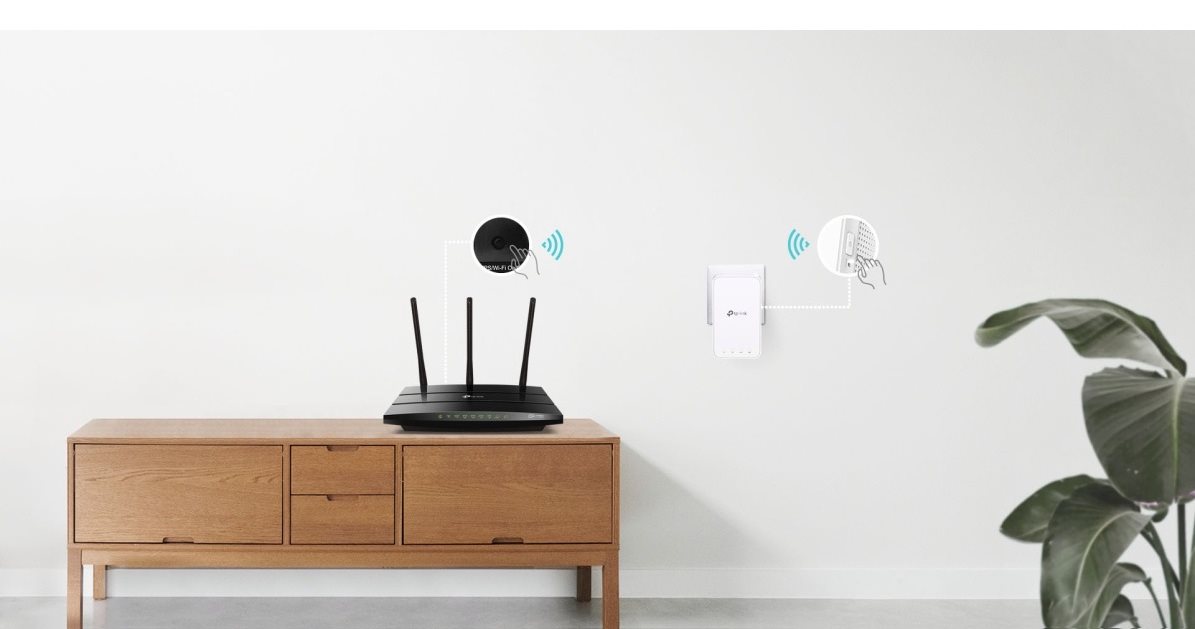
Easy to set up
Pairing the router and the RE300 is very easy thanks to the WPS button. Press WPS on the router and do the same on the extender within two minutes. Once connected, place the RE300 in a suitable location.

Intelligent signal
indicator
A smart indicator light lets you know the signal strength. If it's white,
the signal is strong enough. If it's red,
you need to find a better location for the RE300.
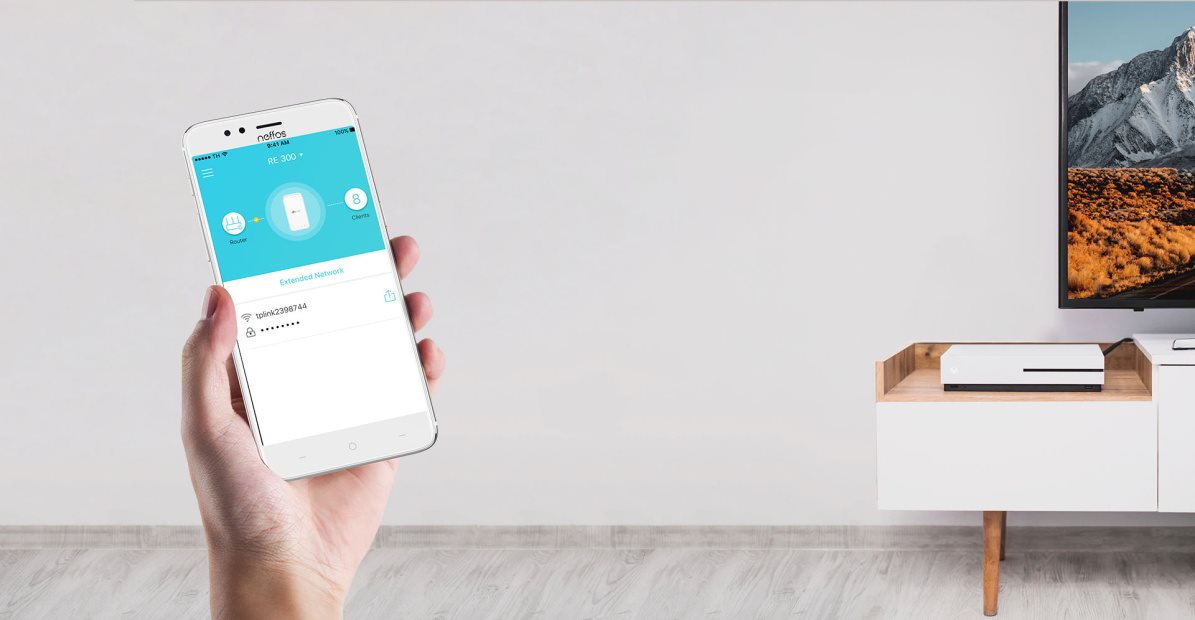
Tether mobile app
You can set everything up conveniently from your Android or iOS mobile
phone using the Tether app.
Specifications
Usage
WiFi transmission speed
Speed at 2.4GHz
Speed at 5GHz
Usage
Usage
Speed
WiFi transmission speed
Speed at 2.4GHz
Speed at 5GHz
Standards and frequency
Security
Antenna features
Advanced parameters
Backhaul
Maximum SSID count
Dimensions and weight
Width
Height
Depth
Weight
Colour
Colour
Power outlet type
Country
Functions
Features
Use
Advanced parameters
Maximum SSID count
More Specifications

TP-LINK Czech s.r.o., Pekařská 10a, 15500 Praha 5, Česko, [email protected], www.tp-link.com
TP-LINK Czech, s. r. o., Pekařská 695/10, Jinonice, 155 00 Praha 5, CZ +420 212 812 622 / SK +421 233 006 532, [email protected]
Note:
Specifications can be changed without notice. Images are for illustrative purposes only.
