


Dobrý deň. Dokáže zariadenie fungovat aj v rezime, kedy je v domacnosti v kazdej miestnosti toto zariadenie a pri prechode medzi miestnostami alebo poschodiami sa napriklad telefon bez prerusenia prepaja medzi zariadeniami,neviem ako presne to mate pomenovane
TP-LINK Omada EAP230-Wall
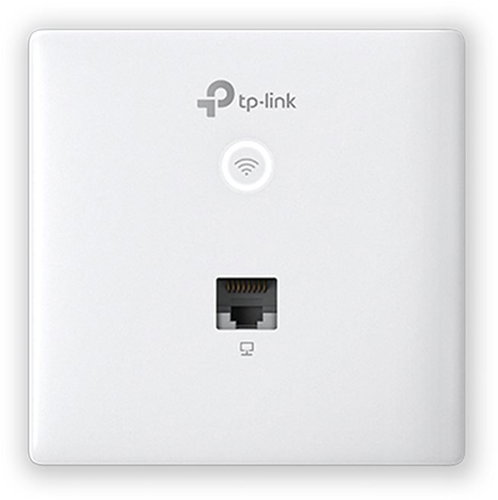
WiFi Access Point and WiFi 5, 802.11and/b/g/n/ac, up to 1167 Mb/s, Dual-band (2,4 GHz 300 Mb/s + 5 GHz 867 Mb/s ), WEP 64bit, WEP 128bit, WPA-PSK, WPA2-PSK, WPA-Enterprise and WPA2-Enterprise, IPv6 Ready
Show full description
83.90 €
Shop faster with pickup at AlzaBox or in-store.
Warranty 60 months
Code:
TP633m72
Producer's Website:

TP-LINK Omada EAP230-Wall
83.90 €
Unsealed - in stock 1 pcs
Buy
TP-LINK Omada EAP230-Wall

TP-LINK Omada EAP230-Wall is an almost new item, in perfect condition, and comes with a full warranty. However, someone opened the original packaging before you. Why? It could have been an unwanted gift. For detailed information, click here.
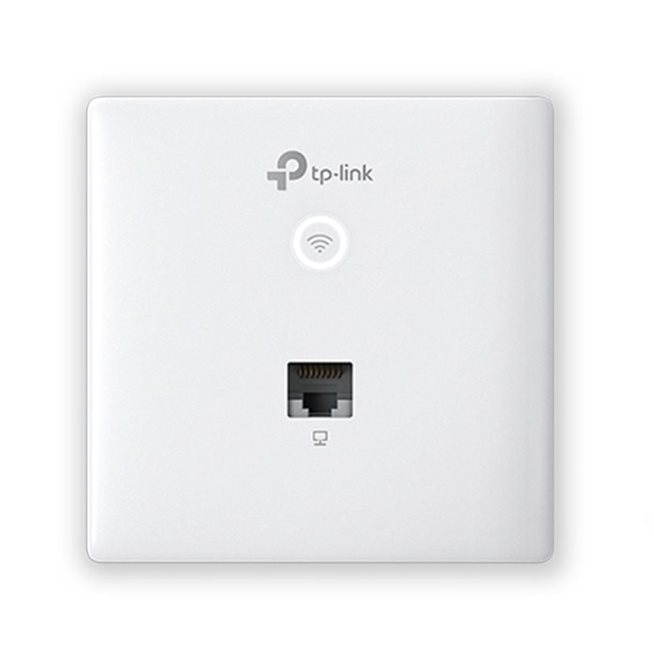
MU-MIMO access point TP-LINK Omada EAP230-Wall
- Fast dual-band WiFi – 300Mbps on the 2.4GHz band and 867Mbps on the 5GHz band
- Two gigabit ethernet ports (1× uplink + 1× downlink)
- Integrated into Omada SDN: Zero-Touch Provisioning (ZTP) – centralised cloud management and intelligent monitoring
- Centralised management – cloud access and the Omada app for easy management
- Elegant design with a thickness of just 11mm
- Same size and shape as a standard light switch or socket
- Supports 802.3af PoE for flexible installation
- Secure guest network with authentication options (SMS/Facebook WiFi/Voucher, etc.)

Gigabit access point
in a unique design
TP-LINK EAP230-Wall
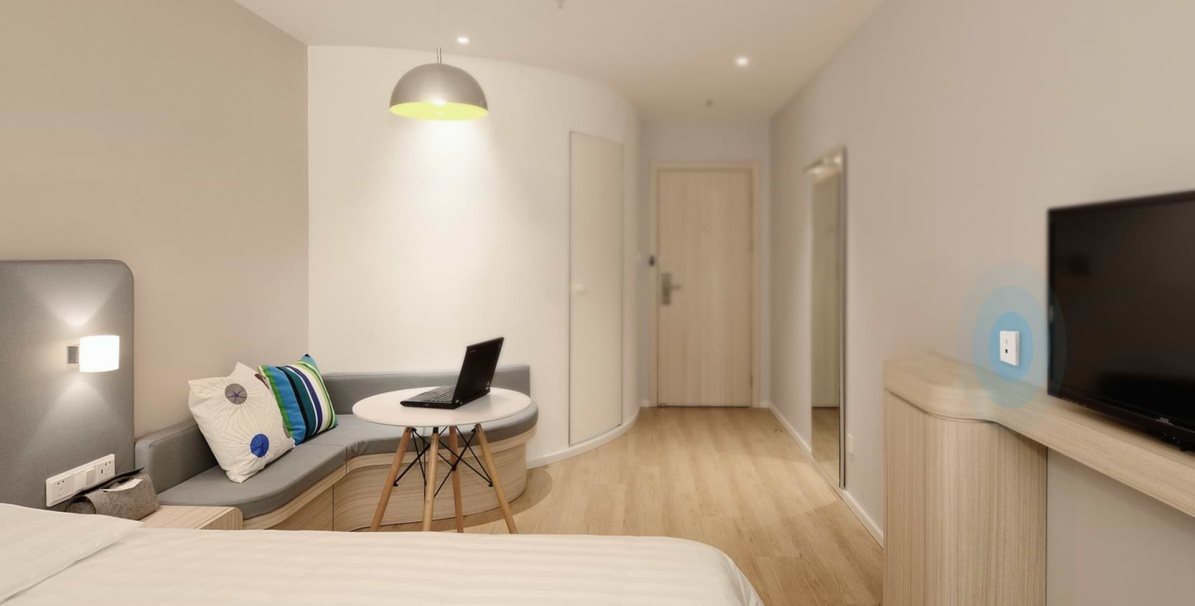
Private connection for every room
The EAP230-Wall is designed to meet all network needs in buildings with many separate rooms, such as hotels, offices or student halls. A device in each room provides every user with an exclusive high-speed WiFi connection.
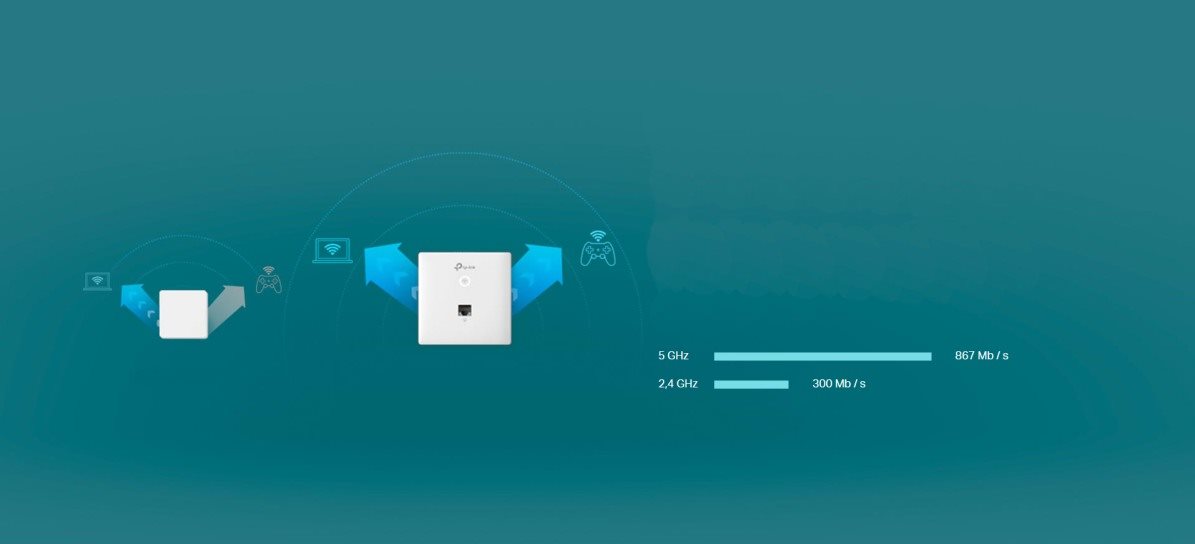
Faster connections for more devices
802.11ac wave 2 technology lets multiple users access
the internet at the same time. Speeds of up to 1200Mbps and dual
bands (2.4 and 5GHz) provide high-speed internet access
for various devices without speed loss or lag.
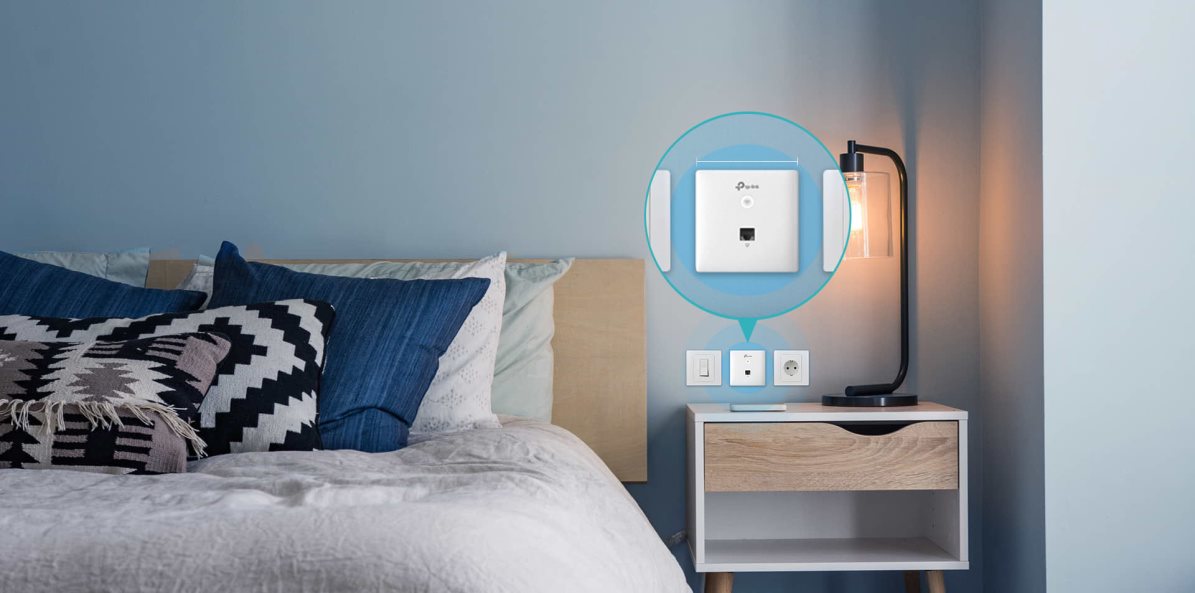
Perfect for any interior
The Omada EAP230-Wall is the same size and shape as a standard switch
or socket faceplate.
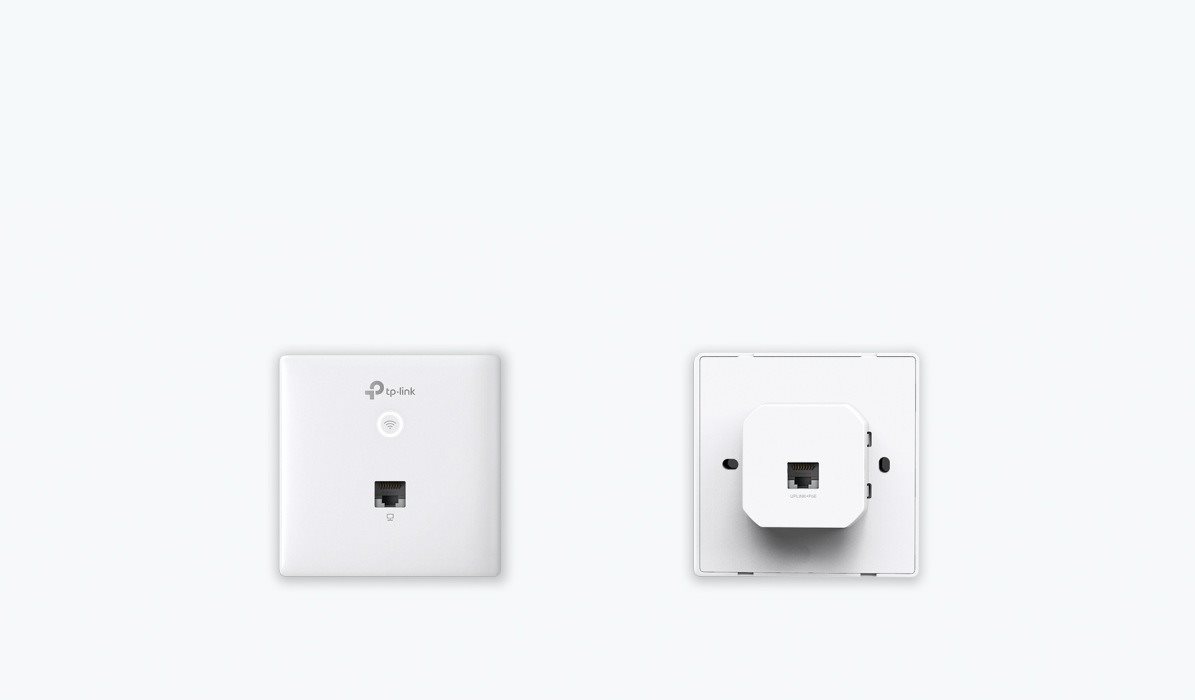
Gigabit port
The TP-LINK EAP230-Wall access point is equipped with a front and rear high-speed gigabit port. This lets you take advantage of maximum data transfer speeds.

Power over Ethernet
Support for the 802.3af/802.3at PoE standard means
the TP-LINK EAP230-Wall doesn't need an extra power supply.
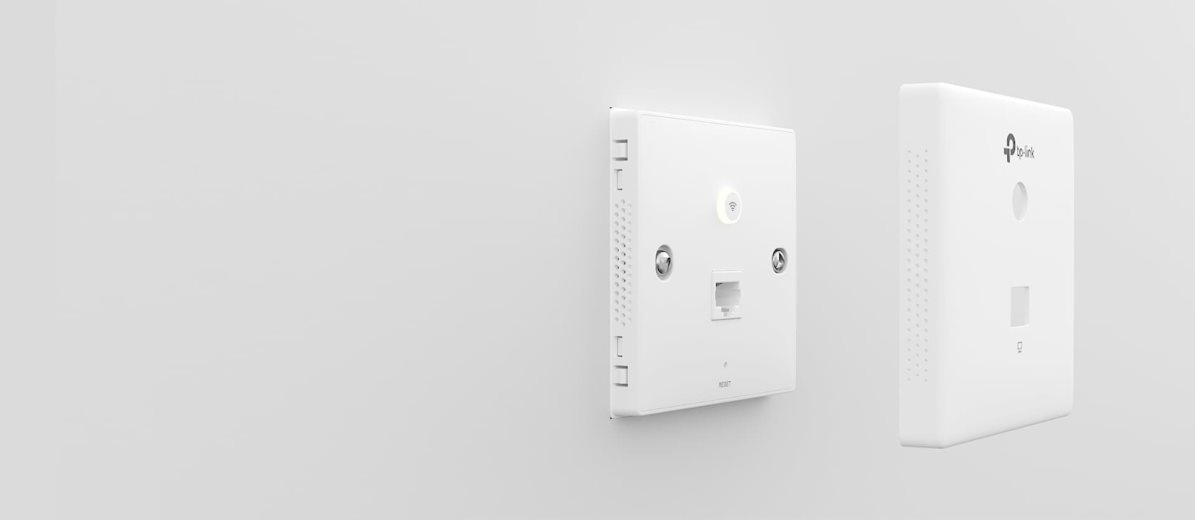
Quick and easy
installation
1. Remove the top cover
2. Connect the ethernet cable
3. Screw the AP body to the wall using the supplied screws
4. Replace the front panel
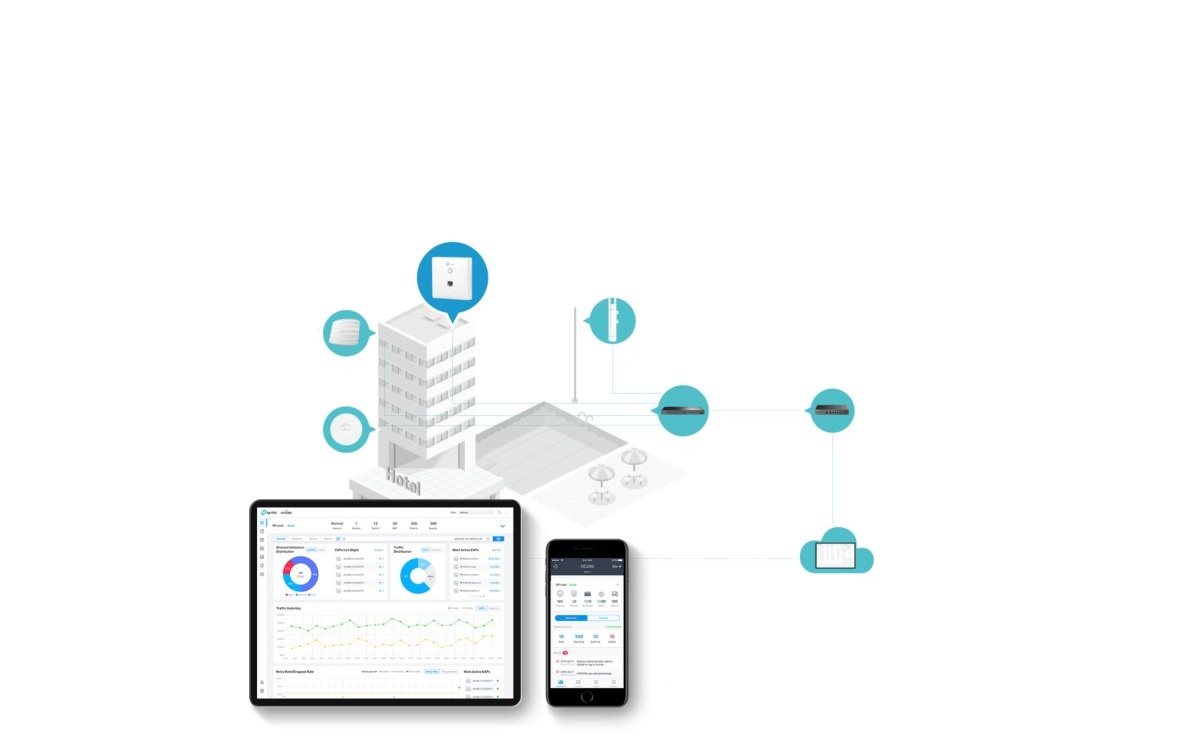
Omada SDN - a smart cloud solution
The Omada Software Defined Networking (SDN) platform integrates network devices such as access points, switches and gateways, providing centralised cloud management. With Omada, you can create a highly scalable network that you control from a single interface.

Easy management with the Omada app
Follow the configuration instructions in the free Omada app to get set up in minutes. Omada lets you configure settings, monitor network status and manage clients, all from the comfort of your smartphone or tablet.
Specifications
Standards and frequency
Functions
Features
Use
Speed
WiFi transmission speed
Speed at 2.4GHz
Speed at 5GHz
Security
Connectors
2 ×
Antenna features
Advanced parameters
Advanced functions
Maximum SSID count
Number of LAN ports
Number of LAN ports with 1 Gbit speed
Dimensions and weight
Width
Height
Depth
Weight
PoE charging
Mounting method
More Specifications

TP-LINK Czech s.r.o., Pekařská 10a, 15500 Praha 5, Česko, [email protected], www.tp-link.com
TP-LINK Czech, s. r. o., Pekařská 695/10, Jinonice, 155 00 Praha 5, CZ +420 212 812 622 / SK +421 233 006 532, [email protected]
Note:
Specifications can be changed without notice. Images are for illustrative purposes only.
