


Dobrý den, umí tiskárna automaticky oboustranně skenovat nebo je nutné dokupovat speciální podavač? (v parametrech je uvedeno - "lze dokoupit podavač" - jedná se o tuto funkci nebo lze dokoupit podavač na něco jiného?) Děkuji Petr V.
HP LaserJet Pro MFP 4102fdn
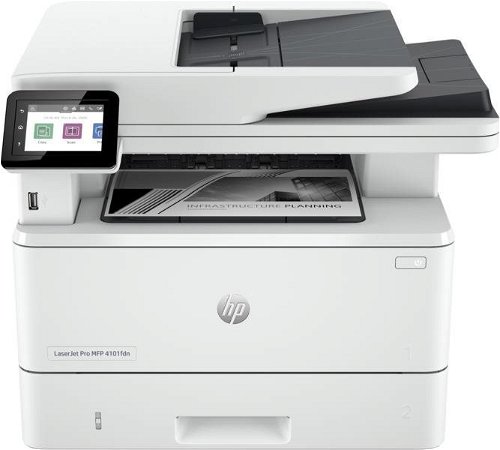
Laser Printer - multifunctional, black and white, A4, copier and scanner, fax, (ISO) black-and-white print speed of 40 PPM, print resolution: 600 x 600 DPI, duplex, DADF scanner, touchscreen, AirPrint, USB and LAN
Show full description
358.90 €
Shop faster with pickup at AlzaBox or in-store.
Add to list
Warranty 24 months
Code:
PA404g11a7
Producer's Website:

HP LaserJet Pro MFP 4102fdn
358.90 €
Currently Unavailable
HP LaserJet Pro MFP 4102fdn
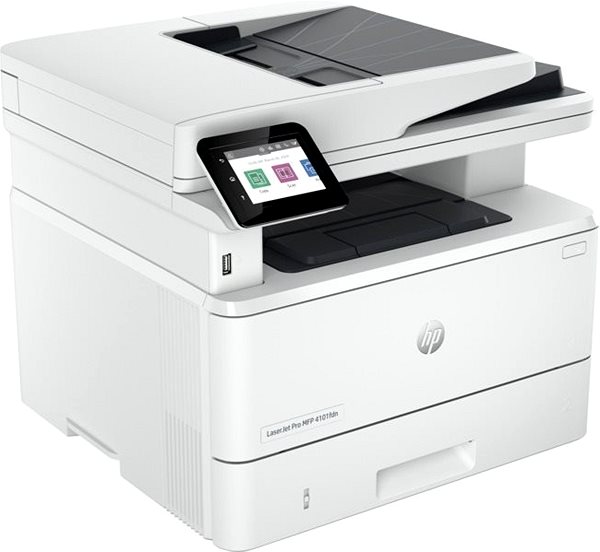
A laser printer is a reliable tool to have at home or in the office. With the help of this laser printer, you can print various texts in high-quality with sharp details. This model can print in black and white colours. This HP LaserJet Pro MFP 4102fdn has the resolution of of 600 x 600 DPI. It reaches a print speed of 40 PPM and it can print in A4, A5 and A6 formats. It can print on both sides of one paper, which makes work much easier. Changing the functions on this HP printer is easy thanks to the intuitive touchscreen display. You can connect to your computer or other devices through the USB and LAN interface. Laser printers are generally more cost-efficient, so you can print more quantities of documents at a lower cost than with inkjet printers. The HP laser printer is a multifunctional 3-in-1 model that can copy and scan. Another function it has is that it can print DL, B5 and C5 format envelopes.
HP LaserJet Pro MFP 4102fdn Laser Printer Key Features
- HP laser printer can print on both sides of a paper at once
- Max. printing speed: 40 PPM
- Touch built-in display
- Max. print resolution: 600 x 600 DPI
- Paper format: A4, A5 and A6
- HP laser printer can also fax papers
- HP LaserJet Pro MFP 4102fdn can fit up to 350 sheets in the input tray
- Connects through USB and LAN interface
- HP printer can scan both sides of a document at once
- You can print right from your smartphone through AirPrint
- Black-and-white laser printer perfect for office or home use
- Prints envelopes in DL, B5 and C5 format
HP LaserJet Pro MFP 4102fdn Laser Printer Copy and Scanning Functions
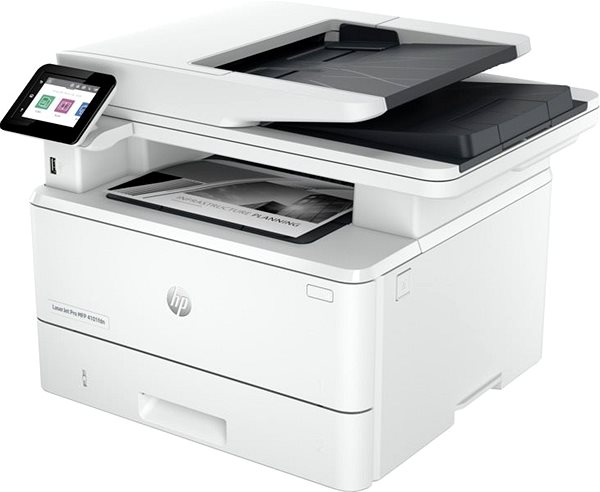
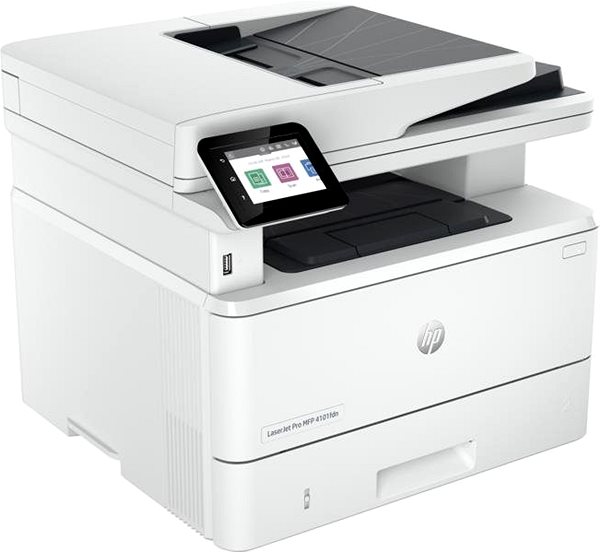
Since this HP laser printer is a very useful, multifunctional device, it can replace a copy machine and scanner. This saves you plenty of space and costs, since you have everything in one device. The printer can scan at a resolution of 1200 x 1200 DPI with a scanning speed of 29 PPM. You are also able to quickly send documents by e-mail.
- Printers are usually supplied with a starter toner and/or cartridges with an approximate 60% capacity of regular cartridges which are available to purchase separately.
Dynamic security enabled printer
Certain HP printers are intended to work only with cartridges that have a new or reused HP chip or electronic circuitry. These printers use dynamic security measures to block cartridges using a non-HP chip or electronic circuitry. Periodic firmware updates will maintain the effectiveness of these measures and block cartridges that previously worked. Reused Hp ships and electronic circuitry enable the use of reused, remanufactured, and refilled cartridges. Learn more on https://support.hp.com/gb-en/document/ish_7470520-7449625-16
Specifications
Print colour
Usage
Features
Connection
Type
Function
Features
Connection
Connection
Supported Paper Sizes
Standard Paper Sizes
B5, C5, DL
Scanning
Printing parameters
600 x 600 DPI
Print speed in black and white - maximum
Input trays
80,000 pages/month
150 sheets
Available alternative refill
Dimensions
Height
Depth
Width
Weight
Equipment
Touch
Colour
Colour
Package includes
Package Includes
Services
Services
More Specifications

HP Inc Czech Republic s.r.o Za Brumlovkou 5/1559 140 00 Praha 4 VAT ID: CZ 03208427 Radek Mattas, [email protected]"
GO Europe GmbH, Zum Kraftwerk 1, Hattingen 45527, Germany, +49232468010, [email protected]
Hewlett-Packard was founded in the difficult times of the Great Depression. The founders were a pair of friends whose name the company still proudly bears. They started their business in an unobtrusive garage near the city of Palo Alto. It is now a national monument. HP’s success lay not in copying existing products, but in the ability and courage to come up with something new.
The first commercial triumph was an oscillator that surpassed all competition in quality, yet sold at a quarter of the price. In 1968, HP released their first desktop computer - a desktop calculator. The company currently manufactures products primarily related to computer technology - computers and laptops, printers, scanners, digital cameras, servers, and last but not least, calculators.
Note:
If there is no "package contains" box in the product parameters and the data or USB cable is not specifically mentioned in there, the package does not contain it and must be purchased separately.
Specifications can be changed without notice. Images are for illustrative purposes only.
