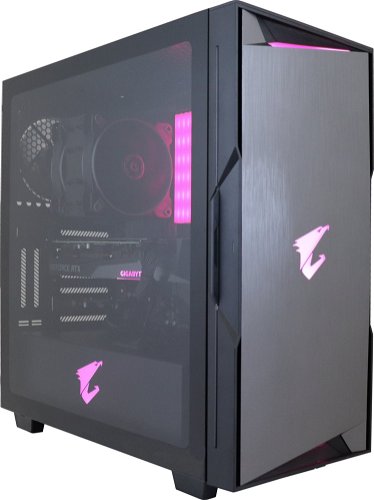
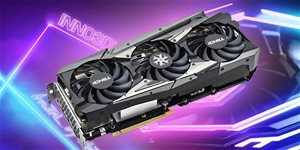
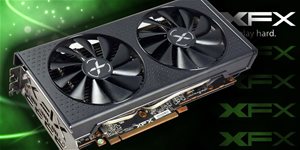
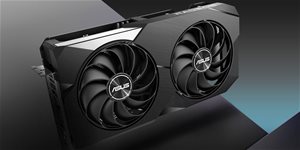
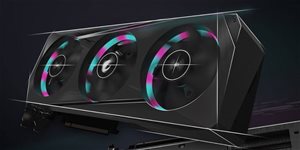
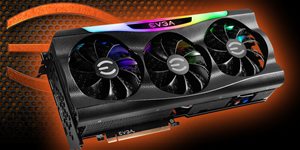
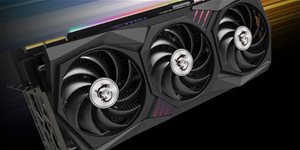
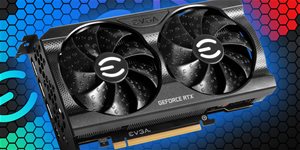
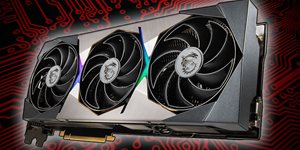
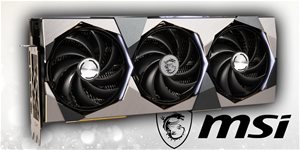
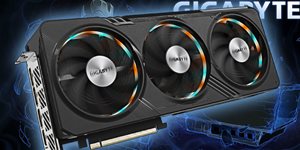
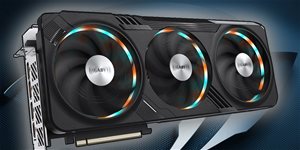
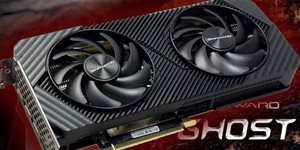
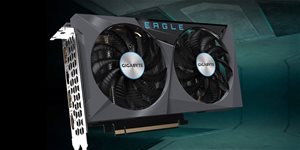
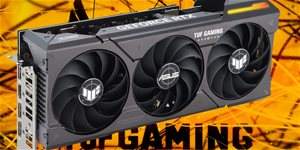
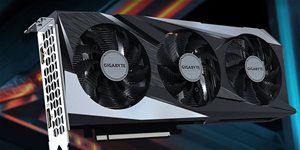
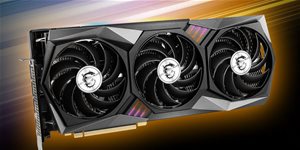
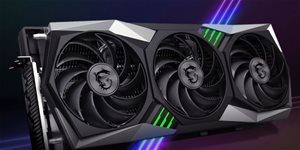
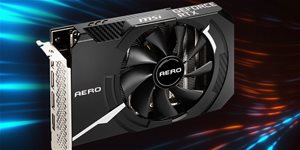
This ALZA gaming PC is the ideal machine for any enthusiastic gamer. It offers both an eye-catching design and fast, carefully tuned hardware. The gaming PC can easily handle new titles, and it will even keep the pace with the demands of new games for a few more years. The heart of the practical Alza BattleBox Ryzen RTX3070 Aorus gaming PC is the AMD Ryzen 7 processor. Add to this exceptionally high RAM. Of course, there is a dedicated graphics card on this gaming PC, thanks to which you will enjoy every single detail. Everything is fit into a Midi Tower cabinet with enough space left for expansion.
Alza BattleBox Ryzen RTX3070 Aorus Gaming PC Key Features
Gaming PC with an impressive design and great performance
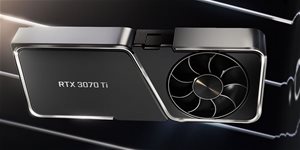
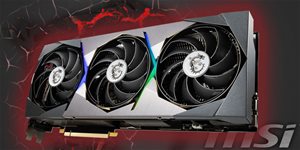
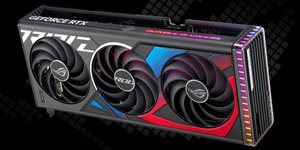
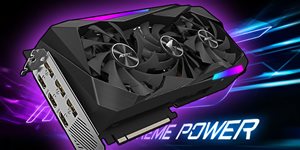
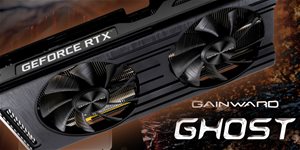
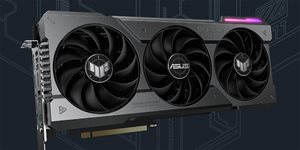
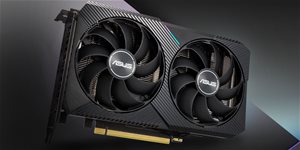
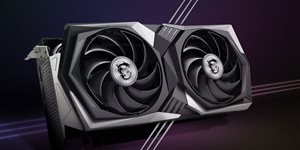
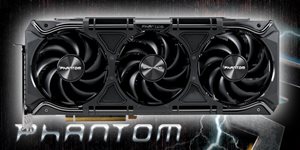
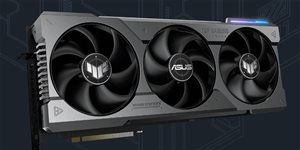
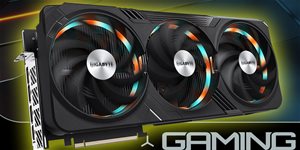
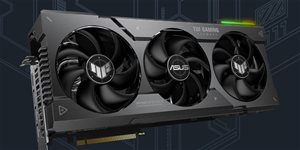
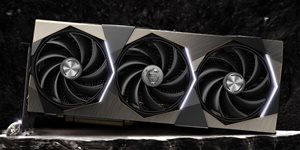
Gaming computer with NVIDIA GeForce RTX 3070 model of video card with a memory of 8 GB
WiFi module mediates internet connection
HDMI and DisplayPort video outputs
Boasts 4× USB 2.0 ports for connecting different devices
4× USB 3.2 Gen 1 (USB 3.0) ports are on the rig
The Alza BattleBox Ryzen RTX3070 Aorus gaming PC runs on Windows 10 Pro
What Kind of Processor and are in the Alza BattleBox Ryzen RTX3070 Aorus Gaming PC?
The basis of the speed and computing power of the gaming PC is eight-core AMD Ryzen 7 5800X processor, which has a frequency of 3,8 GHz. In Turbo Boost mode, the gaming PC can reach 4,7 GHz. Comfortable and fast work is guaranteed with the RAM memory of the DDR4 type. It boasts a large capacity of 32 GB. The RAM is installed in 4 slots in the gaming PC. The Alza BattleBox Ryzen RTX3070 Aorus gaming PC has 3000 GB of storage for installations and data storage. The maximum storage capacity is a combination of 2 TB in the HDD and 1000 GB in the SSD on this gaming PC. For graphics, the ALZA gaming PC uses the NVIDIA GeForce RTX 3070 with a memory of 8 GB, which will present a high-resolution image., which will allow for the smooth running of new titles.
The Monitor and Connectivity on the Alza BattleBox Ryzen RTX3070 Aorus Gaming PC
For connecting different electronics to the ALZA gaming PC, it has a nice array of adaptors. It includes, of course, 4 standard USB 2.0 ports, and you will find the 4× USB 3.2 Gen1 (USB 3.0) connector. To connect a display, the Alza BattleBox Ryzen RTX3070 Aorus gaming PC sports the HDMI and DisplayPort in its arsenal. is complemented by Bluetooth technology. The gaming PC is preloaded with Windows 10 Pro.
Generally, the higher the number, the more powerful the processor. For an office PC, a basic processor series will be more than sufficient, but for more challenging work and gaming you will require a more advanced processor.
Generally, the higher the number, the more powerful the processor. For an office PC, a basic processor series will be more than sufficient, but for more challenging work and gaming you will require a more advanced processor.
One of the main parameters of the processor, indicating the number of instructions that the processor can execute in 1 s. The higher frequency, the better working efficiency of the processor.
Počet jadier v procesore ovplyvňuje výkon vášho stolného počítača. Viac jadier znamená väčšie možnosti pre multitasking, rýchlejšie spracovanie náročných aplikácií a celkovo vyššiu výkonnosť. Ako ale zistiť, koľko jadier potrebujete? V tomto článku sa pozrieme na to, čo znamená počet jadier, ako ovplyvňuje výkon vášho desktopu, a poradíme, podľa čoho sa pri výbere orientovať.
Hardware memory designed to speed up the process of accessing data from the main memory. The larger the value, the greater the speed. A normal value is 2 MB
Allows individual processor cores to run faster than the base frequency, assuming that circumstances (current consumption, temperature of cores) permit it. Intel processors are equipped with turbo...
TDP procesora (Thermal Design Power) je najvyšší možný tepelný výkon procesora, ktorý môže byť dosiahnutý pomocou štandardných aplikácií. Udáva, aké veľké množstvo tepla potrebuje chladiaci systém počítača odviesť od procesora, aby ho ochránil pred príliš vysokými teplotami, ktoré nebude schopný uniesť. Hodnota navrhnutého tepelného výkonu je výrobcom špecifikovaná pre každú súčiastku (procesory, ale aj grafické karty, a podobne). Vyššie TDP majú spravidla výkonnejšie procesory. S jeho vzrastajúcou hodnotou však rastú tiež nároky na chladenie. Jednotkou TDP je Watt.
One of the basic parameters of a graphics card. The greater the capacity, the more power potential. Cheaper graphics cards can have, for example, 512 MB, whereas gaming cards can have 4 GB or...
Socket is on the motherboard and is used for fitting of the processing unit (CPU). Processors from individual producers and different generations are not compatible with each other.
HDD and SSD drives are used for permanent storage of data on computers and laptops. But what are the differences between the two, and what are their advantages?
The USB 2.0 interface allows you to connect a wide range of equipment. It can be useful for connecting keyboards and mice, and is also suitable for printers, external drives, flash drives...
USB 3.0 is 10 times fater than its predecessor (with which it is backwards compatible). The maximum data transmission speed can be used with flash drives, portable drives and external drives that...
Specifies the physical dimensions of the product itself. The units used are millimeters.
541 mm
Product series
PC series
Alza Battlebox
More Specifications
A 36-month / 3-year or 48-month / 4-year warranty refers to the total duration of the warranty from the date of receiving the goods. Compared to standard statutory rights, this gives you an additional 12 months / 1 year or 24 months / 2 years, respectively, to file a claim.
Unless otherwise specified, the assembly is delivered to a Czech localization.
Specifications can be changed without notice. Images are for illustrative purposes only.
Dobrý den, v případě takovýchto sestav, jsem nějak omezen, pokud se v průběhu záruky rozhodnu některé komponenty vyměnit? Nebo se záruka vztahuje na celé PC a tedy neni možné cokoliv měnit, aniž bych tím nepřišel o záruku? Předem děkuji za odpověď.
Dobrý den, v případě takovýchto sestav, jsem nějak omezen, pokud se v průběhu záruky rozhodnu některé komponenty vyměnit? Nebo se záruka vztahuje na celé PC a tedy neni možné cokoliv měnit, aniž bych tím nepřišel o záruku? Předem děkuji za odpověď.
Dobrý den PC mám už od srpna a už od té doby občas blbne (Blue screeny atd...) momentálně jsem vyzkoušel diagnostiku paměti windows a hlásí že byla nalezena chyba a že mám kontaktovat prodejce mám PC zaslat na reklamaci? Nebo existuje i jiné řešení?
Dobrý den PC mám už od srpna a už od té doby občas blbne (Blue screeny atd...) momentálně jsem vyzkoušel diagnostiku paměti windows a hlásí že byla nalezena chyba a že mám kontaktovat prodejce mám PC zaslat na reklamaci? Nebo existuje i jiné řešení?
Zdravíčko,
chtěl bych se zeptat jak je to s chlazením u tohoto pc, protože case vypadá celkem uzavřeně, takže se bojím o chlazení a teploty CPU nebo GPU.
Děkuji za odpověď,
přeju krásny zbytek večera!
Zdravíčko,
chtěl bych se zeptat jak je to s chlazením u tohoto pc, protože case vypadá celkem uzavřeně, takže se bojím o chlazení a teploty CPU nebo GPU.
Děkuji za odpověď,
přeju krásny zbytek večera!
Dobrý deň,
PC som kúpil pred týžňom, od druhého dňa GPU padá a hlási chybu 43. Občasne to spravím odpojením a pripojením GPU -> hardwarovo kryt a sroby dole, unplug a plug in (soft cez device manager nic nerobi). Driver mam najaktualnejsi. Zhodenie do tovarneho nastavenia som skusal uz 4 krat, vzdy po nejakej zatazi je problem nazad. Skusil som aj v biose navtavit PCI e na gen3, podla netu to vraj pomoze. Problem stale trva.
Chcem vyskusat
flashnut bios GPU, mozem takuto operaciu spravit a neprist o zaruku?
Reklamaciu vidim ako problem, po unplug a plug in a roll backu do tovarneho nastavenie sa problem prejavi az po nejakej zatazi napr. hodinka hrania na full detaily. Bojim sa ze my PC z reklamacie vratia s komentom "problem sa neprejavil".
Dobrý deň,
PC som kúpil pred týžňom, od druhého dňa GPU padá a hlási chybu 43. Občasne to spravím odpojením a pripojením GPU -> hardwarovo kryt a sroby dole, unplug a plug in (soft cez device manager nic nerobi). Driver mam najaktualnejsi. Zhodenie do tovarneho nastavenia som skusal uz 4 krat, vzdy po nejakej zatazi je problem nazad. Skusil som aj v biose navtavit PCI e na gen3, podla netu to vraj pomoze. Problem stale trva.
Chcem vyskusat
flashnut bios GPU, mozem takuto operaciu spravit a neprist o zaruku?
Reklamaciu vidim ako problem, po unplug a plug in a roll backu do tovarneho nastavenie sa problem prejavi az po nejakej zatazi napr. hodinka hrania na full detaily. Bojim sa ze my PC z reklamacie vratia s komentom "problem sa neprejavil".
Dobrý den, chtěl bych se zeptal. Je celé PC před zabalením a odesláním zkontrolováno co se týče funkčnosti (byl zapojen, zapnut a nabootován do systému Windows) a složení všech komponentů (zda-li je vše správně upevněno a vyplněny citlivé prostory př. mezi graf. kartou tlumící bublinkovou výplní)? Děkuji za odpověď
Dobrý den, chtěl bych se zeptal. Je celé PC před zabalením a odesláním zkontrolováno co se týče funkčnosti (byl zapojen, zapnut a nabootován do systému Windows) a složení všech komponentů (zda-li je vše správně upevněno a vyplněny citlivé prostory př. mezi graf. kartou tlumící bublinkovou výplní)? Děkuji za odpověď
Try our cookiesAlza.cz a. s., Company identification number 27082440, use cookies and other data to ensure the proper functioning of the website and, with your consent, also, among other things, to personalize advertising and the content of our websites. By clicking on the “I understand“ button, you agree to the use of cookies and the transfer of data regarding the behavior on the website for displaying targeted advertising on social networks and advertising networks on other websites.
We use 8 categories of cookies on our website:
Technical cookies
These are strictly necessary for the functioning of the website and the features you choose to use. Without them, our website would not work; you wouldn't be able to log in to your user account, for example.
Functionality cookies
These cookies allow us to remember your basic choices and improve the user experience. These include remembering your preferred language or allowing you to stay logged in permanently.
Social media cookies
These cookies allow us to easily link you to your social media profile and, for example, allow you to share products and services with your friends and family.
Content personalisation
These cookies allow us to show you content and ads according to the information we have about you to best meet your needs. This includes what content you have viewed, or on what device you are accessing our website.
Non-personalised advertising
These cookies allow us to show you general ads for products and services.
Personalised advertising
Thanks to these cookies, we and our partners can offer you relevant products and services based on your purchases, your shopping behaviour and your preferences.
Audience metrics
These cookies allow us to optimise our site for your convenience based on how you use it. The aim is to remember or anticipate your choices. This includes, for example, the use of features, their location, or the behaviour on the page.
By giving your consent to the processing of cookies, functionality and analytical cookies will be installed on the device you use to browse the website (click on the "I understand" button for both categories, or you can select only one of the categories by clicking on the "Settings" button). We always install technical cookies on your device, even without your explicit consent, because without them our website would simply not work.
You can revoke your consent to the processing of cookies. In connection with our company's cookie processing, you also have the following rights: the right to access cookies, delete, modify, supplement and correct them, restrict processing and the right to lodge a complaint with the Office for Personal Data Protection. Read more about your rights.