Office Software - Microsoft 365 intended for 5 device(s), portable license, with these applications: Word, Excel, PowerPoint, Outlook, OneNote, Access, Publisher, OneDrive and Skype, subscription lasts 12 months, subscription, install through download (electronically), appropriate for households, intended for mobile device and PC, compatible with Windows, macOS, Android and iOS operating system(s), restricted geographically to only in the EU
The product requires an up-to-date operating system.
Get to Know Microsoft 365 Personal
Microsoft 365 is a premium suite of essential apps that delivers everything you need for daily communication. Office applications, such as Word, Excel, PowerPoint and Outlook, help you create inspiring documents and come packed with smart assistance features. Microsoft 365 Personal gives you access to an always-updated portfolio of apps and 1TB of OneDrive cloud storage for an annual subscription.
Key Features—Microsoft 365 Personal
Physical license for installation on up to 5 PC or Mac devices (for one person)
12-month subscription
Includes Word, Excel, PowerPoint, Outlook, OneNote, Access, Publisher, OneDrive and Skype
Supports comprehensive document creation and sharing with 1TB of OneDrive storage
Access hundreds of different templates and ready-made forms
The best compatibility with documents created in older versions of Office
Introductory guides, quick starts, tips and tricks, plus training courses help you get the most out of Office
Contents of Microsoft 365 Personal CZ (BOX)
Word
Excel
PowerPoint
Outlook
OneNote
OneDrive
Create Compelling Presentations with PowerPoint
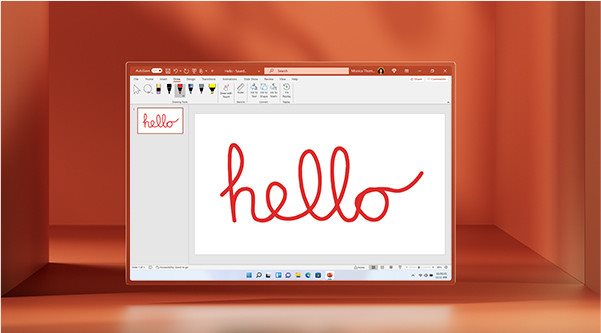
PowerPoint is an app that lets you tell stories that make an impact—anytime, anywhere and with anyone. The PowerPoint app gives you a new look at the familiar tool to help you create and share the most impressive presentations imaginable.
Collaborate on Texts in Word
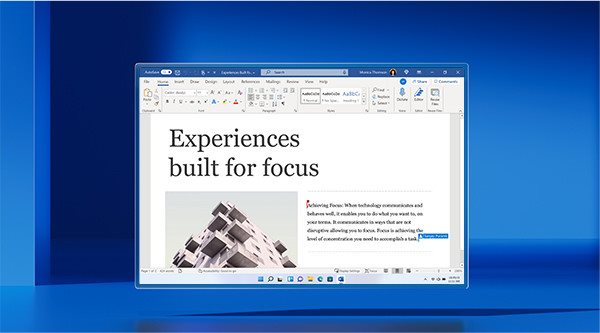
Simply put—Word helps you put together superior texts. It's a desktop application for creating precise documents, and with Microsoft Editor, you get more features and options than ever before. There's also spelling and grammar checks that give you the freedom to write in confidence. Editor makes smart suggestions in the task pane in Word and is your ever-ready assistant for creating documents, writing emails and using the web.
Track and Organise in Excel
Excel learns your work style and saves you time by helping to organise your data. Excel is the place to create tables—from templates or of your own design—and perform calculations with advanced formulas.
Outlook is the Best Email Client
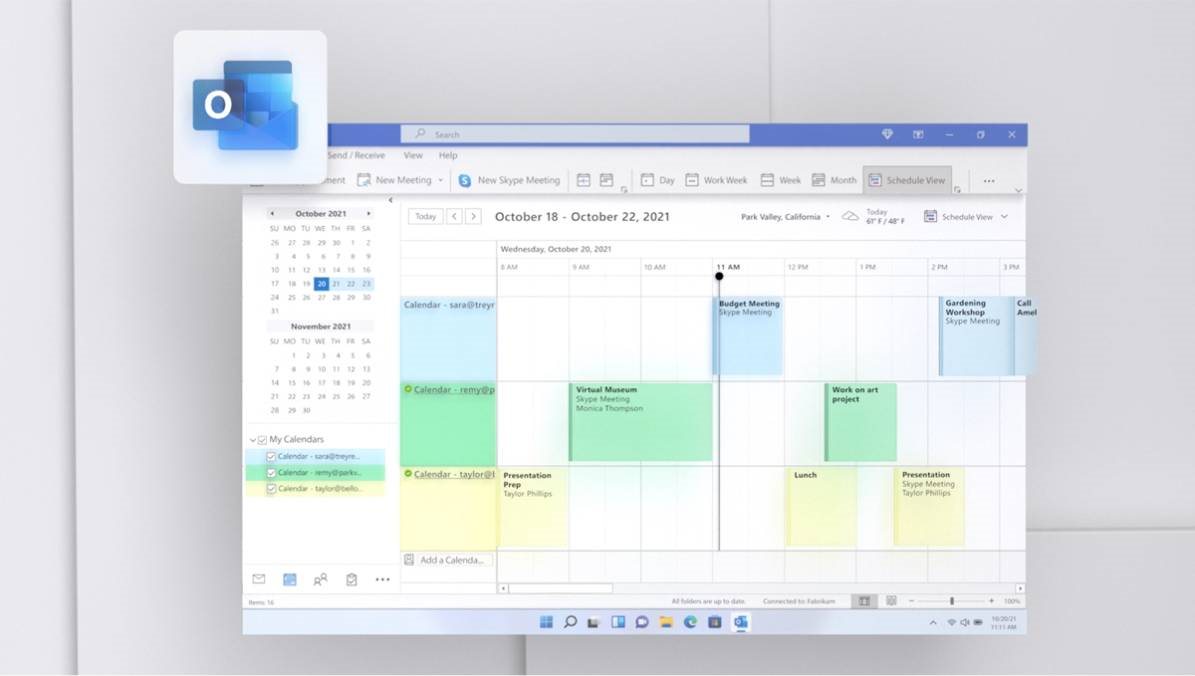
With the extremely reliable Microsoft Outlook, you get a professional email and calendar app that helps you organise your valuable time. Outlook makes you more productive by letting you focus on the most important messages. You can use calendar management to share key meeting dates with your entire team.
1TB OneDrive Personal Cloud Storage
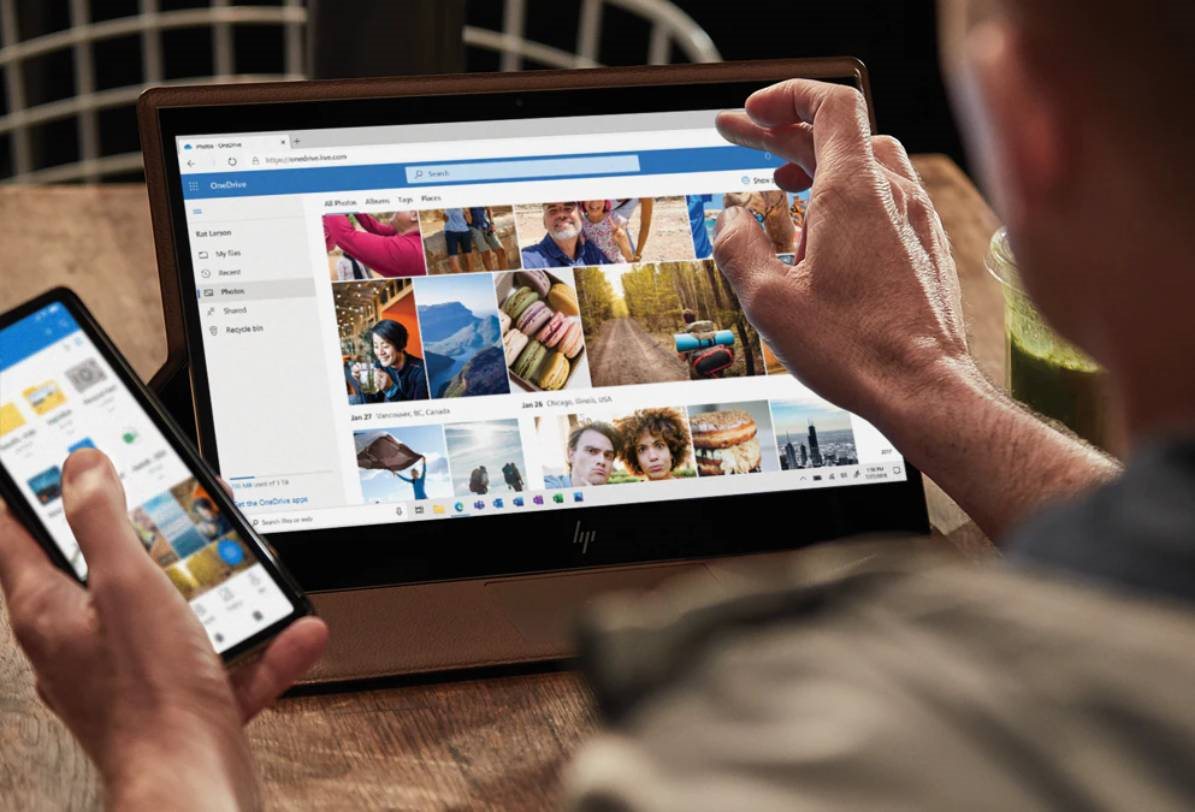
With a Microsoft 365 Personal subscription, you get 1TB of OneDrive cloud storage. That's enough space for 300,000 photos and all your documents that can be edited and shared across all your devices. And you can sleep safe in the knowledge that all your files are backed up and protected.
Which Microsoft Office Software is Best for You?
Personal
Subscription for 12 months for 1 person
For PC, Mac, iPad, iPhone and Android phone
1TB cloud storage
Advanced security
An app with premium features and the latest apps: Word, Excel, PowerPoint, Outlook, OneDrive, OneNote, Editor
Family
12-month subscription for up to 6 people
For PC, Mac, iPad, iPhone and Android phone
1TB cloud storage
Advanced security
An app with premium features and the latest apps: Word, Excel, PowerPoint, Outlook, OneDrive, OneNote, Editor, Family Safety mobile
Office Home & Student 2021
One-off purchase for one person
Installation on 1 PC or Mac
Classic Office apps: Word, Excel, PowerPoint
Požadavky na operační systém:
Operační systém Windows: Windows 11
macOS: Jedna ze tří nejnovějších verzí macOS. Po vydání nové hlavní verze macOS se podporuje daná nová verze a předchozí dvě verze.
Nejlepší podmínky pro práci získáte používáním nejaktuálnějšího buildu kteréhokoliv z výše uvedených operačních systémů. U starších systémů se může funkčnost produktu a dostupnost funkcí lišit (informace naleznete v zásadách životního cyklu u Microsoftu).
Detailní informace naleznete na oficiálních stránkách Microsoftu: zde
Specifications
Included applications
Access, Excel, OneDrive, OneNote, Outlook, PowerPoint, Publisher, Word
Designation
For households
SW type
Office app
SW type
Microsoft 365
Licence key delivery
Included
Included applications
Included applications
Access, Excel, OneDrive, OneNote, Outlook, PowerPoint, Publisher, Word
Basic parameters
Designation
For households
SW type
Office app
SW type
Microsoft 365
Licence key delivery
Included
License type
Licence type
Physical licence
License
Method of licensing
Subscription
Number of devices
5
Mobile device number
5
Number of PC/MACs
5
Subscription length (in months)
12 months
Licence transfer
Transferable
Geographical limitations of activation
Only in the EU
Compatibility
Device type
Mobile device, PC
Operating system
Android, iOS, macOS, Windows
Installation method
Download (electronically)
Language version
Language Version
All EU languages
Software type
Software type
MS Office (genuine product)
More Specifications
How to install:
Visit https://setup.office.com/ and follow the instructions
Microsoft is a multinational corporation based in the United States. Microsoft products have had an indelible influence on our perception of virtual worlds since 1975, when Bill Gates and Paul Allen founded the company. The company is best known for its peerless software, including Windows OS and the universally used Microsoft Office suite. The company is gradually becoming more active in hardware as well - for example, with Xbox gaming consoles and Lumia mobile phones.
Note:
Specifications can be changed without notice. Images are for illustrative purposes only.
Dobrý den, potřebuji si koupit MS Office, nechci ale on line verzi potřebuji pevne nainstalovanou v PC bez časového omezení. Zároveň budu jezdit i mimo EU, takže verze musí být funkční i mimo EU tzn. Všechny produkty, které jsem na Vašich stránkách prohlížela mají v popisu: "zeměpisné omezení: pouze v EU", znamená to, že mi SW mimo EU nebude fungovat ? Který produkt mi prosím doporučíte, tak aby byl plně funkční i mimo EU. Děkuji
Dobrý den, potřebuji si koupit MS Office, nechci ale on line verzi potřebuji pevne nainstalovanou v PC bez časového omezení. Zároveň budu jezdit i mimo EU, takže verze musí být funkční i mimo EU tzn. Všechny produkty, které jsem na Vašich stránkách prohlížela mají v popisu: "zeměpisné omezení: pouze v EU", znamená to, že mi SW mimo EU nebude fungovat ? Který produkt mi prosím doporučíte, tak aby byl plně funkční i mimo EU. Děkuji
Try our cookiesAlza.cz a. s., Company identification number 27082440, use cookies and other data to ensure the proper functioning of the website and, with your consent, also, among other things, to personalize advertising and the content of our websites. By clicking on the “I understand“ button, you agree to the use of cookies and the transfer of data regarding the behavior on the website for displaying targeted advertising on social networks and advertising networks on other websites.
We use 8 categories of cookies on our website:
Technical cookies
These are strictly necessary for the functioning of the website and the features you choose to use. Without them, our website would not work; you wouldn't be able to log in to your user account, for example.
Functionality cookies
These cookies allow us to remember your basic choices and improve the user experience. These include remembering your preferred language or allowing you to stay logged in permanently.
Social media cookies
These cookies allow us to easily link you to your social media profile and, for example, allow you to share products and services with your friends and family.
Content personalisation
These cookies allow us to show you content and ads according to the information we have about you to best meet your needs. This includes what content you have viewed, or on what device you are accessing our website.
Non-personalised advertising
These cookies allow us to show you general ads for products and services.
Personalised advertising
Thanks to these cookies, we and our partners can offer you relevant products and services based on your purchases, your shopping behaviour and your preferences.
Audience metrics
These cookies allow us to optimise our site for your convenience based on how you use it. The aim is to remember or anticipate your choices. This includes, for example, the use of features, their location, or the behaviour on the page.
By giving your consent to the processing of cookies, functionality and analytical cookies will be installed on the device you use to browse the website (click on the "I understand" button for both categories, or you can select only one of the categories by clicking on the "Settings" button). We always install technical cookies on your device, even without your explicit consent, because without them our website would simply not work.
You can revoke your consent to the processing of cookies. In connection with our company's cookie processing, you also have the following rights: the right to access cookies, delete, modify, supplement and correct them, restrict processing and the right to lodge a complaint with the Office for Personal Data Protection. Read more about your rights.